Blogs / Trendy Tech Talks / What is NPU and Why It Matters in 2026?
Blogs / Trendy Tech Talks / What is NPU and Why It Matters in 2026?

Primebook Team
24 Sep 2026
What is NPU and Why It Matters in 2026?
Table of Contents
- Introduction
- What is an NPU?
- CPU vs GPU vs NPU: Who Does What
- What an NPU Does in Daily Workflows
- Why NPUs Matter in 2026
- How to Read NPU Specs Before Buying
- Conclusion
- FAQs
Introduction
More laptop listings in 2026 carry a new spec line: "NPU", followed by a number and the letters "TOPS". They often place it next to CPU cores and RAM without explaining it. That makes the line easy to ignore, or to treat it as a reason to pay more without knowing what you will actually use it for.
The difference shows up in ordinary moments. A college student turning on background blur during an online lecture and a freelancer transcribing a client call waits for the audio to upload and come back: Both are AI tasks. Background blur uses AI to detect and separate the person from the background, while transcription uses AI to recognise speech and turn it into text. The key difference is where that processing happens. If it runs locally on the laptop, using its CPU, GPU or NPU, it can reduce reliance on the internet and remote servers; if it runs in the cloud, the device sends the data to a server for processing. That choice can affect speed, battery use and privacy.
So the useful question is not whether a laptop has an NPU. It is whether the AI work you actually do will ever use it. This guide covers three things:
- what the chip is
- what it handles day to day
- how to read its specs without trusting the label
What is an NPU?
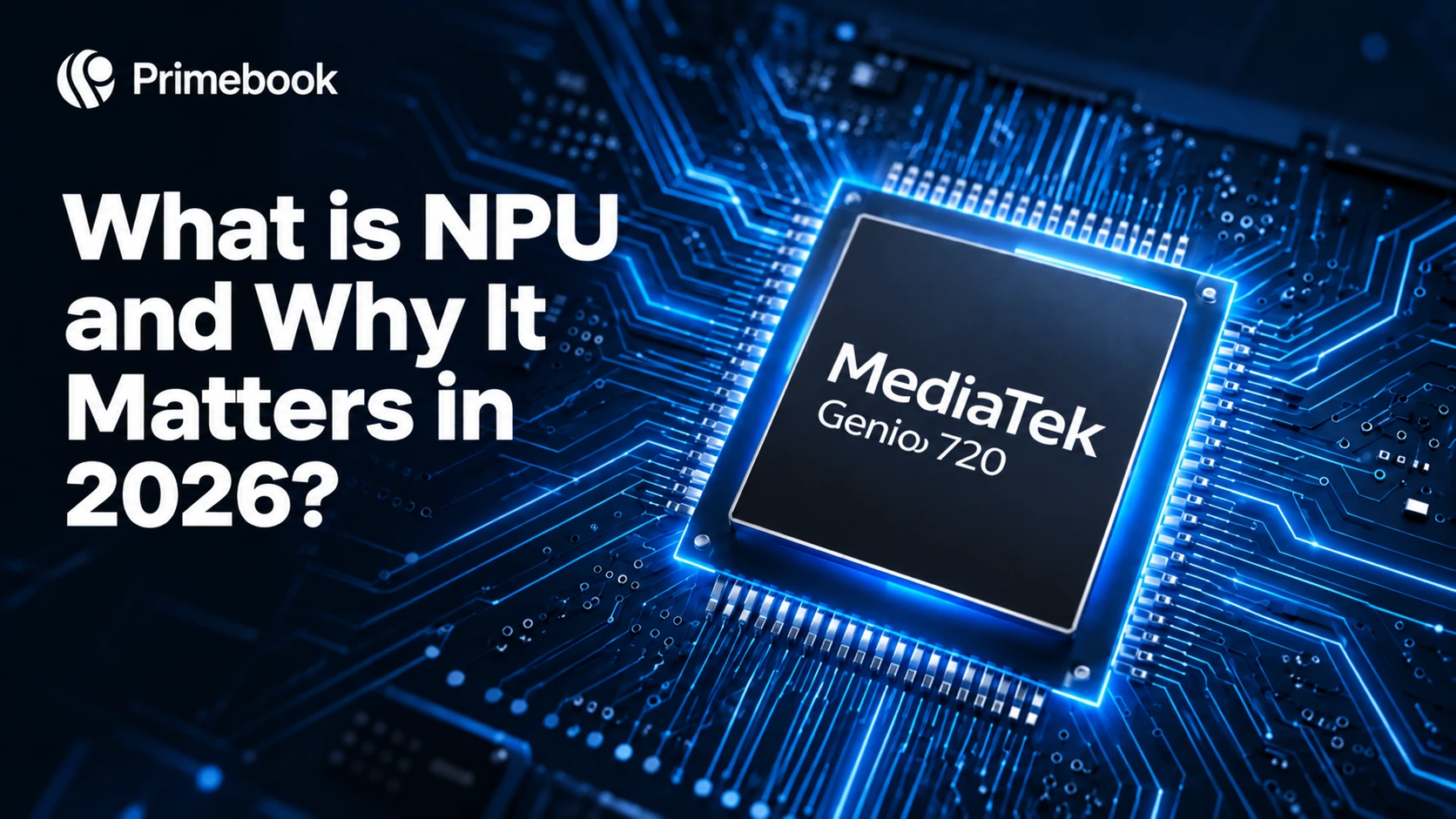
A neural processing unit (NPU) is a chip inside your laptop built for one job: running AI models efficiently on the device itself. IBM describes an NPU as a specialised microprocessor optimised for neural networks, deep learning and machine learning tasks.
At its core, much of the computation behind modern AI involves large amounts of mathematical operations. A University of Pennsylvania explainer notes that NPUs are customised for matrix arithmetic and designed to support inference. In simple terms, inference means using an already trained AI model to respond to a request, rather than training the model itself.
That distinction matters because training and inference happen differently.
- Training large AI models generally happens in data centres.
- Your laptop's NPU can accelerate inference: applying a trained model to inputs such as your voice, camera feed or document locally, when the software supports NPU processing.
Microsoft explains that NPUs process large amounts of data in parallel, performing trillions of operations per second. For supported AI workloads, they can use less power than a CPU or GPU.
CPU vs GPU vs NPU: Who Does What
A modern laptop can rely on three types of processing engines, each suited to different kinds of work.
| Processor | Built for | Role in AI | Power profile |
|---|---|---|---|
| CPU | General tasks, apps, operating system logic | Can run AI workloads, but is less specialised for them | Moderate, rises under sustained AI load |
| GPU | Graphics, video, parallel workloads | Fast at AI, but not specialised for it | High during heavy use |
| NPU | Matrix and tensor maths for AI inference | Dedicated AI engine for on-device features | Low, designed for power-efficient AI inference |
The difference is how they divide the workload. The CPU handles general computing, the GPU takes on graphics and highly parallel tasks, while the NPU can take on supported AI workloads without requiring the CPU or GPU to do all the processing. When an AI feature uses the NPU, the NPU handles the AI processing, allowing the CPU and GPU to focus on other tasks while using power efficiently.
Also Read:
What an NPU Does in Daily Workflows
OEMs commonly identify voice recognition, background blur, image enhancement and real-time transcription, as everyday NPU use cases, with NPUs designed to handle these AI workloads efficiently. Here is how those tasks map to real routines:
- Students in online classes: background blur on video lectures and transcription of recorded sessions for revision notes.
- Freelancers and tutors: transcribing client calls or sessions on-device when the software supports local processing.
- Creators: quick image enhancement before posting thumbnails or reels.
- Young professionals: real-time translation in meetings. Microsoft lists this among the on-device AI experiences in its Copilot+ PCs.
When an AI task runs locally on the laptop, it can offer two benefits beyond processing efficiency:
- Data involved in the task does not need to be sent to a remote server.
- The feature can continue to work without a constant internet connection, where the software supports offline processing.
This is the same logic behind edge computing, applied to a single laptop.
There is a limit, though: not every AI workload runs on the NPU. Browser-based chatbots, cloud image generators and many AI writing tools process your prompts on remote servers. For those tools, the NPU may have little impact because the main AI processing happens on remote servers. For those workloads, the quality of your internet connection can matter more than the NPU.
Why NPUs Matter in 2026
Two developments have made NPU capability more relevant when evaluating laptops in 2026.
A performance threshold now exists for some AI PCs
NPU performance can now be compared against published hardware requirements tied to defined sets of on-device AI features. That gives buyers a practical reference point for understanding what level of NPU performance newer AI PCs are being designed around. It does not mean every AI workload needs to meet that threshold, but it gives buyers a concrete reference point when comparing laptops designed to support different levels of on-device AI capability.
India's AI laptop market is scaling fast
According to IDC, AI notebook shipments in India grew 96.1% year over year in Q1 2026, showing that AI-capable notebooks are becoming a larger part of India's PC market.
As AI-capable laptops become more common, these on-device AI features are moving from niche capabilities towards regular laptop workflows. That makes the NPU more relevant to buyers who expect to use AI features throughout the day: during a long video call, for example, supported camera and audio processing can be handled by the NPU while the CPU and GPU continue running the rest of the system.
The NPU's performance and software support are what determine which AI tasks it can accelerate locally.
How to Read NPU Specs Before Buying
Before buying an NPU-equipped laptop, there are a few things worth checking beyond the processor specification. Use this checklist to understand what the NPU can actually do on the laptop you're considering.
- Look for a performance figure: when available, an NPU's TOPS rating gives you a useful indication of its AI processing capability.
- Match it to your platform: the NPU performance you need depends on the AI features and workloads you plan to use, since different operating systems and applications can have different hardware requirements.
- List your actual AI tasks: if most of your AI use happens through browser-based chatbots and other cloud services, an NPU may be less relevant than the rest of the laptop's configuration. Pay closer attention to:
- RAM
- battery life
- connectivity
- how smooth the operating system feels
- Check how the OS uses the NPU: an NPU's value depends on how deeply the operating system integrates with it. Look for an OS that can route supported AI workloads to the NPU rather than leaving AI acceleration entirely to individual apps.
Also Read:
- Latest AI Trends in India (2026): The Rise of AI that Completes Tasks Across Apps and Websites
- How Cloud PCs Are Transforming Learning for Students and Educators in India?
Conclusion
The NPU is a sign of how laptop specifications are changing. For years, buyers mainly compared processor speed, RAM and storage. As AI becomes part of the computing stack, another question is emerging: what kind of work is the machine built to handle? A capable NPU on its own does not define the experience. Its value emerges when the hardware works in sync with the operating system, built-in apps and services that can put it to use. That is where the next generation of laptops can be differentiated: not just by what is inside, but by how well the whole system works together.
FAQs
Do I need an NPU laptop for studies in 2026?
Not necessarily. For everyday coursework, including lectures, assignments and exam preparation, an NPU isn't essential. It can be useful for students who regularly use supported features such as live translation and video-call effects, or who develop AI applications and test compatible AI models on their laptops.
What does TOPS mean in NPU specs?
TOPS stands for trillion operations per second. It indicates how many AI-related mathematical operations an NPU can theoretically perform in one second. A higher TOPS figure generally means greater processing capacity, but it does not by itself tell you how well a laptop will perform in every AI workload.
How many TOPS do I need in a laptop?
There is no single TOPS figure that every user needs. The right level depends on the AI workloads you plan to run and whether your operating system and software support them. For everyday AI features, a modest NPU may be sufficient, while more demanding on-device AI workloads can require greater NPU capacity.
Does more TOPS always mean better AI performance?
Editorial Transparency: Primebook's editorial team uses a combination of human expertise, research, and AI-powered tools to create and refine content. Every article is reviewed and validated by our team before publication to ensure accuracy, clarity, and usefulness for readers.
 Related Blog