Blogs / All About Primebook / Best Note-Taking Apps to Use on Primebook
Blogs / All About Primebook / Best Note-Taking Apps to Use on Primebook

Primebook Team
18 Mar 2026
Best Note-Taking Apps to Use on Primebook
Laptops aren’t just for research and assignments anymore. They’re where ideas grow, plans form, and memories are made. Research shows that students who include key information in their notes have about a 34% chance of recalling it later, compared to only 5% when the information isn’t written down.
With Primebook 2’s Android 15-powered PrimeOS 3.0, taking, organising, and sharing notes is easier than ever. But to get the most from your desktop-class multitasking, you’ll need the right note-taking app.
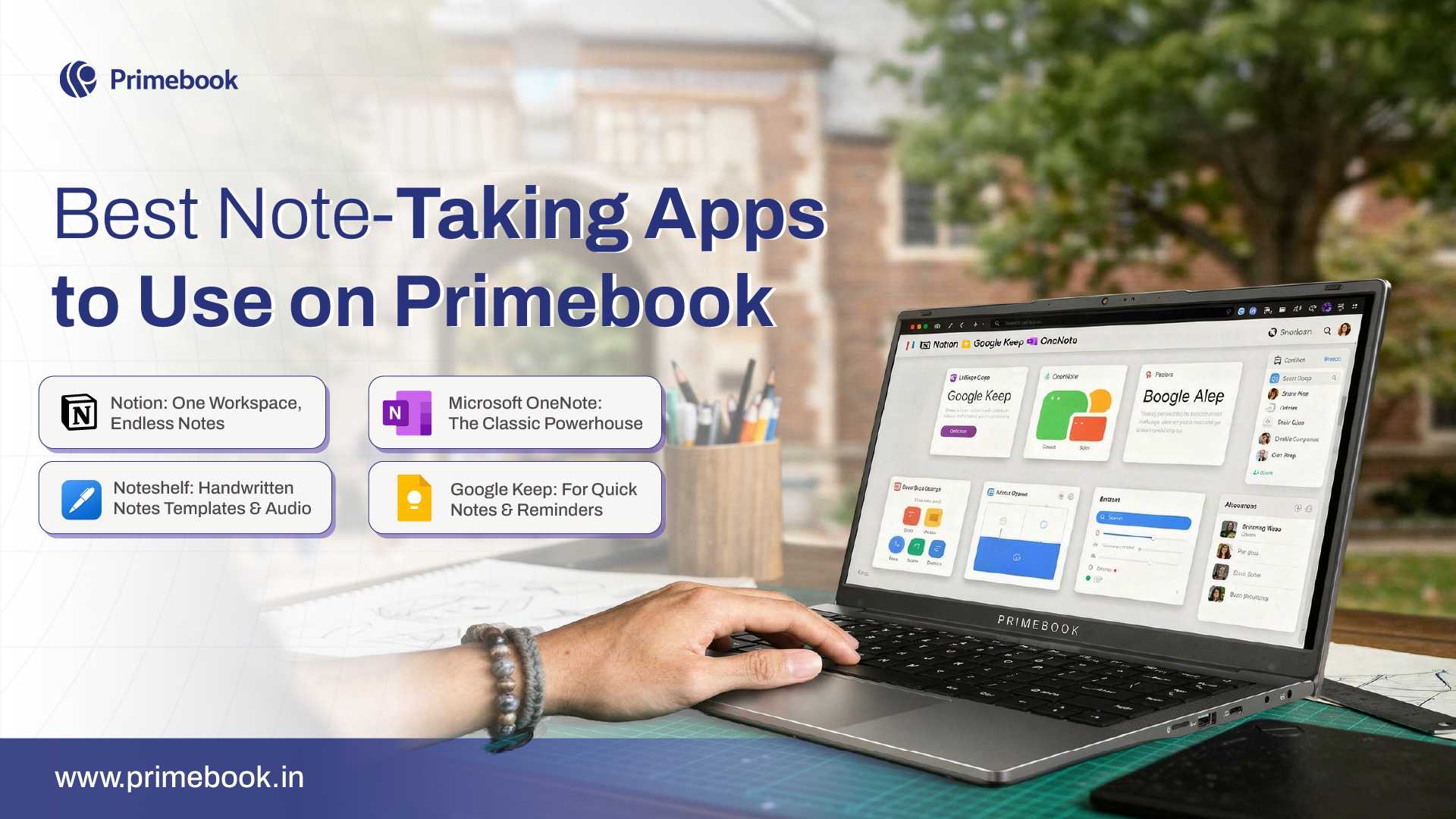
Here are the best picks available on the Prime App Store, ideal for Primebook 2’s speed, keyboard precision, and multi-window interface.
1. Notion: One Workspace, Endless Notes
App Size: 60MB | Rating on Prime App Store: 4.5/5
Notion is one of the best note-taking apps for Primebook 2, offering far more than basic typing. Every text line, image, checklist, or embedded file becomes a block you can move, reorganise, or turn into a smart database. It’s ideal for students managing class notes, professionals tracking projects, or anyone juggling multiple ideas at once. On Primebook 2, Notion’s desktop-style layout pairs well with multi-window support, making it easy to draft essays, manage tasks, and organise research in one flexible workspace.
2. Microsoft OneNote: The Classic Powerhouse
App Size: 192MB | Rating on Prime App Store: 4.6/5
Microsoft OneNote remains one of the best digital note-taking apps for students and professionals. It lets you combine typed notes with handwritten sketches, images, and even audio recordings. Its notebook-and-section layout makes organisation simple, especially for long projects or multi-subject coursework. On Primebook 2, the Full HD display enhances readability, while the keyboard makes capturing long lecture notes or brainstorming sessions seamless.
Also Read: Top 5 Productivity Apps to Boost Your Efficiency on Primebook
3. Noteshelf: Handwritten Notes, Templates & Audio
App Size: 158MB | Rating on Prime App Store: 4.2/5
Noteshelf is the best note-taking app for anyone who prefers handwriting, drawing, and annotating documents. It supports handwritten notes, hundreds of paper templates, AI-powered handwriting recognition, audio note recording, and PDF annotation. On Primebook 2, it works smoothly with split-screen multitasking, so you can read study material on one side while jotting notes on the other. The app’s own search and cloud backup features keep notebooks organised and synced across devices, ensuring your notes are always accessible.
4. Google Keep: For Quick Notes & Reminders
App Size: 15MB | Rating on Prime App Store: 4.5/5
Google Keep is one of the simplest yet most effective note-taking apps for quick ideas and reminders. You can capture thoughts instantly as text, voice notes, or images, and organise them with labels and colours for easy recall. It’s especially handy for daily checklists, planning routines, or jotting down sudden ideas on the go. On Primebook 2, the app pairs well with quick boot and notification support, so your notes are always a click away when you need them.
Also Read: Top Language Learning App (2025)
To sum up, note-taking isn’t only about remembering more. It’s about working smarter with the information you already have. Well-kept notes make it easier to spot patterns, link concepts across different subjects, and share knowledge with others. That shift, from simply storing ideas to actively using them, is what turns note-taking into a real productivity booster.
 Related Blog