Blogs / Customer Reviews / Primebook 2 Max Review by Mashable
Blogs / Customer Reviews / Primebook 2 Max Review by Mashable

Primebook Team
06 Feb 2026
Primebook 2 Max Review by Mashable
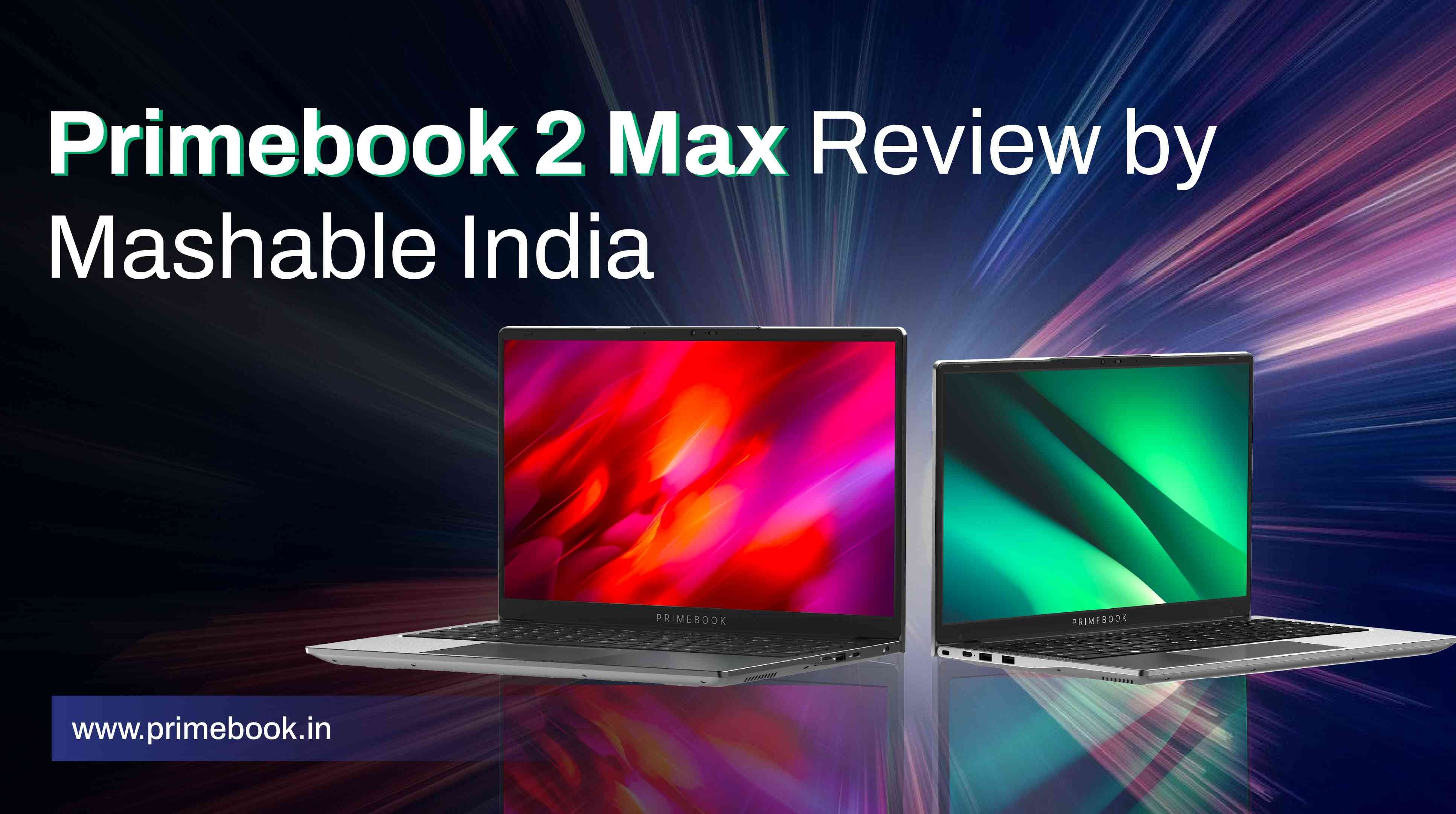
Primebook 2 Max recently featured on Mashable, where technology journalist Ayush Chourasia reviewed the laptop after spending a couple of weeks using it as his primary device. Published on December 11, 2025, the review provides a detailed examination of how this Android laptop performs in everyday scenarios, particularly in a market dominated by foreign brands.
Here’s a closer look at what stood out during his real-world usage.
First Impressions: “Rare to find a laptop as versatile as the Primebook 2 Max.”
Ayush Chourasia opens his review by describing the Indian laptop market as one where “most of them are foreign brands,” while noting that “the few Indian brands that used to sell their offering have stopped manufacturing altogether.” He then introduces Primebook as a “made-in-India brand aimed at providing laptops at a budget price, especially to make them accessible for Young India.”
Against this backdrop, Ayush Chourasia shares his initial reaction. He says that on receiving the “top of the line offering”, he “got pretty excited”. He describes the operating system as the “USP of the device”, pointing out that PrimeOS is an “indigenously developed” Android-based platform, with Cloud PC support extending its use beyond Android to Windows and Linux.
Review of Design: “Little to No Compromises in terms of Build Quality.”
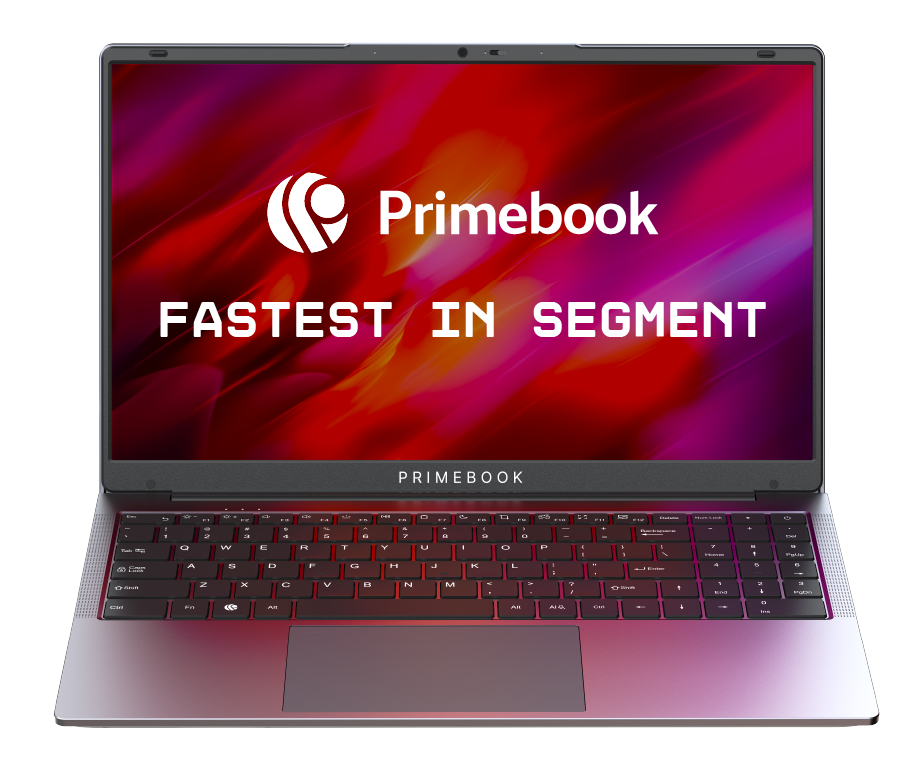
The journalist notes that the Primebook 2 Max looks like a regular 15.6-inch laptop and does not feel flimsy despite its pricing. He writes that the glossy finish “surprisingly doesn’t catch any fingerprints,” and adds that the overall build holds up well during everyday handling.
He points out that the hinge feels sturdy, mentioning that there were “no noticeable creaks or squeaks” while opening or closing the lid. Ayush also draws attention to practical design elements, such as the webcam privacy slider that allows users to block the camera when not in use.
Additional details, such as bumpers on the top bezel that create space between the keyboard and display when the lid is closed, and silicone bumpers at the bottom to slightly elevate the laptop for improved heat dissipation, are also mentioned as functional inclusions. Overall, he had no complaints from a design standpoint.
Review of Keyboard, Trackpad, & Ports: “I wrote a bunch of articles on this laptop.”
Ayush Chourasia used extended writing sessions as the lens to evaluate the keyboard and trackpad. He highlights that the keys have “enough spacing between themselves” and that the “key travel space is optimum as well.” Reflecting on his usage, Ayush states that his “experience has been decent.”
He also points out that the laptop comes with a backlit keyboard, adding that it is “good to see” this inclusion, especially since it is “mostly missing in budget offerings.” On navigation, Ayush briefly mentions the presence of a large trackpad, which he used during everyday work. When discussing ports, he notes that “all the necessary ports are available.”
Review of Display, Webcam, and Audio: “You will not be disappointed.”
What immediately stood out about the laptop display to the journalist was how it holds up in everyday use. He affirms that the display delivers good colours and brightness, with viewing angles that remain consistent during regular content consumption from “multiple angles”.
One detail he particularly appreciates is how the screen handles daily wear, writing that it catches “little to no dust and is nearly smudge free,” something he says he “absolutely loves,” especially when comparing it to his MacBook, which he calls a “complete smudge, dirt magnet.”
On audio, Ayush mentions that the bottom-firing speakers can get “pretty loud,” adding that he was able to hear sound clearly even with a “ceiling fan running at full speed”. With regard to the webcam performance, he states it is “fairly decent” for video calls.
Also Read: Primebook 2 Pro Review by News 9 Live
Review of Performance: “Does a fairly good job at handling day-to-day tasks.”
Instead of evaluating in terms of technical benchmarks, the journalist assesses the laptop’s performance through everyday usage, including writing, multitasking, media playback, and gaming. Although he was “initially skeptical,” as he mentions, his experience changed that perception.
Ayush notes that during regular use, the laptop handled multiple apps running in the background with “barely any stutter,” even while he continued working and listening to music. He also tested Android games such as BGMI, Subway Surfers, and Free Fire, and described the gameplay as “pretty solid.”
Another outcome that stood out for the journalist was thermal behaviour. Despite extended usage, he found that the laptop “didn’t show any signs of heating,” and he calls this “pretty impressive.”
Battery performance also held up during his usage. Ayush writes that the battery “stood pretty well,” adding that he could “easily get up to 10 hours” of screen-on time. He also comments on standby behaviour, noting that the laptop “just fails to die.”
Also Read: Hindustan Times’ Review of Primebook 2 Neo
Review of Software: “Where this laptop truly shines.”
Ayush Chourasia identifies the software as the strongest aspect of the Primebook 2 Max experience. He writes that “you get to have the same Android experience from your phone carried over to your laptop,” calling it “very convenient”.
He also highlights the presence of the laptop’s own App Store, which, in his experience, makes accessing commonly used apps and games straightforward, reinforcing the familiarity of the overall software environment.
Ayush further notes that the interface is “clean and easy to understand,” adding that users shifting from a Windows PC would not have trouble navigating the system.
Additionally, Ayush talks about the flexibility of Cloud PC access. He mentions that the cloud-based environment allows users to run heavier desktop applications such as AutoCAD and LibreOffice “without installing it on your laptop”, which he sees as an important extension of the software experience.
Final Verdict on Primebook 2 Max by Mashable
Mashable’s review of Primebook 2 Max laptop concludes with the verdict that it “offers immense value for any budget buyer.” According to him, this makes it a practical choice for users who are “not hell-bent on buying a Windows PC or Chromebook.”
From the reviewer’s perspective, the laptop is capable of handling “day-to-day needs, multimedia requirements and more,” at INR 22,900, which he found compelling.
Also Read: Primebook 2 Max review by ABP Live
To conclude, independent reviews like this provide a grounded view of how devices perform outside spec sheets and launch claims. These are perspectives drawn from real usage, offering useful reference points for readers evaluating their own needs and expectations from a laptop in this segment.
 Related Blog