Blogs / Educational Bytes / Best Android Apps for Self-Improvement In 2026
Blogs / Educational Bytes / Best Android Apps for Self-Improvement In 2026

Primebook Team
25 Sep 2026
Best Android Apps for Self-Improvement In 2026
Table of Contents
- Introduction
- List of the Best Self-Improvement Apps
- Quick Comparison
- How to Combine These Apps
- Conclusion
- FAQ
Introduction
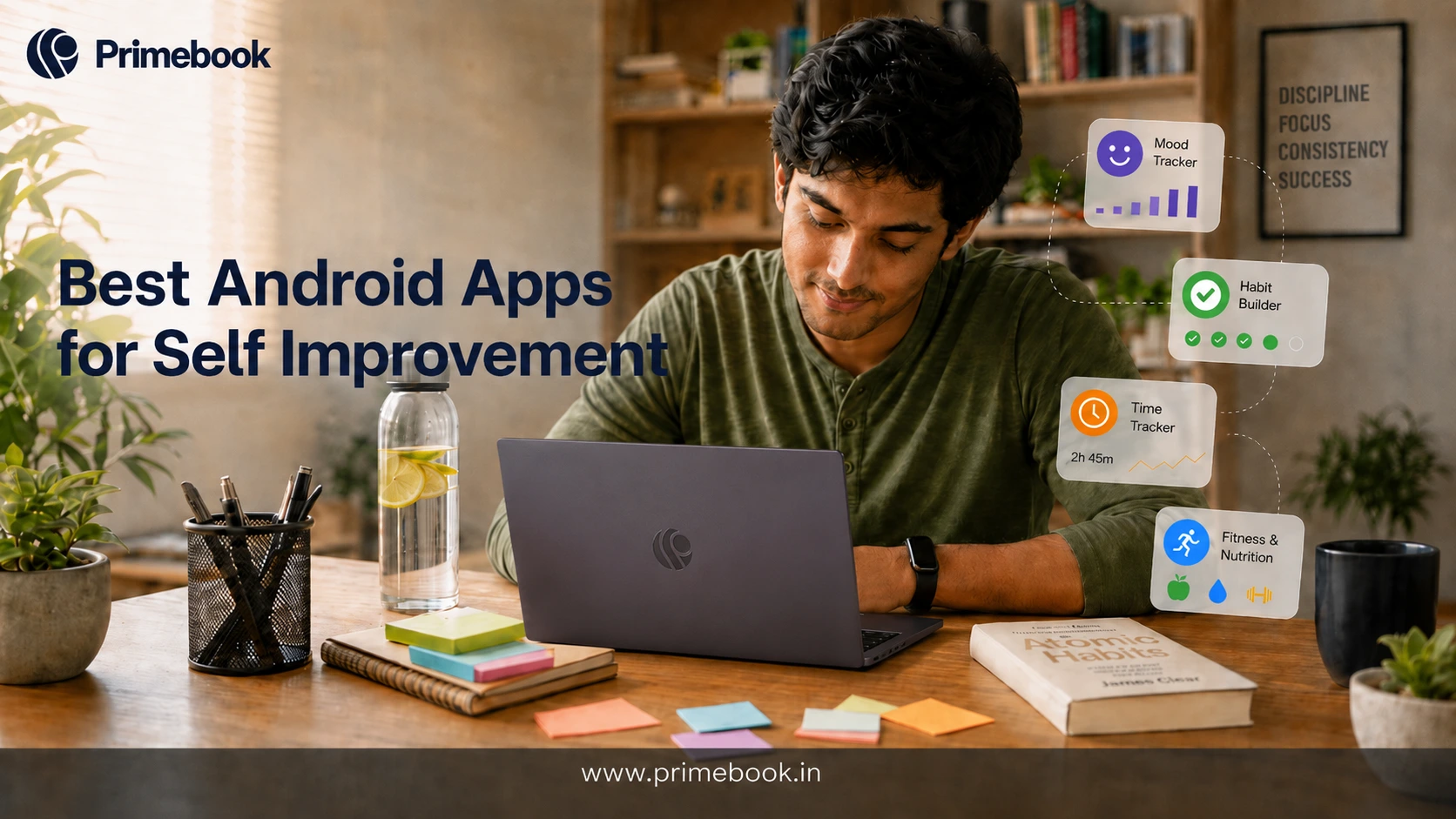
Self-improvement apps can support a wide range of personal goals, from mental well-being and productivity to fitness and nutrition. They also provide structured ways to build habits, stay accountable and work towards goals over time. For a student juggling classes and exam prep, or a young professional settling into a first job, a phone-first routine is often the easiest one to stick with.
This guide, originally published in 2024 and updated for 2026, covers five Android apps for self-improvement across different goals. The list focuses on apps that address distinct areas of self-improvement, with each app evaluated based on its core features, what it is best suited for, free versus paid access and key limitations.
List of the Best Self-Improvement Apps
1. Headspace
Best for: Mindfulness and Emotional Well-being
Headspace offers guided meditation, breathing exercises, sleep content and structured mindfulness courses for stress, focus and anxiety. Many sessions are short and beginner-friendly, making them easy to fit into a daily routine, such as before studying or before bed.
What makes it great?
- Structured beginner courses that teach meditation step by step
- Sleep sounds and wind-down sessions
- Short sessions for specific moments, such as before an exam or interview
- Offline downloads for travel
Limitation?
- Most of the library needs a paid subscription after the trial
- Content availability varies by language
2. Todoist
Best for: Time Management and Productivity
Todoist is a task manager for anyone who struggles with deadlines and scattered to-do lists. You can create tasks in plain language, set priorities and due dates, add recurring reminders and group work into projects, such as semester assignments, job applications or household chores. It syncs across phone, laptop and browser.
What makes it great?
- Natural language input, such as typing "submit report every Friday"
- Priority levels and recurring tasks
- Projects, labels and filters to organise different areas of life
- Productivity insights that track completed tasks over time
Limitation?
- The free plan is limited to five personal projects
- Some advanced reminder features require a paid plan, and recurring reminders must be set up on the web or desktop
- It organises tasks but does not help you decide what matters
Pairing Todoist with focus mode on Android helps you work through the list without notifications pulling you away.
3. Make Me Better
Best for: Personal Growth Reading and Daily Motivation
Make Me Better is a library of short articles on self-improvement, confidence, productivity, mindfulness and emotional intelligence. Each piece takes a few minutes to read, and the app sends reminders with new articles, quotes and tips. You can bookmark the pieces you find useful, which suits people who prefer reading to audio or video.
What makes it great?
- Hundreds of short articles across many growth topics
- Bite-sized reads that fit into short breaks
- Bookmarks for content you want to revisit
- Daily reminders that keep the habit going
Limitation?
- Its content is designed around short-form personal growth rather than structured courses or guided programmes
- It also includes audio and video content, but reading remains one of its core formats
4. FitOn
Best for: Home Workouts and Physical Fitness
FitOn offers guided workout videos across strength training, cardio, HIIT, yoga, pilates and stretching. Many sessions need no equipment, so you can work out in a hostel room or a small flat. You can filter by length and intensity, which helps if you only have 15 minutes between classes.
What makes it great?
- A large library of guided workouts free to use
- Many sessions need no equipment
- Filters for duration, type and difficulty
- Personalised plans based on your goals
Limitation?
- Streaming workouts requires an internet connection; offline downloads are available with FitOn PRO
- Some programmes and features are behind a paid plan
5. MyFitnessPal
Best for: Nutrition and Calorie Tracking
MyFitnessPal helps you track what you eat and how much. You log meals from a large food database, and the app counts calories along with protein, carbohydrates, fat and other nutrients. Seeing your intake laid out day by day can help you identify patterns and stay accountable to your nutrition goals.
What makes it great?
- A very large food database, including many Indian dishes
- Calorie and macronutrient tracking against daily goals
- Syncs with many fitness apps and wearables
- Progress charts for weight and nutrition
Limitation?
- Many food entries are added by users, so accuracy varies, especially for home-cooked Indian meals
- Barcode Scanner, Meal Scan and some advanced features require a premium plan
Also Read:
Quick Comparison
| App | Best for | Format | Free to start |
|---|---|---|---|
| Headspace | Mindfulness | Guided audio sessions | Trial, then paid |
| Todoist | Productivity | Task and project manager | Yes, with limits |
| Make Me Better | Personal growth reading | Short articles | Yes |
| FitOn | Fitness | Workout videos | Yes, with paid extras |
| MyFitnessPal | Nutrition | Food and calorie log | Yes, with paid extras |
How to Combine These Apps
Instead of trying to improve everything at once, start with two broader goals that matter most to your current routine. Then choose one app for each goal.
For example, if you want to work on personal growth and productivity, pair Make Me Better with Todoist. If your focus is mental well-being and physical fitness, Headspace and FitOn make a natural combination. For fitness and nutrition, FitOn and MyFitnessPal can cover both sides of the routine.
You do not need to use all five apps. Pick the combination that matches your priorities, give those routines time to become consistent, and add another app only when it solves a specific need that the first two do not.
The aim is not to have more self-improvement apps on your phone or laptop. It is to have a small set of tools that support the goals you are actually trying to work on.
Also Read:
Conclusion
The real test of a self-improvement app is what happens after you close it. A useful tool should help turn an intention into something concrete: a task completed, a workout done, a meal logged or a habit repeated.
That is where these apps can add value. They do not create motivation or discipline on their own, but they can make the next step clearer and easier to act on. The goal is not to spend more time managing self-improvement, but to spend more time actually doing it.
FAQ
What is the best self-improvement app?
There is no single app that works for every self-improvement goal. The better choice depends on what you want the app to help you do and how much structure you want from it. Some are built around guided content, while others help you track actions or build routines.
Are these self-improvement apps free on Android?
Most of the apps in this list offer some level of free access, but the amount of content and features available without payment varies. Check the free tier before committing to a subscription, particularly if you only need basic tracking or content.
Do self-improvement apps actually work?
An app can make a goal easier to track, provide reminders or give you a structured way to practise a behaviour, but installing one does not automatically create a habit. The benefit comes from using the tool consistently as part of a behaviour you are trying to change.
Can self-improvement apps be used on a laptop?
Yes. Laptops built on Android technology can give you access to Android apps, including self-improvement apps you already use on your phone. This makes it possible to move activities such as meditation, productivity tracking, fitness and nutrition tracking to a larger laptop screen while keeping the same Android app ecosystem.
Editorial Transparency: Primebook's editorial team uses a combination of human expertise, research, and AI-powered tools to create and refine content. Every article is reviewed and validated by our team before publication to ensure accuracy, clarity, and usefulness for readers.
 Related Blog