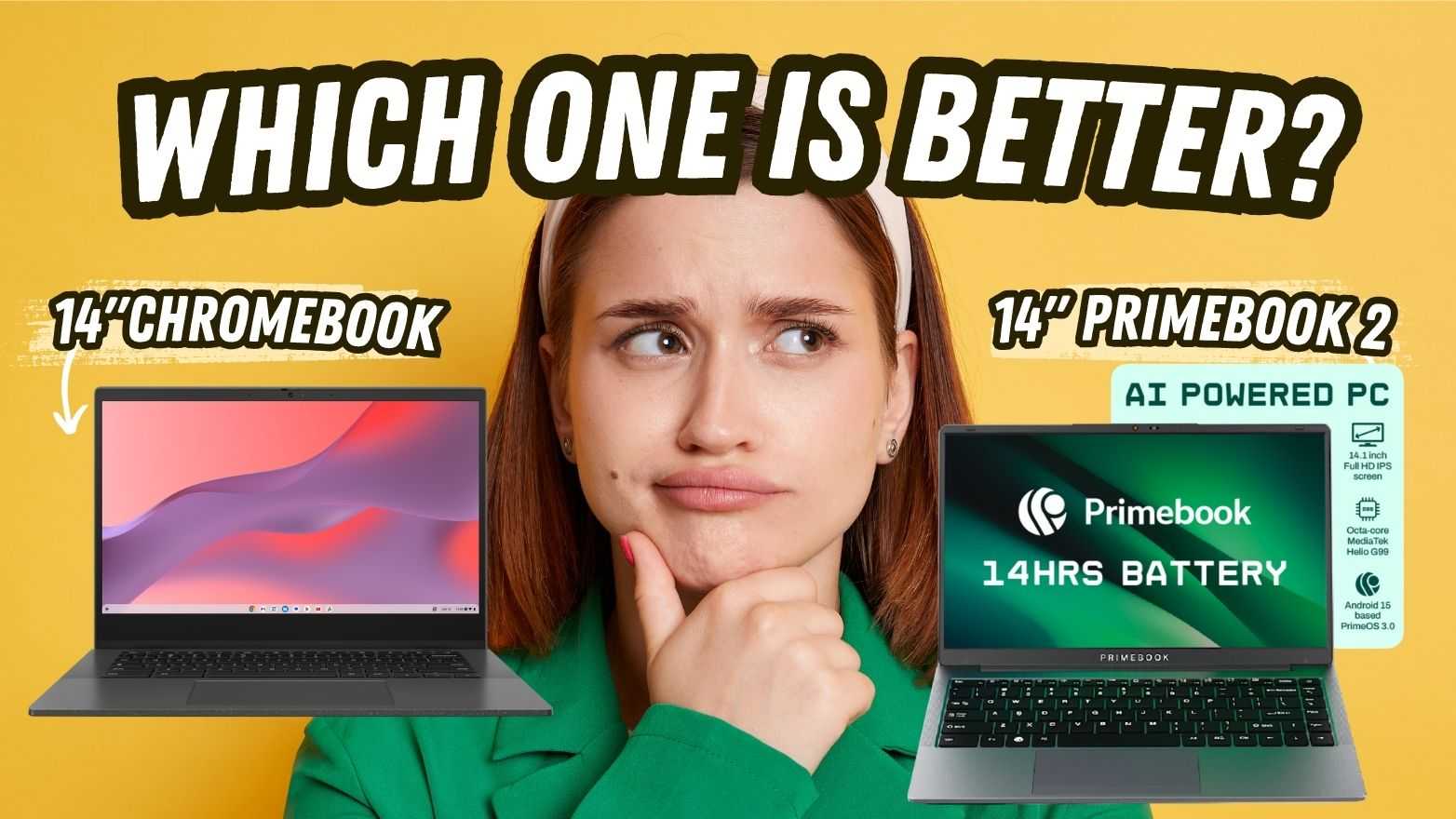
14 Inch Chromebook Vs. 14 Inch Primebook 2: Which is Better?

In 2025, 14-inch laptops have become the go-to choice for users seeking a balance between portability and productivity. Within the under 20,000 budget segment, the latest Primebook 2 Pro laptops are standing out as a portable, high-performing 14 Inch laptop alongside Chromebooks. However, both devices take completely different approaches to get there.
This blog doesn’t just compare specifications of the two products. It compares two ways of experiencing productivity on a 14 Inch laptop.
For An Immersive Viewing & Typing Experience
When choosing a 14-inch laptop, the display quality and input experience define how comfortable daily usage feels, whether you’re watching, typing, or multitasking. Here’s how the two laptops cater to the same need for simplicity and portability, but approach design and usability differently.
For Smooth Performance & Multitasking
Performance is where a laptop’s true value shows up, and that ultimately depends on how well the processor, RAM, and operating system work together to manage real-world workloads. That’s where Chromebooks and the Primebook 2 Pro take significantly distinct paths.
Also Read: Windows Laptop Under 20,000 Vs. Primebook 2 Neo
For A Seamless Software Experience
The software layer defines how naturally users can adapt a device to their daily routines. While both systems of Chromebooks and Primebook 2 Pro are designed for ease of use, the real difference lies in how much freedom they give the user to shape that experience.
For Better Connectivity & Everyday Usability
Ports, audio-visual quality, and connectivity options often decide how convenient a laptop feels beyond performance. Here’s how the two laptops differ when it comes to everyday practicality.
Also Read: Laptop with Long Battery Backup
In a nutshell, the experience in Chromebooks is functional and minimalistic, designed around lightweight browsing and app use. Whereas, in the case of the Primebook 2 Pro, it offers a complete laptop experience, combining visual comfort, responsive input, and a software stack that feels purpose-built for modern productivity.