Best Laptop for Virtual Assistants in India

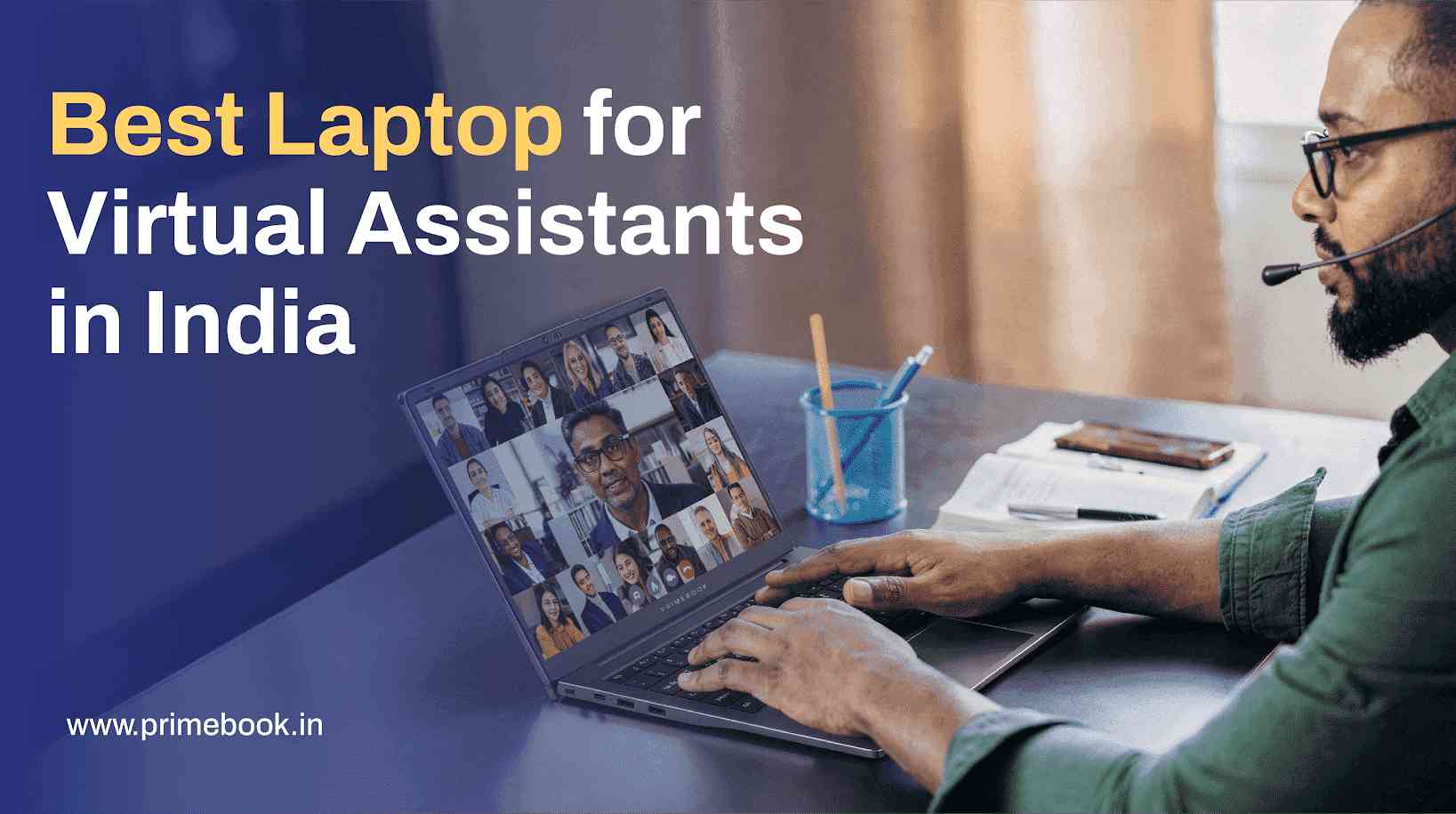
India is an expanding hub for virtual assistance, with platform data indicating a rise in freelance participation among Indian professionals, alongside growth in assistant-driven digital services. Because virtual assistants manage communication, coordination, and execution entirely through digital tools, their laptops become the primary workspace.
When that happens, the reliability of the laptop matters more than peak power. Virtual assistants need to stay responsive while handling multiple apps at once, remain comfortable during long hours of typing and calls, and manage their digital work across time zones seamlessly.
This is where a laptop like Primebook 2 Pro becomes relevant. In the sections ahead, we’ll break down how it fits everyday workflows and why it stands out as a practical laptop choice in India for virtual assistants.
Multitask The Whole Day with Ease
Powered by the MediaTek Helio G99 octa-core processor, paired with 8GB LPDDR4X RAM and UFS internal storage, the Primebook 2 Pro laptop supports the kind of everyday multitasking virtual assistants rely on. The system boots quickly, apps open promptly, and performance stays smooth even when several tools are in use at the same time.
What helps this performance stay consistent is the Android 15-based PrimeOS 3.0, optimised specifically for laptop use. By managing memory and running apps more efficiently, this lightweight OS ensures virtual assistants switch between tasks without interruptions as the workday progresses.
Also Read: Best Laptop for Digital Marketers in India
Find Any File Without Slowing Down
The Primebook 2 Pro laptop comes with an 8GB UFS internal storage, designed to keep files and folders opening quickly during everyday work. For virtual assistants who regularly work with documents, spreadsheets, reports, and shared files, this means faster access and less waiting while handling work files.
Supporting this is Prime Files, the in-built file manager on PrimeOS, which offers a clean, laptop-style folder view with straightforward access to local storage, USB drives, and a microSD card slot supporting up to 1TB. Alongside this, the AI-powered Global Search lets virtual assistants quickly locate files, apps, and settings from a single search drawer, reducing the time spent navigating folders and menus when information is needed quickly.
Also Read: Best Laptop for Young Professionals in India
View Clear Content, Look Professional in Meetings
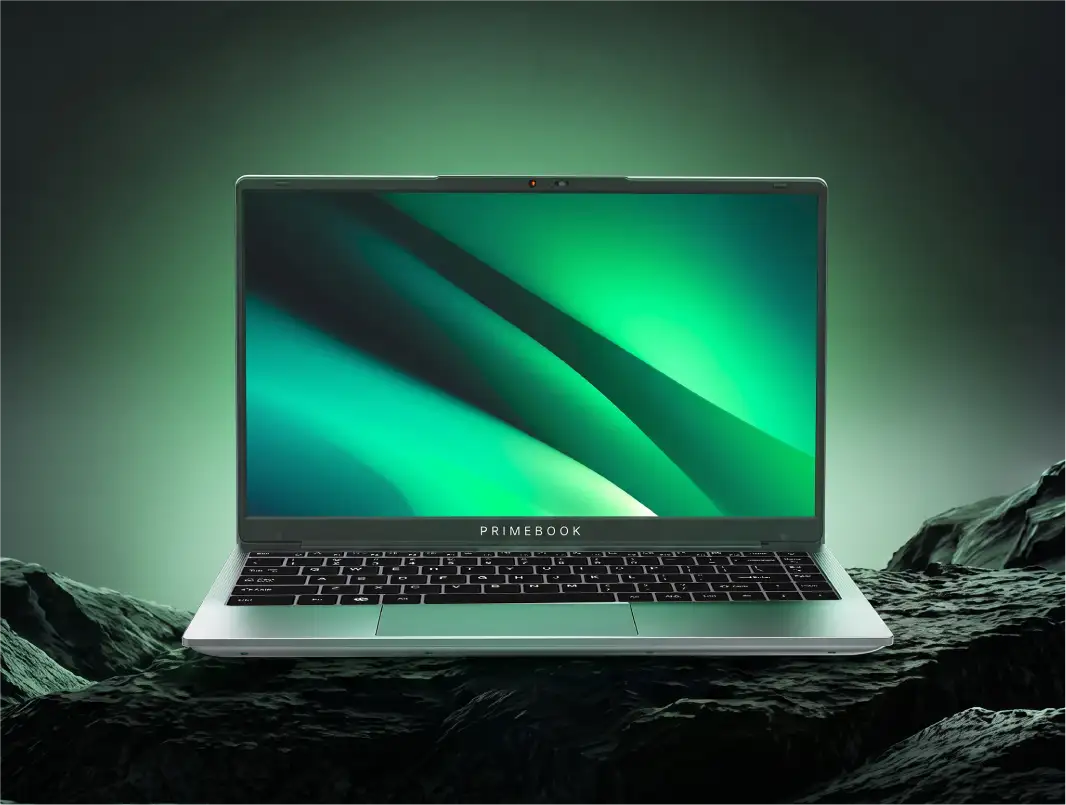
With a 14.1-inch Full HD IPS display, the laptop delivers clear visuals with sharp text, accurate colours, and comfortable viewing angles. The thin bezels maximise usable screen space, while the anti-glare coating reduces reflections, making the screen easier to view in bright environments.
Alongside the display, the laptop features a 1440p HD camera, designed for regular video meetings and check-ins. For virtual assistants who spend a significant part of their day on calls, this helps them appear clear and professional on screen without needing external webcams.
Also Read: Best Laptop for Freelancers in India
Work Longer, Recharge Faster
The 60.3Wh battery on the Primebook 2 Pro laptop is meant to support extended work hours, delivering up to 14 hours of usage on a single charge. This allows virtual assistants to work steadily, even when schedules stretch or tasks run longer than expected.
When it’s time to recharge, 36W fast charging reduces the time spent plugged in. Short charging breaks are enough to restore usable power, and virtual assistants can resume tasks quickly instead of waiting around for the battery to fill up.
Also Read: How to turn on Focus Mode on Android Devices
Hear Better, Speak with Confidence
Primebook 2 Pro laptops come with dual stereo speakers designed to deliver clear and balanced sound. This makes it easier to follow conversations during calls, reviews, or discussions without straining to catch details, especially when multiple meetings line up.
For speaking, the dual noise-cancelling microphone helps keep voice output clean and focused. By reducing background distractions, it ensures virtual assistants sound professional and composed on calls, even when working from shared or non-studio environments.
Also Read: Best Apps on Primebook to Learn Public Speaking
Understand What You See, More Accurately
The On-Screen AI powered by Gemini works directly with the content visible on the laptop screen. It can read on-screen text and information and provide summaries, explanations, translations, or clarifications without requiring users to switch apps or manually copy content elsewhere.
For virtual assistants, this is especially helpful when reviewing long emails, shared documents, instructions, or reference material from clients. By responding to exactly what’s on screen, the AI helps reduce guesswork and misinterpretation, allowing tasks to move forward with greater effectiveness.
Also Read: How to Use the Live AI Assistant on Primebook 2
Type Comfortably, Navigate with Control
Long hours of writing and documentation are a routine part of virtual assistant work, and comfort plays a big role in staying consistent. On the Primebook 2 Pro laptop, the well-spaced keyboard supports sustained typing, making everyday writing feel natural rather than tiring over time.
Navigation is handled just as smoothly. The responsive multi-touch trackpad, combined with built-in keyboard shortcuts on PrimeOS, allows common actions to be completed with fewer steps. This keeps everyday interactions controlled and predictable, helping work progress without unnecessary pauses.
Also Read: Tablet & keyboard Vs. Primebook 2 Neo
Stay Connected Across VA Setups
Different virtual assistance work setups often require different accessories, and the Primebook 2 Pro laptop is built to adapt without extra effort. With USB-A and USB-C ports, a microSD card slot, and a 3.5mm audio jack, it’s easy to connect everyday tools like external storage, input devices, or headsets as needed during the workday.
Alongside physical ports, Wi-Fi and Bluetooth support make it simple to stay connected wirelessly. Whether switching between desks, meeting spaces, or home setups, connectivity remains straightforward without depending heavily on adapters or additional accessories.
Also Read: Primebook 2 Pro Review by News 9 Live
Scale Up When Work Demands More
Some virtual assistant tasks go beyond browser-based tools and require access to desktop environments, whether it’s working inside legacy systems, specialised client software, or heavier applications. The laptop addresses this need through its Cloud PC feature available via a nominal subscription.
This allows virtual assistants to switch into a Linux or Windows desktop environment only when the task requires it. They can handle advanced workflows without investing in heavy hardware upfront, while still keeping everyday work light, portable, and efficient on the laptop itself.
Also Read: Best 14-Inch Laptop in India within The Budget Segment
To conclude, virtual assistant work gets more standardised and repeatable. So, the laptop increasingly functions as long-term infrastructure rather than a frequently replaced tool. Stability, familiarity, and adaptability start to matter more than incremental upgrades.
That’s where this laptop emerges as the best fit into virtual assistant workflows, having been designed for continuity. It supports routine work reliably while accommodating occasional shifts in task requirements without changing setups.