Blogs / All About Primebook / Best Laptops for Students in India: What Actually Matters Before You Buy
Blogs / All About Primebook / Best Laptops for Students in India: What Actually Matters Before You Buy

Primebook Team
11 Aug 2026
Best Laptops for Students in India: What Actually Matters Before You Buy
Table of Contents
- Introduction
- The Direct Answer
- Quick Decision Table
- What Actually Makes a Good Student Laptop?
- How to Evaluate the Options
- Which Laptops Are Worth Considering?
- Final Verdict
- FAQ
Introduction
Most laptop advice for students collapses into one number: RAM, processor generation, or price. That framing is exactly why so many students buy the wrong machine. A commerce student writing assignments, a CSE student running an emulator, and an aspirant watching lecture videos have almost nothing in common in what their laptop actually does.
The right choice depends on the work you actually need to do: the software your course requires, how much time you spend away from a charger, how portable the laptop needs to be, and whether your workflow is built around Windows applications, a browser or Android apps. This guide breaks down those decisions and explains where Android/PrimeOS laptops such as Primebook fit, alongside Windows laptops and Chromebooks.
The Direct Answer
There is no single best laptop for students in India because student workloads are not the same. The right choice depends first on what you need the laptop to run, rather than which brand or specification looks impressive. The decision usually falls into a few clear paths:
- App-first, browsing and AI-assisted work: An Android/PrimeOS laptop can be appropriate for students whose work centres on Android apps, browser research, documents and presentations, including students who use AI for research, summarisation and repetitive tasks. PrimeOS can also support AI-assisted workflows through features such as AI Companion and PrimeAGNT, extending AI from answering questions to helping with supported tasks across apps, the browser and system settings.
- Browser and cloud-first study: A Chromebook can be a good fit when most of your work happens through web applications and cloud services.
- Engineering, design and specialised coursework: If your classes or projects involve AutoCAD, SolidWorks, MATLAB or other specialised desktop software, a Windows laptop is generally the better choice. If you prefer an Android/PrimeOS laptop but occasionally need Windows or Linux software, a Cloud PC can be an alternative for supported workloads.
- Mixed or general study: Prioritise software compatibility, battery life, portability, performance and price-to-performance rather than choosing based on processor generation or RAM alone.
Before buying, check the exact software, applications and hardware requirements specified by your course, college or faculty. The operating system matters as much as the hardware when deciding whether a laptop will actually work for your academic needs.
Quick Decision Table
| Student need | Best-fit category | Why | Important limitation |
|---|---|---|---|
| Android apps + browsing + documents | Android/PrimeOS laptops like Primebook | Combines a desktop-style interface with an Android app ecosystem and browser-based workflows | Some desktop software is not available natively on Android/PrimeOS |
| Online classes | Primebook, Chromebook or Windows | Video-conferencing platforms, LMS portals and study tools are available through browsers or supported apps | Needs a minimum HD webcam and stable connectivity |
| Browser / cloud-first study | Chromebook | Built around the browser and Drive | Limited offline and native software support |
| Google Workspace | Chromebook or PrimeOS laptops | Google Docs, Sheets, Slides, Drive and other Workspace tools work well for browser-based study and productivity | Needs stable internet connectivity for cloud-based work |
| Coding (web, Python, light dev) | PrimeOS or Windows laptops | PrimeOS laptops include PrimeCoding, an offline coding environment for beginners, and Cloud PC for Windows/Linux development environments; Windows laptops support a wider range of local development tools and IDEs | Cloud PC access on PrimeOS requires a subscription and a minimum 20 Mbps internet connection; Windows can run supported development environments locally without these Cloud PC requirements but has higher upfront cost |
| Engineering / CAD software | Windows or PrimeOS + Cloud PC | Windows can run supported engineering and CAD software locally; PrimeOS laptops can access supported Windows/Linux environments through Cloud PC when local PrimeOS support is not sufficient | Regular use of Cloud PC on Primebook laptops powered by PrimeOS may require a higher subscription and comes with an internet dependency, which can be inconvenient for students who frequently move between campus, home and other locations. Windows laptops can offer the same software locally, but suitable hardware may require a higher upfront budget. |
| Creative software (heavy) | Windows | Supports a wider range of professional creative and desktop editing software | Professional video editing, 3D and other demanding workloads can require higher RAM, storage and GPU performance |
| Gaming | Purpose-built Windows | Broad compatibility with PC games and gaming hardware | Outside most study budgets |
| Long battery/campus use | PrimeOS laptops | PrimeOS is designed around efficient resource use and lightweight everyday computing, which can help reduce unnecessary system activity; maximise battery efficiency during everyday use. | Constant Cloud PC use may increase battery consumption compared with local workloads during extended sessions. |
| Maximum portability | Android/PrimeOS-based Laptops or Chromebook | Lower weight makes daily carrying between classes and home easier | Some Variants with smaller screens can strain long reading |
| Mixed academic + Windows software | Windows | Broadest compatibility | Trades battery and portability |
What Actually Makes a Good Student Laptop?
These are the criteria that matter before you look at a product name. Judge them against your actual routine, not against a specification sheet.
Battery life
For a student laptop, aim for at least 8 hours of claimed battery life so the device can reasonably cover a substantial part of a college or study day away from a charger. Manufacturer battery figures are measured under specified test conditions and should not be treated as guaranteed real-world usage. Brightness, Wi-Fi, background processes, video playback and heavier workloads can all affect how long a laptop actually lasts.
Portability and weight
A laptop that moves between classrooms, hostels, home and travel gets carried far more than it gets used at a desk. For students, a lighter laptop is easier to carry through a full day of classes, study sessions and commutes. There is no single "correct" weight; consider how often you will carry it and whether the size and weight fit your daily routine.
Display
A Full HD display is a good baseline for most students. For a more comfortable viewing experience, consider an IPS anti-glare display, especially if you spend long hours reading, attending lectures or working in brightly lit environments. IPS provides better viewing angles, while anti-glare reduces reflections and distractions. Larger screens make documents and multitasking easier, while smaller displays are more portable.
Keyboard and trackpad
Long assignments, note-taking, presentations, research and coding all depend on a keyboard you can type on comfortably for hours. A cramped or uncomfortable keyboard can affect productivity, while a responsive trackpad makes moving between tabs and documents easier without a mouse. A backlit keyboard is a useful bonus for students who work in low-light environments, and brightness-adjustable backlighting makes it easier to keep the keys visible without being unnecessarily bright.
Processor and performance
Performance depends on more than the processor; the OS and how well it is optimised for the hardware matter too. For everyday student work, an efficient ARM-based chipset paired with a well-optimised OS can deliver a smooth experience without requiring high-end processing power. For coding, creative work or engineering software, choose a processor based on the specific applications you need to run. Look at the chipset and OS together, not the processor name alone.
RAM and storage
For most students, 8GB RAM is a sensible starting point, covering browsing, documents, online classes and everyday multitasking. Students working with development tools, emulators or creative software may benefit from more RAM. Storage depends on how you work: cloud-first students can manage with less, while students storing software, projects, videos and other large files locally should opt for more.
| Workload | RAM comfort | Storage note |
|---|---|---|
| Browsing, documents, classes | Modest | Cloud storage covers most files |
| Heavier multitasking | More helpful | Depends on downloads and media; availability of an expandable storage slot can be useful for growing projects |
| Coding/development | Higher matters | If using Cloud PC for coding, local storage requirements can be lower as the development environment runs remotely |
| Creative /3D design workflow | Higher matters | Large project files and media can quickly consume storage; |
Software and app compatibility
Software compatibility should come before specifications. The operating system is only right if it runs the apps and tools your course actually needs. According to StatCounter India, Android dominates mobile use in India, so many students already know its app patterns, which lowers the learning curve on an Android or PrimeOS-based laptop. But some engineering, accounting, and lab tools remain Windows-only. Confirm the required software list with your faculty or syllabus before you commit to any OS.
Also Read:
How to Evaluate the Options
A fair evaluation follows a simple order: define your need, map your workflow, translate it into requirements, choose a category, and then compare specific devices. This prevents you from buying a laptop based on specifications that your actual coursework may never use.
For example, if your week consists of lectures, PDFs, Google Docs and light coding, a high-performance Windows laptop may be unnecessary. If your coursework requires CAD or Windows-specific software, an Android/app-first laptop without Cloud PC access or Chromebook, for that matter, may not be the right fit.
Which Laptops Are Worth Considering?
Once you have identified the workload you need to handle, looking at specific laptops can make the choice easier. These options are meant for different student needs, from app-first study and cloud-based work to engineering software and GPU-intensive workloads.
Primebook: Best Value for Money
Best for: Students who want long battery life, Android apps, AI-assisted features and everyday productivity, with occasional access to Windows/Linux environments when required.
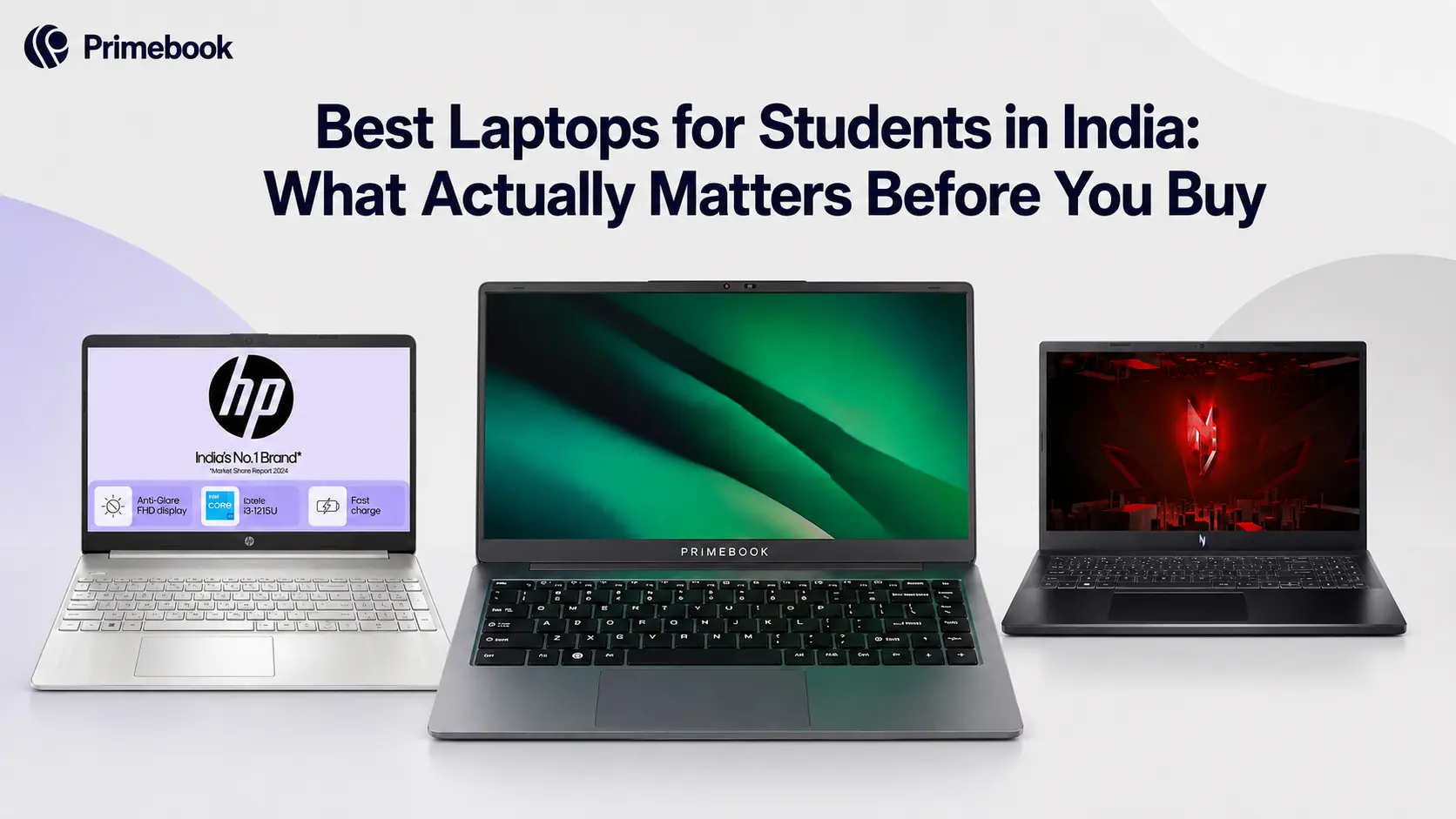
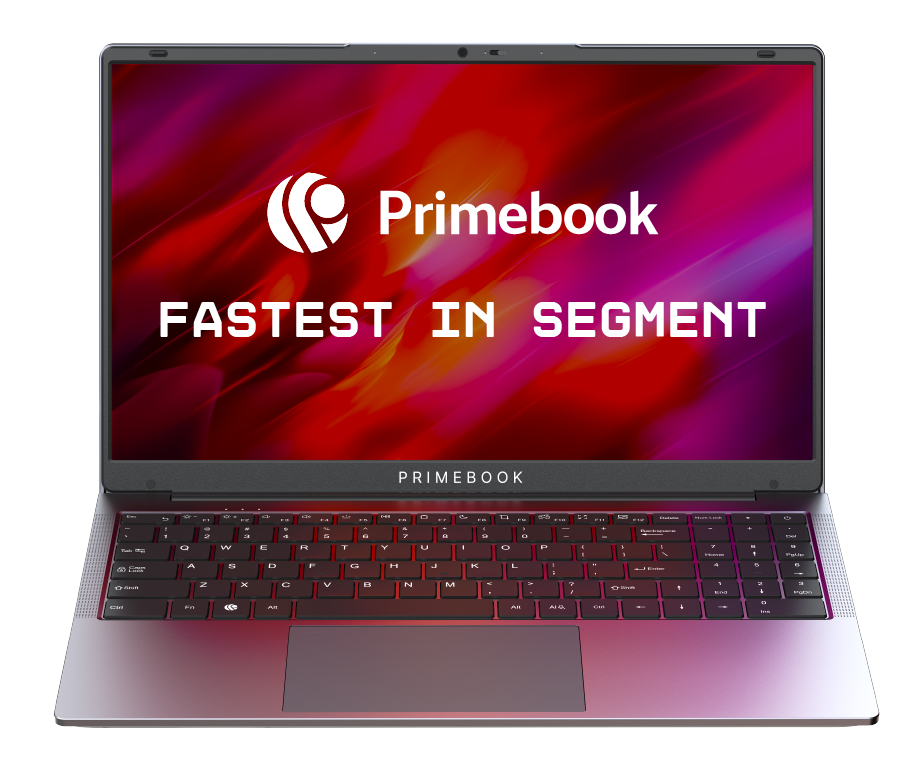
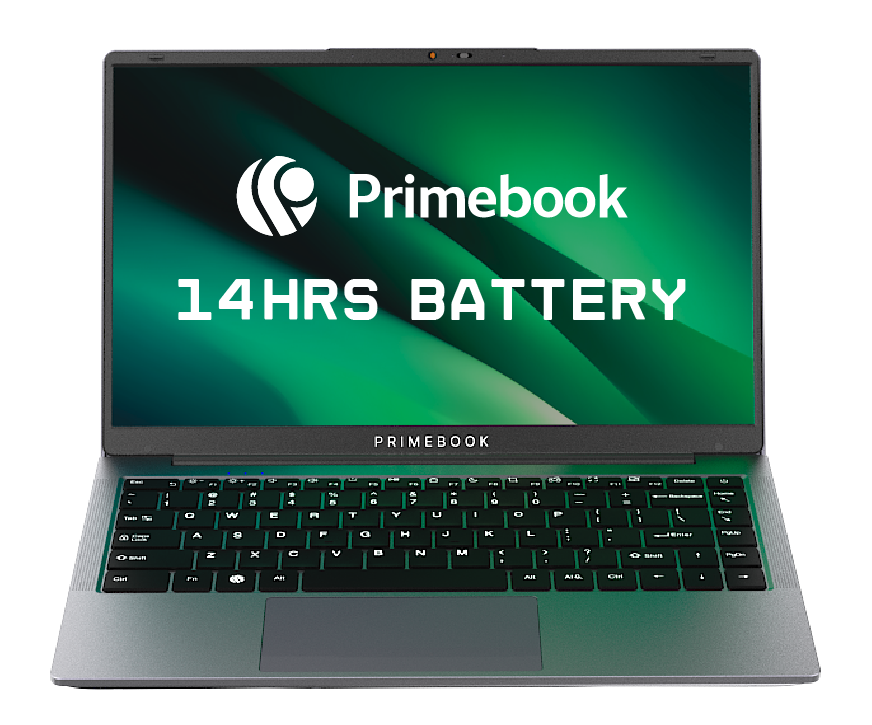
The Primebook 2 Pro pairs a octa-core MediaTek Helio G99 processor with 8GB LPDDR4X RAM, 128GB UFS storage, a 14.1-inch Full HD IPS anti-glare display, 1440 P HD webcam with privacy shutter, a backlit keyboard and a 60.3Wh battery rated for up to 14 hours. The Primebook 2 Max uses the same Helio G99 and 8GB RAM, but increases storage to 256GB and the display size to 15.6 inches, making it better suited to students who want more screen space and local storage. Both run Android 15-based PrimeOS 3.0, with access to Android apps, AI tools and Cloud PC built into the experience.
For students whose everyday work revolves around browsing, documents, Android apps and AI-assisted tasks, this combination covers the essentials without requiring a full Windows setup. When Windows or Linux software is needed occasionally, Cloud PC provides access to supported desktop environments.
Trade-off: Regular Cloud PC use requires a subscription and comes with an internet dependency.
Acer Chromebook Plus 515: Best for Cloud-First Study
Best for: Students whose work is primarily browser-based, including Google Workspace, online classes, research and other cloud applications.
The Acer Chromebook Plus 515 pairs a 13th Gen Intel Core i3-1315U processor with 8GB RAM, 256GB SSD storage and a 15.6-inch Full HD IPS display. It also features a 1080p webcam and Wi-Fi 6E, making it well suited to students who spend most of their time in browser-based study, video classes and cloud applications.
For students who primarily use Google Workspace, browser applications and online learning platforms, ChromeOS keeps the experience centred around the web. It is a straightforward option when most coursework can be completed through supported web and app-based tools.
Trade-off: ChromeOS has a narrower Android app and AI experience than PrimeOS, and students who need specialised Windows software may need a different platform.
HP 15s: Best for Engineering & Demanding Software
Best for: Engineering and science students who need to run software such as AutoCAD, SolidWorks, MATLAB and other Windows applications locally.
The HP 15s comes with an AMD Ryzen 5 5500U processor, 8GB RAM, 512GB SSD storage and integrated AMD Radeon graphics. Its 15.6-inch Full HD display and Windows environment make it suitable for students whose coursework depends on locally installed desktop applications.
For students working with engineering software, programming tools and other Windows-based academic applications, running the software locally removes the need for a Cloud PC or constant internet connection. The 512GB SSD also provides room for locally stored coursework, software and project files.
Trade-off: A suitable Windows configuration can require a higher upfront budget, particularly when the coursework demands more powerful hardware.
Acer Nitro V 15: Best for GPU-Heavy Work
Best for: Students working with 3D modelling, GPU-accelerated creative applications, demanding visual workloads and gaming.
The Acer Nitro V 15 combines an AMD Ryzen 7 7735HS processor with an NVIDIA GeForce RTX 4050 GPU with 6GB dedicated GDDR6 VRAM, 16GB DDR5 RAM and 512GB PCIe Gen4 SSD storage. Its 15.6-inch Full HD IPS display with a 144Hz refresh rate also makes it suited to gaming and visually demanding work.
For students working with 3D applications, GPU-accelerated creative tools or games that require dedicated graphics, the RTX 4050 provides substantially more graphics capability than laptops relying on integrated graphics.
Trade-off: Its higher-performance hardware makes it heavier and more expensive than laptops designed primarily for everyday student workloads.
The best laptop for a student depends on what their course and daily routine actually demand. For app-first study, Android apps, AI-assisted work and occasional Windows/Linux access, Primebook offers a strong value-for-money option. Students who work mainly in browsers and Google Workspace can consider a Chromebook, while those who need software such as AutoCAD, SolidWorks or MATLAB locally should choose Windows. For 3D, GPU-intensive creative work or gaming, a laptop with a dedicated GPU is the more appropriate choice.
FAQ
Which are the best laptops for students under ₹30,000?
Under ₹30,000, the choice often involves significant trade-offs. Windows laptops in this range can compromise on boot and app-loading speeds, battery life and overall performance, while Chromebooks are better suited to browser-first workflows but have limitations with app compatibility and offline use. Primebook laptops are available within this price segment and offer a stronger balance for students whose work centres on Android apps, browsing, documents and AI-assisted tasks, with PrimeOS designed for lightweight everyday use and Cloud PC available when supported Windows or Linux software is needed. For students who do not need specialised Windows software locally, Primebook can offer more of the everyday features they need without moving beyond the ₹30,000 budget.
Do students need a dedicated GPU?
Not for most student workloads. Integrated graphics are sufficient for browsing, documents, online classes and many everyday applications. A dedicated GPU becomes more relevant for 3D modelling, GPU-accelerated creative applications and gaming, where graphics performance is a major part of the workload.
Do students really need 16GB RAM and an SSD?
Not universally. Light browsing, documents, and classes run fine on modest memory. Higher RAM matters for coding, heavy multitasking, and creative work, and Android Studio specifically recommends 16 GB for app development. Match the specification to your workload rather than a blanket rule.
Can an Android laptop run Windows software?
Not natively in most cases. On Primebook laptops powered by PrimeOS, supported Windows and Linux applications can be accessed through Cloud PC instead. This requires a Cloud PC subscription and a stable internet connection, so students who need Windows software regularly should consider whether that setup suits their workflow.
Editorial Transparency: Primebook's editorial team uses a combination of human expertise, research, and AI-powered tools to create and refine content. Every article is reviewed and validated by our team before publication to ensure accuracy, clarity, and usefulness for readers.
 Related Blog