5 Reasons to Buy an Android Laptop in 2026

Table of Contents
Introduction
Most Indian students and early-career workers do not start their computing journey on a laptop. They start on a phone, learn on apps, and only later look for a bigger screen and a keyboard. That sequence matters, because the device you buy next either extends the way you already work or forces you to relearn everything from scratch.
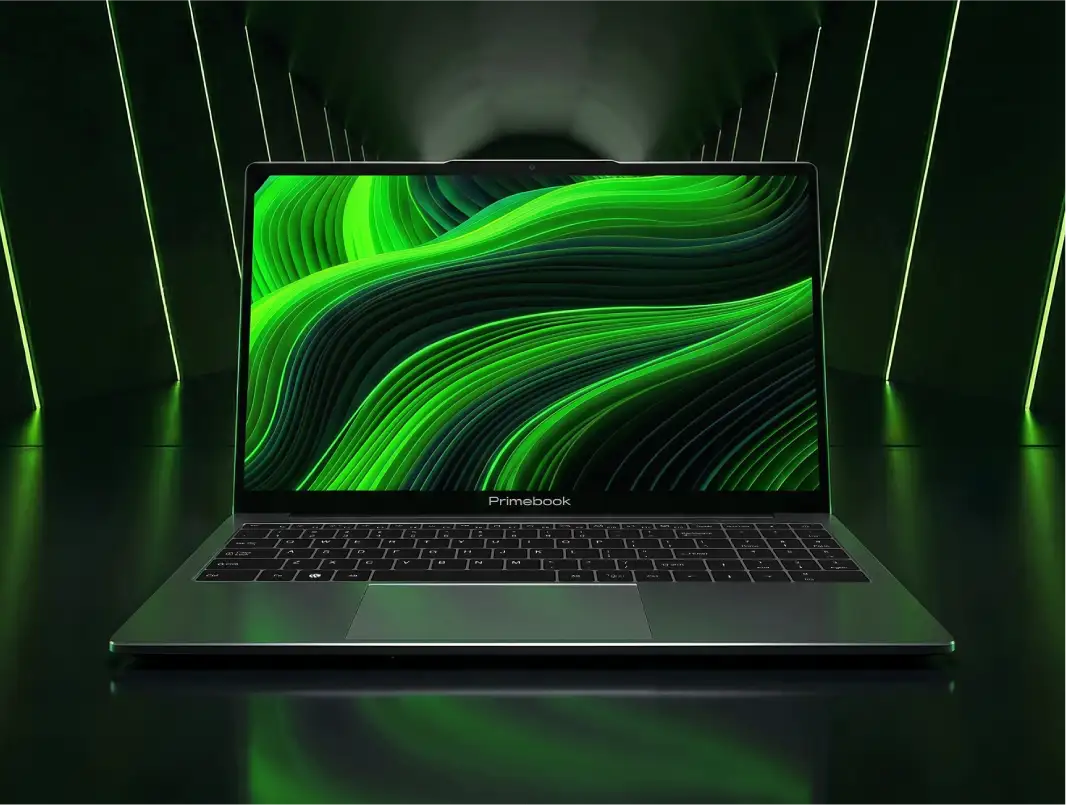
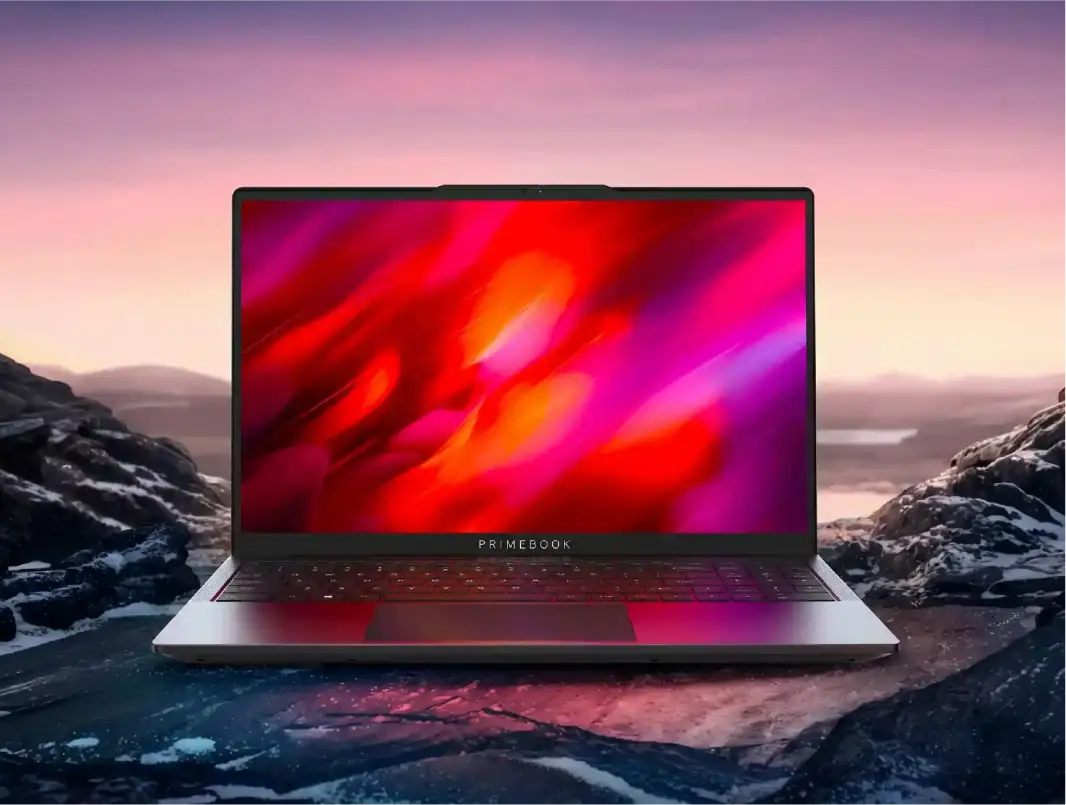
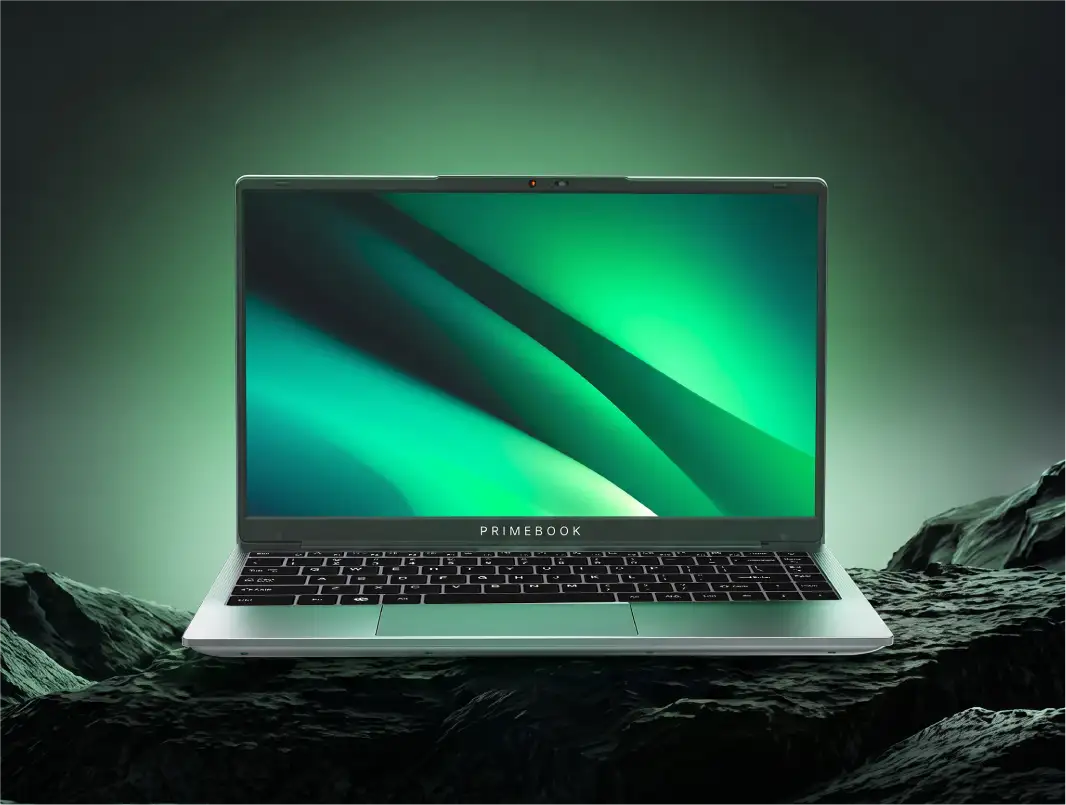
An Android laptop runs an Android-based operating system with a desktop-style interface: multiple windows, a taskbar, a trackpad, and a physical keyboard, with Android apps installed through an app store, much like on a phone. Android laptops are an emerging category, with the ecosystem continuing to evolve and offer practical alternatives to traditional Windows laptops.
Here are five reasons why an Android laptop is worth considering in 2026.
Top 5 Reasons to Buy an Android Laptop
1. The App Ecosystem You Already Use, Best for: First-Time Laptop Buyers
App availability is the first question worth asking about any operating system, and in India the answer skews heavily one way. According to StatCounter, in August 2026, Android accounted for 76.66% of operating systems used across desktop, mobile and tablet in India, against 13.16% for Windows. That large Android user base means many learning, communication, and productivity apps are already available on Android, and compatible Android laptops can run most of those same apps on a multitasking interface.
What makes it work:
- App Access: Android apps can be downloaded and installed through the laptop's dedicated app store, much like on a phone, rather than requiring traditional software installers such as
.exefiles used on Windows. - Coverage: From learning and productivity to gaming, entertainment, messaging, video editing and design, Android laptops provide access to apps across a wide range of everyday use cases.
- Large-screen evolution: Android apps are increasingly being designed to adapt to larger displays, with layouts and controls that make better use of available screen space.
- Multi-window support: Android's large-screen experience allows compatible apps to work side by side, making it possible to combine tasks such as taking notes while reading, browsing while messaging or working while watching content.
2. Almost No Learning Curve, Best for: Students Switching from a Phone
A device only helps if you can use it since day one. Research published in the International Journal of Human-Computer Studies and available on ScienceDirect found that users adapted faster when moving between mobile and desktop interfaces that maintained consistent menu structures. For users already familiar with Android, that familiarity can make the transition to an Android laptop more natural.
What makes it work:
- Familiar navigation: The interface of an Android laptop carries familiar elements such as notifications, app menus and system settings from the phone to the larger screen, including controls for privacy permissions, notification settings, ad preferences, Focus mode, app management and other everyday settings.
- Consistent app experience: Apps users already know from their phones retain familiar core controls and interaction patterns on an Android laptop, reducing the need to learn an entirely new set of app controls and workflows.
3. Regular OS Updates & Security Patches, Best for: Buyers Planning 3 to 4 Years of Use
The Android OS your laptop ships with isn't meant to stay frozen at that version. Regular OS updates and security patches keep the software current, helping the laptop stay secure, compatible with newer apps and services, and usable as the device gets older. For instance, PrimeOS delivers these improvements and security fixes to Primebook laptops over the air (OTA), so users can receive them directly on the device without manually reinstalling the operating system.
What makes it work:
- New features and improvements: New Android OS updates can bring additional features, system improvements and optimizations to the laptop. User feedback and reported issues can also feed into these updates, allowing the software experience to evolve based on how people actually use the device over time.
- Security protection: Security patches address newly discovered vulnerabilities and help protect user data and the device against newer threats as they emerge.
- Software ecosystem: Keeping the OS current helps the laptop keep pace with changes in apps and Android services, which can otherwise become harder to support as software requirements move forward.
4. Built-In Mobile Sensors for More Interactive Apps, Best for: Students, Field Users and Interactive App Users
Android laptops can bring capabilities traditionally associated with phones and tablets into a laptop form factor. Some models include sensors such as GPS, gyroscope, accelerometer and magnetometer. A Moneycontrol review of an Android laptop highlighted how these sensors can support educational apps that rely on motion or location. This can expand the kinds of applications and experiences a laptop can support beyond conventional productivity tasks.
What makes it work:
- Location-based tools: GPS support can enable compatible apps for navigation, mapping and other location-aware workflows.
- Motion-based experiences: Accelerometer and gyroscope data can support apps and experiences that respond to physical movement or device orientation.
- Interactive learning: Sensor-aware educational apps can use movement, orientation or location to create more hands-on learning experiences.
- Field workflows: For users working outside a conventional desk setup, location- and motion-aware applications can provide additional capabilities for compatible workflows.
Also Read:
- Why Android Laptop is a Better Option for Students?
- Google to Launch Android OS for PCs in 2026: What It Means for Android Laptops?
5. A Real Category in the ₹15,000 to ₹30,000 Band, Best for: Value-Driven Purchases
Android laptops offer a compelling value-for-money proposition for buyers who want a capable laptop for everyday computing without paying for specifications they may not need. Recent reviews also show that this value is not limited to the price tag. The Indian Express found the Primebook 2 Max, running on the Android-based PrimeOS, sufficiently fast for everyday tasks, while 91mobiles highlighted its Full HD display, full-sized backlit keyboard and one-day battery life as key strengths.
What makes it work:
- More computing per rupee: Android's lightweight OS allows cost-effective hardware to deliver a responsive experience for everyday workloads, while some Android laptops in the Indian market pair it with established MediaTek and Qualcomm SoCs rather than relying solely on ultra-low-tier hardware. This combination can deliver stronger practical value than similarly priced entry-level Windows laptops, particularly for everyday computing. For workloads that go beyond the capabilities of local hardware, some Android laptops offer Cloud PC access, extending the device to Windows or Linux environments. Similarly, some Android laptops now include AI capabilities that add functionality without requiring high-end local hardware for every task.
- A category with multiple price points: Android laptops are no longer limited to a single entry-level offering. The Indian market now has Android laptops across the ₹15,000–₹30,000 range, giving value-driven buyers different options based on the level of performance, display, memory and storage they need. Current listings on 91mobiles, for example, include Android laptops alongside similarly priced Celeron-based Windows machines, showing that Android laptops are now part of the mainstream sub-₹30,000 laptop consideration set.
- Value beyond the spec sheet: Value for money also comes from how the laptop performs as an everyday machine, not just from the components listed on the box. Digit's month-long hands-on test covered light work, AI tools, browsing and WhatsApp, showing how an Android laptop can function as a practical everyday computer beyond its hardware specifications.
Comparison at a Glance
Also Read:
- Why is an Android laptop better than Windows for College Students?
- Exploring Future Trends and Innovations in Android Laptop Technology
Conclusion
The bigger shift with Android laptops in 2026 is that the question is no longer simply whether Android can work on a laptop. Android laptops have evolved into a practical computing category, combining the familiarity of Android with the form factor, functionality and flexibility people expect from a laptop. For many buyers, that answer will depend less on chasing the highest specifications and more on choosing the right balance of software, usability and hardware for the way they actually work. That makes Android laptops worth considering as a category in their own right, rather than simply as a lower-cost alternative to Windows laptops.
FAQs
Can an Android laptop run Microsoft Office and Google Docs?
Yes. Android laptops can support Microsoft Word, Excel and PowerPoint, while some models also include their own office suite for working with common document, spreadsheet and presentation formats. For users who need a full desktop environment, some Android laptops also offer access to Windows through Cloud PC. This lets users handle everyday office work locally while having an option for more advanced desktop workflows when needed.
Is an Android laptop good enough for learning to code?
Yes, for learning and many everyday coding tasks. Some Android laptops include dedicated coding tools that work offline, while Cloud PC access can provide Windows or Linux environments for development tools that aren't available natively on Android.
How is an Android laptop different from a tablet with a keyboard?
An Android laptop is designed around a laptop-style computing experience, with a built-in keyboard and trackpad, desktop-oriented multitasking and support for keyboard shortcuts. Some models also provide features such as keymapping for touch-focused apps and access to Windows or Linux environments through Cloud PC, extending beyond the typical tablet experience.
Can an Android laptop run Windows or Linux software?
Yes, some Android laptops can access Windows or Linux environments through Cloud PC rather than installing those operating systems locally. This can be useful for software such as AutoCAD, Photoshop, Microsoft Office or development tools that require a desktop environment, although the experience depends on the internet connection and the particular Cloud PC service.
Editorial Transparency: Primebook's editorial team uses a combination of human expertise, research, and AI-powered tools to create and refine content. Every article is reviewed and validated by our team before publication to ensure accuracy, clarity, and usefulness for readers.