Blogs / Educational Bytes / ARM Architecture Explained: How It Powers Modern Devices
Blogs / Educational Bytes / ARM Architecture Explained: How It Powers Modern Devices

Primebook Team
24 Jun 2026
ARM Architecture Explained: How It Powers Modern Devices
Table of Contents
- Introduction
- What Is ARM Architecture
- Why ARM Feels Different on a Daily Basis
- ARM vs x86: Why They Were Designed Differently
- Where ARM Already Shows Up in Your Life
- Conclusion
- FAQs
Introduction
Most people use ARM-powered devices every day without realising it. The smartphone in your pocket, the smartwatch on your wrist, and many of the connected devices around you all rely on the same underlying architecture. That architecture is ARM.
According to Morningstar's 2026 report, Arm holds 99% market share in smartphone CPUs, which makes it the most widely deployed computing design on the planet.
This guide explains what ARM architecture is, how it works, why it became the dominant architecture in mobile computing, and where it fits into the broader technology landscape today.
What Is ARM Architecture
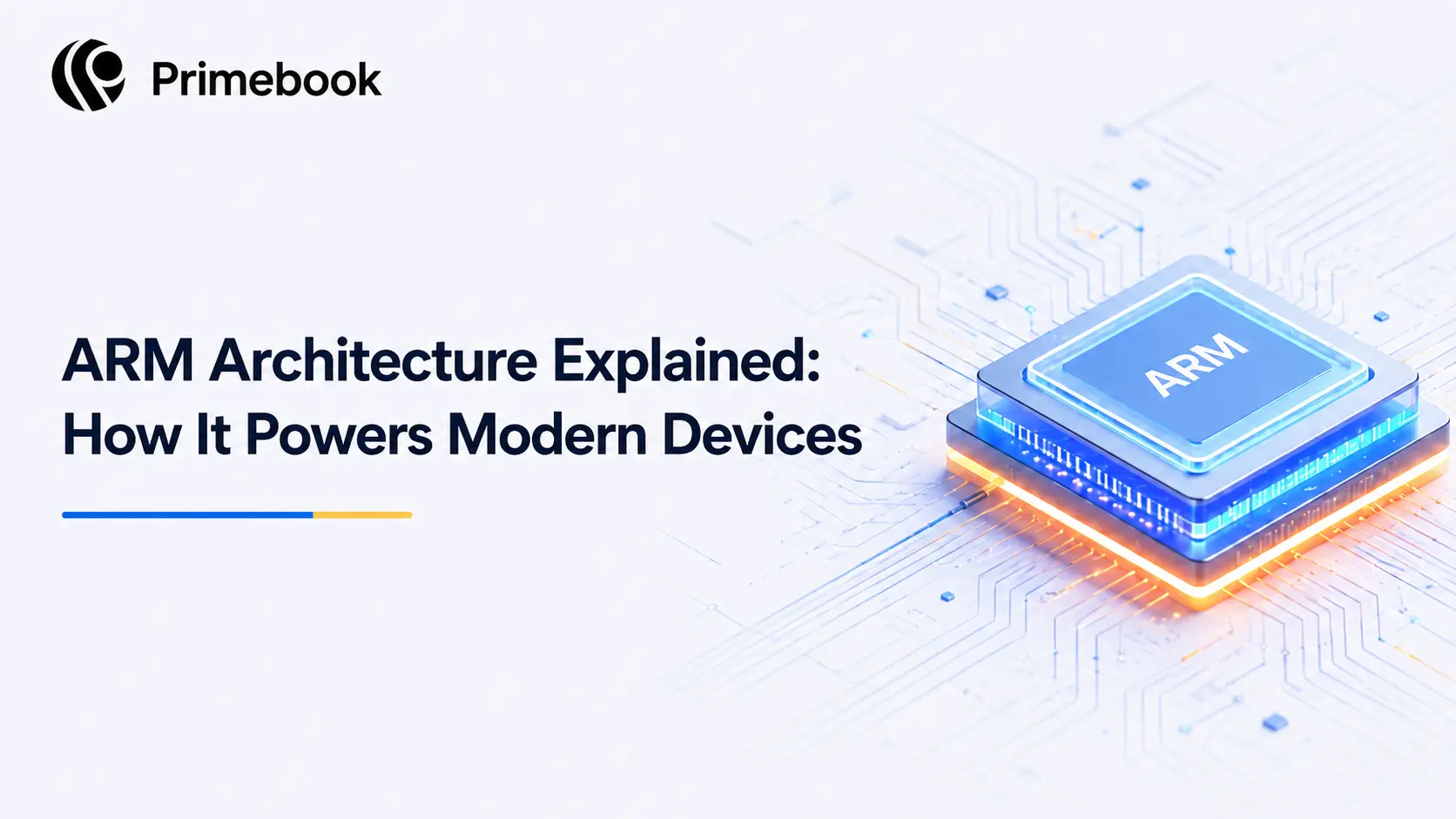
ARM stands for Advanced RISC Machines. The term RISC, short for Reduced Instruction Set Computing, refers to the design philosophy that underpins the architecture. Rather than packing a processor with hundreds of complex instructions, ARM strips the instruction set down to a smaller, simpler core set. The chip does less per cycle, but it does it faster, cooler, and with far less power.
Here is the part most people miss: The ARM itself does not manufacture chips. It designs the architecture and licenses it to companies like Apple, Qualcomm, MediaTek, and Samsung, who then build their own processors on top of it. That is why ARM shows up in such different products, from a budget smartphone to an Apple silicon laptop to a data-centre server, without ever appearing as a retail chip label.
Because the design philosophy is centred on efficiency, ARM became the preferred architecture for smartphones at a time when battery life, heat management, and compact hardware mattered more than desktop-style performance. As mobile devices became the world's primary computing platform, ARM's footprint expanded alongside them. Today, it powers nearly every smartphone, making it the most widely used computing architecture in everyday life.
Also read: Laptop with Long Battery Backup
Why ARM Feels Different on a Daily Basis
The effects of ARM are often noticeable even when the architecture itself is invisible. One example is responsiveness. ARM-based devices are designed to transition quickly between active and low-power states, which contributes to the instant-on experience common in modern phones, tablets, and other connected devices.
Another growing factor is on-device intelligence. As features such as voice assistants, language translation, image recognition, and smart search move closer to the device, ARM's architecture is increasingly being used to support these workloads without relying entirely on cloud processing.
For most users, the result is not something they see in a specification sheet. It is a computing experience shaped by responsiveness, connectivity, and intelligent features operating quietly in the background.
ARM vs x86: Why They Were Designed Differently
The difference between ARM and x86 starts long before laptops, batteries, or app compatibility. The two architectures were built around different computing priorities.
ARM follows RISC approach and emerged from a need to support mobile and embedded devices where battery life, heat, and efficiency mattered most.
x86, by contrast, was developed around Complex Instruction Set Computing (CISC). It was designed during an era when desktop computers handled increasingly demanding workloads and memory was limited. By allowing a single instruction to perform more complex operations, x86 prioritised versatility and backward compatibility across generations of software.
These different origins shaped how the architectures evolved. ARM became the foundation of smartphones, tablets, wearables, and other mobile devices, while x86 became the dominant architecture for desktop and enterprise computing. Over time, the gap between them has narrowed, but their design philosophies remain visible: ARM continues to emphasise efficiency and power management, while x86 maintains its strength in supporting decades of legacy software and broad computing environments.
Understanding this distinction helps explain why the same application or workload may behave differently across devices, even when both appear similar on the surface.
Where ARM Already Shows Up in Your Life
Most students underestimate how much of their daily computing already runs on ARM. The smartphone in your pocket almost certainly does. So does the tablet your school issued, the smartwatch tracking your steps, the streaming stick on your TV, and the Bluetooth earbuds you wear during commutes.
The expansion is no longer limited to traditional mobile devices. The same architecture that powers smartphones now appears across tablets, wearables, smart home products, AI-enabled devices, laptops, and increasingly, data-centre infrastructure. As computing becomes more connected, mobile, and AI-assisted, the characteristics that made ARM successful in phones are becoming relevant across a much wider range of technologies.
What this means practically: the next time you upgrade a laptop, a tablet, or even a work device, there is a strong chance it will be ARM-based, whether the box says so or not.
Conclusion
The next phase of ARM's growth may be less about smartphones and more about the diversification of computing itself. As technology companies build products for AI, wearables, connected devices, and specialised workloads, there is increasing demand for architectures that can be adapted across very different hardware categories. ARM's licensing model has historically given manufacturers that flexibility, which is one reason its role in the broader computing industry continues to expand beyond the markets where it first became successful.
Also read: What ARM-Based Laptops Mean for Everyday Computing in India
FAQs
Is ARM architecture only used in phones?
No. ARM started in mobile devices because of its power efficiency, but it now powers tablets, laptops, smartwatches, streaming devices, and data-centre servers. Industry analysts expect its share in laptops and servers to grow significantly through 2026 and beyond.
Will my Android apps work on an ARM laptop?
Yes. Since most Android phones run on ARM, Android apps are built for ARM natively. An ARM-based laptop running an Android-style operating system can run these apps without emulation, which usually means smoother performance and better battery use.
What is the main disadvantage of ARM?
The main limitation is software compatibility with older desktop applications. Some legacy Windows-only programs, particularly specialised engineering or enterprise tools, may not run natively on ARM or may need emulation, which can affect performance.
Does ARM mean better battery life automatically?
Generally yes, because the architecture is designed around efficiency rather than raw burst power. Actual battery life still depends on the screen, software optimisation, and how you use the device, but the architectural foundation favours longer runtime.
Editorial Transparency: Primebook's editorial team uses a combination of human expertise, research, and AI-powered tools to create and refine content. Every article is reviewed and validated by our team before publication to ensure accuracy, clarity, and usefulness for readers.
 Related Blog