What is Digilocker Scanner

Table of Contents
- Introduction
- What is DigiLocker Scanner
- How DigiLocker Scanner Works
- Key Features of DigiLocker Scanner
- Benefits of Using DigiLocker Scanner for Indian Students and Young Professionals
- DigiLocker Scanner Use Cases for Coders, Creators and Freelancers
- DigiLocker Scanner vs Traditional Document Scanning Apps
- DigiLocker Scanner vs Physical Document Storage
- Conclusion
- Frequently Asked Questions
Introduction
Many students in India still open a camera app, click a blurry photo of their Aadhaar card, crop it, and email it as "verified proof". That workflow feels normal, but it has almost nothing to do with what the government actually considers a valid digital document in 2026.
The DigiLocker scanner is the piece of the puzzle that most people misunderstand. It is not a camera-based scanning app in the way CamScanner or Adobe Scan is. It is the fetch-and-verify layer inside the government's official DigiLocker platform, and it changes what counts as an "original" document in India. Much of the confusion comes from the term itself, which people often use to describe different features within DigiLocker. Understanding this distinction makes it easier to use DigiLocker correctly for document storage, verification, and sharing.
What is DigiLocker Scanner
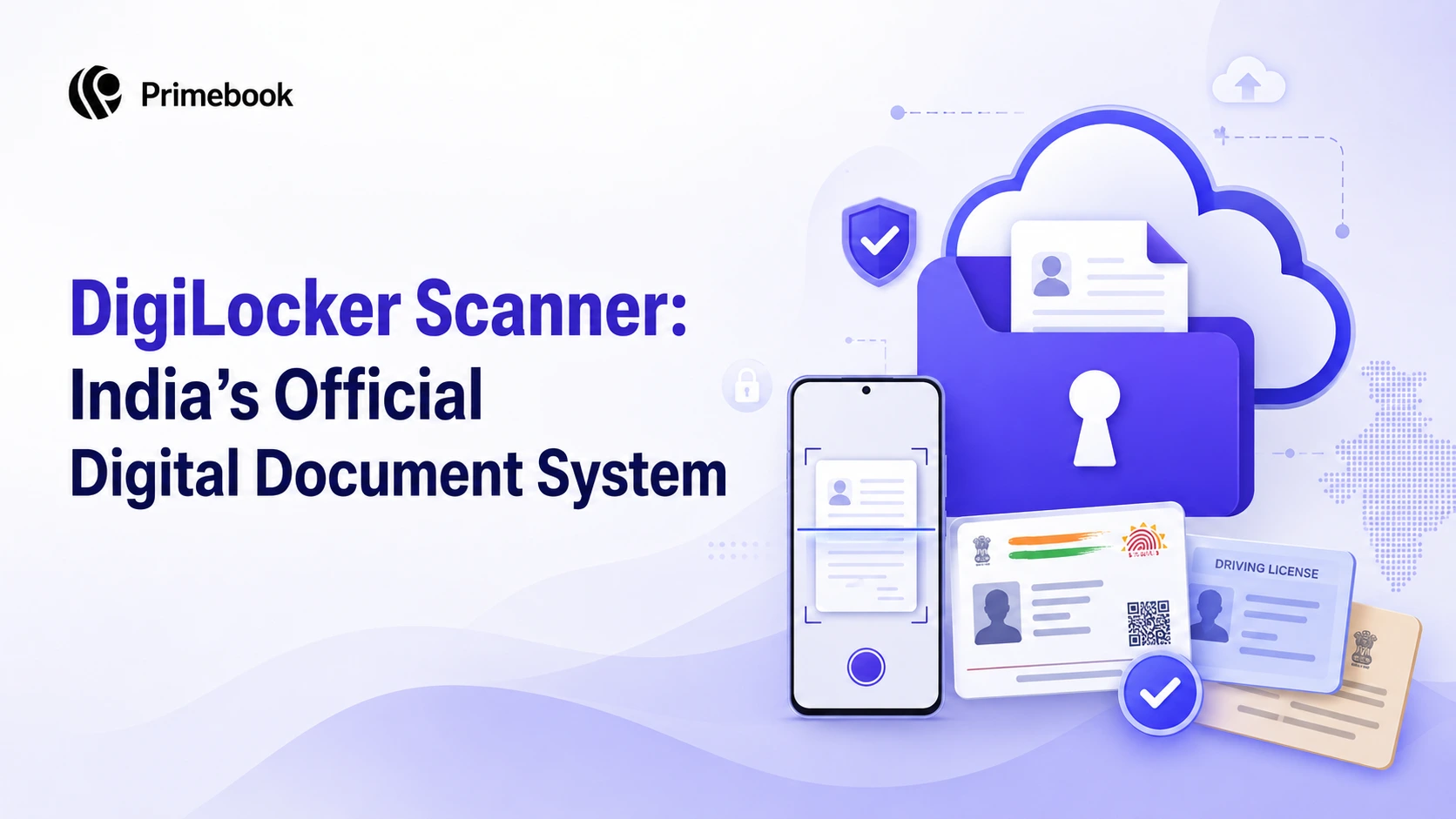
The term "DigiLocker scanner" commonly refers to the QR-code scanning and document verification features available within the official DigiLocker mobile app (Android and iOS) and web portal. It performs two related functions.
First, it scans QR codes on supported government documents (such as driving licences, vehicle RCs, and mark sheets) and retrieves the digitally signed record from the issuing authority into your DigiLocker account, where available. Second, it lets you verify someone else's DigiLocker-shared document by scanning the QR code they present, confirming the file is genuine and untampered.
Crucially, DigiLocker is not a third-party scanning app. The official app listings on the App Store and Play Store confirm it as a Government of India initiative connected directly to digilocker.gov.in. Issued documents fetched through DigiLocker are legally recognised under the Information Technology Act, 2000 and the Digital Locker Rules, 2016, subject to the applicable provisions governing digital documents.
How DigiLocker Scanner Works
The mechanism is different from a phone camera scanner. When you use the DigiLocker scanner on a supported government document, such as a driving licence or vehicle RC, the app does not photograph the card. Instead, it reads the QR code or issuer details and initiates the verification and retrieval process through the relevant issuing authority's digital records.
The official DigiLocker FAQ outlines this flow clearly: link your Aadhaar once, then use options such as "Get your Digital Driving License" or "Get your Digital Vehicle RC" to fetch the document. Once retrieved, it appears in your Issued Documents section and can be shared digitally through DigiLocker whenever required.
Two document types inside DigiLocker
Key Features of DigiLocker Scanner
The scanner sits inside a broader feature set, and understanding what is included prevents the common mistake of treating DigiLocker as just another document app.
- QR code fetch: retrieves supported issued documents from connected government issuers, with no photography involved.
- QR code verification: scan a QR shared by another DigiLocker user to confirm authenticity of their document.
- Consent-based sharing: no bank, university, or employer can access your document without explicit permission, according to NeGD's own description.
- Aadhaar-linked authentication: multi-factor login built on the National e-Authentication Framework.
- Personal upload space: 1 GB for your own scans, kept separate from issued documents to preserve the legal distinction.
- Cross-issuer access: CBSE and state board mark sheets, PAN, Aadhaar, driving licence, RC, and university transcripts through one interface.
Benefits of Using DigiLocker Scanner for Indian Students and Young Professionals
The real value shows up during transition moments. Class 12 mark sheet needed for a college application at 11 PM. PAN and Aadhaar are required for the first salary account. Driving licence for a bike rental during an internship trip. These are exactly the moments where camera scans fail (wrong lighting, PDF too large, "not accepted, please upload original").
Because issued documents in DigiLocker are digitally signed by the source, universities, banks, RTOs, and exam bodies increasingly accept them directly, no physical original required. CBSE already issues digital marksheets, passing certificates, and migration certificates through DigiLocker, while many universities and educational institutions publish academic records through the DigiLocker–National Academic Depository (NAD) ecosystem. For a student registering for an entrance exam or opening their first salary account, this removes an entire step and an entire failure mode.
There is also a privacy angle worth understanding. Because sharing happens through time-bound links or QR codes rather than raw file transfers, the recipient verifies the document through DigiLocker instead of relying solely on an emailed image or PDF, reducing the need to exchange editable document copies.
Also Read:
DigiLocker Scanner Use Cases for Coders, Creators and Freelancers
For students and independent professionals, DigiLocker can simplify many routine document-sharing tasks without relying on scanned copies.
- Coders: Share digitally verifiable degree certificates or identity documents while applying for internships, hackathons, or developer platforms.
- Creators: Submit identity or GST-related documents during brand collaborations, influencer onboarding, or payment verification.
- Freelancers: Complete client KYC, vendor registration, or contract onboarding by sharing issued documents through DigiLocker instead of emailing scanned copies.
For people who work with multiple organisations over time, the real advantage is consistency. Instead of recreating the same document set for every new application or onboarding process, you rely on a single, standardised source throughout your professional journey.
DigiLocker Scanner vs Traditional Document Scanning Apps
This is where the terminology confuses people the most. Apps like CamScanner, Adobe Scan, and Google Drive scan create image or PDF copies of a physical document. DigiLocker's scanner does something categorically different.
Traditional scanner apps still have their place for non-official documents (receipts, notes, informal paperwork). But for anything with legal weight, they are the wrong tool.
DigiLocker Scanner vs Physical Document Storage
Physical files are the default in most Indian homes: a plastic folder with birth certificates, mark sheets, and photocopies of Aadhaar. It works, until it doesn't. Files get damaged in monsoon, misplaced during moves, or torn during rushed submissions. Photocopies pile up because every submission demands its own set.
The DigiLocker approach is not really about replacing the file cabinet; it is about removing dependence on it. Once mark sheets, ID, and licences are fetched into DigiLocker, day-to-day interactions (applying for a scholarship, verifying age for a service, showing a licence to a traffic officer) can happen through the app. The physical originals stay safe at home for the rare moments they are genuinely required.
Conclusion
The most useful shift is a mental one: stop thinking of DigiLocker as a scanning app and start thinking of it as a digital identity wallet with a scanner attached. Once that reframe lands, the practical decisions become obvious. Personal receipts and informal paperwork belong in a regular scanner app. Anything available as an issued document belongs inside DigiLocker, fetched from the source rather than photographed at home. In practice, the question is no longer "Should I scan this?" but "Should I retrieve it from DigiLocker instead?"
Frequently Asked Questions
Is DigiLocker the same as a document scanner app?
No. Scanner apps produce image or PDF copies of physical documents. DigiLocker fetches digitally signed originals directly from government issuers and stores them in a legally recognised digital wallet backed by the IT Act, 2000 and Digital Locker Rules, 2016.
Are DigiLocker documents legally valid across India?
Issued documents fetched through DigiLocker have the same legal validity as physical originals under section 9A of the IT Act, 2000. Uploaded documents (your own scans) do not automatically get this status; they are convenience copies only.
Do I need to scan my Aadhaar or driving licence to add it to DigiLocker?
No. If the document is available from a supported issuer, you can retrieve it through DigiLocker instead of scanning and uploading a physical copy.
Can universities and banks accept DigiLocker documents instead of originals?
Yes, and increasingly they do. Because issued documents are digitally signed by the source, most central government portals, universities, RTOs, and financial institutions accept them directly, subject to their own verification process through the DigiLocker QR system.
Is DigiLocker free to use?
Yes. DigiLocker is a free service operated by the National e-Governance Division under MeitY as part of the Digital India programme, with no charges for storage, fetching issued documents, or verification.
Editorial Transparency: Primebook's editorial team uses a combination of human expertise, research, and AI-powered tools to create and refine content. Every article is reviewed and validated by our team before publication to ensure accuracy, clarity, and usefulness for readers.