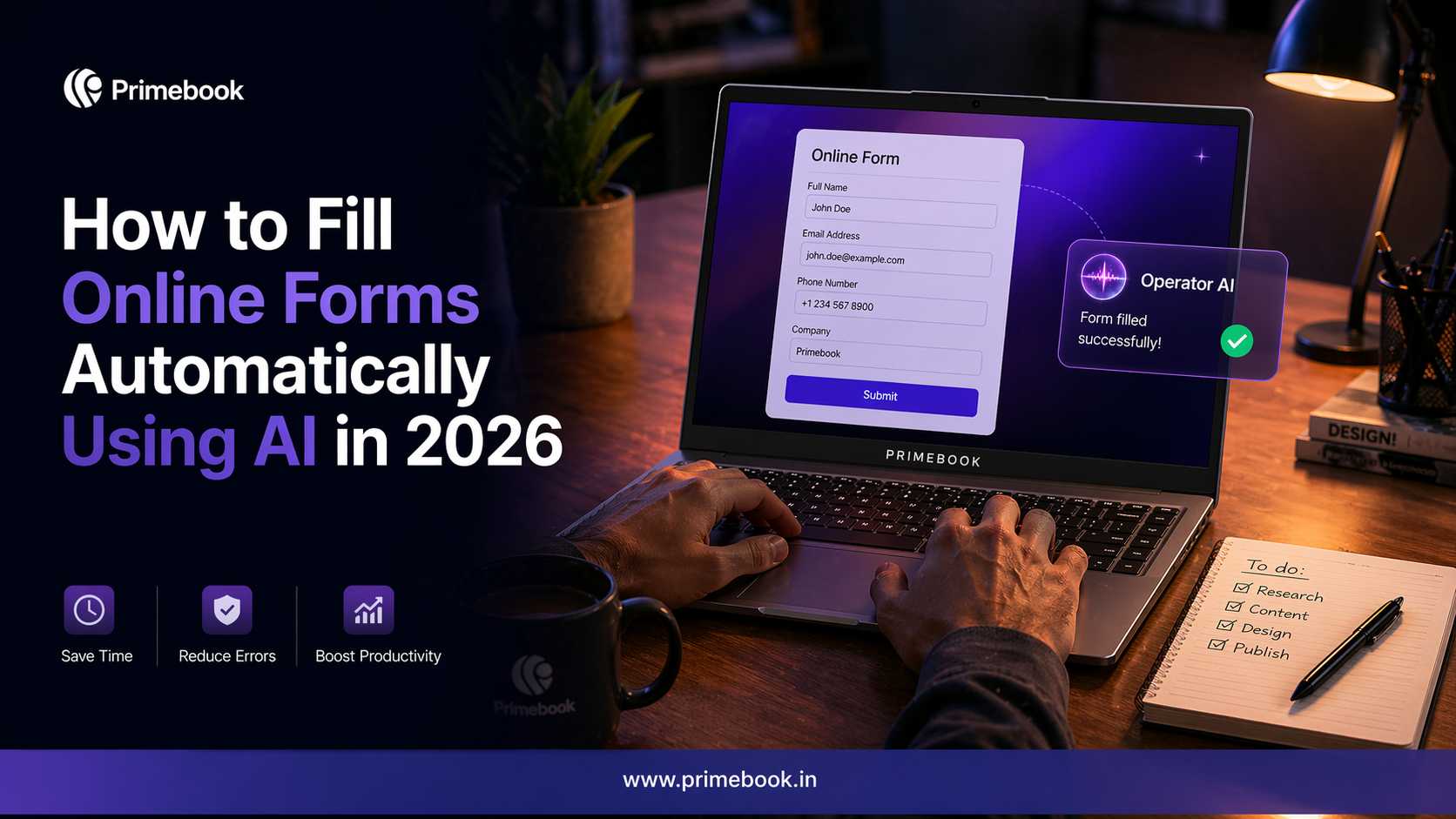
How to Fill Online Forms Automatically Using AI in 2026

Filling online forms is one of the most common digital tasks, whether it’s job applications, registrations, payments, or document submissions. But despite being routine, it remains one of the most friction-heavy parts of online interaction.
Research shows that over 80% of users have abandoned at least one form, often due to time, complexity, or manual input requirements. At the same time, forms completed using autofill are up to 35% faster and see significantly lower drop-offs.
This contrast highlights where the friction actually comes from. The effort is not in understanding the form, but in repeatedly entering the same information across different fields and platforms.
In 2026, Agentic AI capabilities are beginning to change this. Instead of manually entering details every time, users can rely on AI to recognise online form fields and fill them using information already available to the system.
In this blog, we look at how online forms can be filled automatically using AI, and how this changes the way such repetitive digital tasks are handled.
What Makes Online Form Filling Break Down in Practice?
-
Switching between tabs and apps
You often have to leave the form to check details in documents, emails, or saved files, and then come back to continue.
-
Fixing errors again and again
Small mistakes like the wrong format or missing fields can stop the form from moving forward, forcing you to go back and correct them.
-
Re-entering details after refresh
If the form reloads or times out, you often have to fill in parts of the form again instead of continuing from where you left off.
-
Handling uploads and attachments separately
Many forms require documents like IDs, resumes, or proofs to be uploaded, which means finding the right file, checking formats, and attaching it correctly.
Also Read: The Future of Workflow Automation
How AI Helps in Filling Online Forms Today?
-
AI fills the fields you can already see on the form
When you open a form, AI can read the visible fields, like name, email, phone number, and date of birth. It then enters details based on the session, prior inputs, memory, and the rules it is operating on.
-
AI matches fields even when labels are different
Forms often use different labels for the same information. AI identifies what each field is asking for and fills it accordingly.
Example: Whether the field says “Phone”, “Mobile”, or “Contact Number”, it gets filled with the same value.
-
AI handles uploads based on what it can access
When a form asks for documents like a resume or ID, what happens next depends on the system’s access level.
Example: If the system works within the browser, you manually select and upload the file. If the system has access to your device, it can locate and attach the file automatically (e.g., using systems like PrimeAGNT)
Also Read: How to Automate Repetitive Tasks Using AI in 2026
How to Fill Online Forms Automatically Using AI?
Using the latest Operator AI technology on a Primebook laptop, you can automate the entire form-filling process by simply defining what needs to be completed.
Step 1: Start with a clear instruction for filling out the online form
Instead of filling fields one by one, begin by telling the system exactly what needs to be completed.
For instance:
-
“Fill my GST registration form using my business details and notify me once done.”
Or -
“Complete my college admission form using my academic and personal details and update me once done.”
Step 2: Let the system interpret and fill the form step-by-step
Once the instruction is given, the AI reads the form, identifies what each section asks for, and decides on the steps required to complete the online form.
Step 3: The AI completes document uploads as part of the process
When the form requires documents, the system identifies what is needed and attaches the relevant files as part of the same flow.
Example: For a GST registration form, documents like PAN or address proof are required. The system locates and attaches them while completing the form.
Step 4: Get notified by the AI once the form is completed
If and when you instruct the AI to notify you when the form is submitted, it would do so once the system finishes the task.
To wrap up, filling an online form has always meant working through each step, field by field, section by section. What changes here is not the process itself, but how much of it you need to engage with. The steps still exist, but they no longer require your direct involvement. As the process becomes abstracted, your role shifts from navigating it to simply defining what needs to be completed.