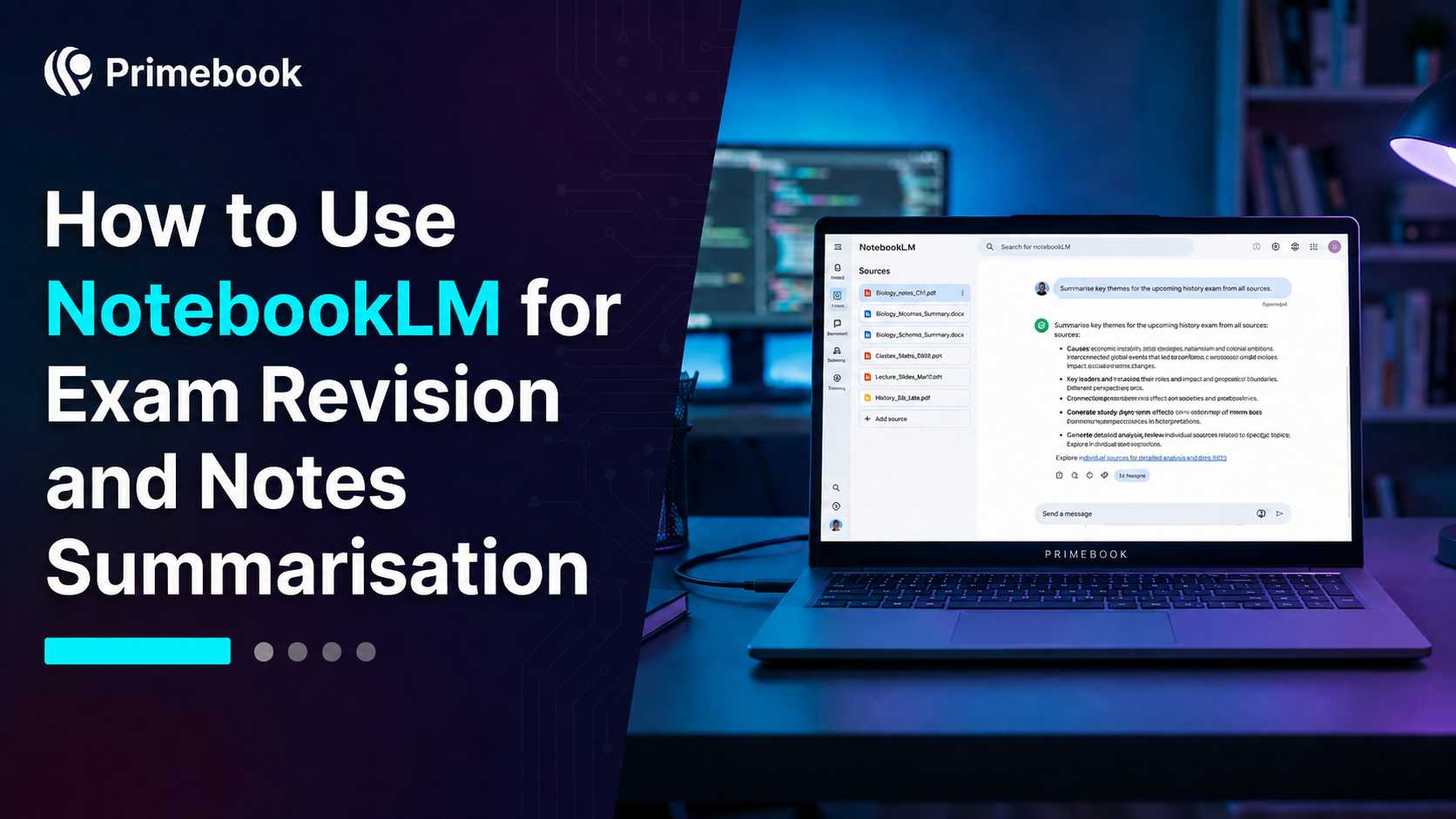
Create a Study Guide with NotebookLM for Exam Revision

Table of Contents
- Introduction
- What NotebookLM Actually Does for Revision
- Setting Up Your Sources the Right Way
- The Summarisation Workflow Step by Step
- Using NotebookLM for Active Revision
- Common Mistakes Students Make
- Conclusion
- FAQ
Introduction
Revision rarely fails because of effort. It fails because students are forced to jump between textbooks, coaching PDFs, handwritten notes, YouTube lectures, and bookmarked resources while trying to revise efficiently. The real problem is not a lack of study material. It is the friction created by scattered information. NotebookLM, Google's research and summarisation tool built on Gemini, helps solve this problem by turning all your study material into a searchable, structured revision environment.
For Indian students juggling NCERT textbooks, coaching PDFs, YouTube lecture transcripts and self-made notes across multiple subjects, NotebookLM acts as a personal study layer that reads everything once and stays available for every question afterwards. This guide walks through using NotebookLM for students preparing for boards, JEE, NEET, UPSC, CAT or any exam where source volume is the real enemy.
What NotebookLM Actually Does for Revision
NotebookLM is a source-grounded AI notebook. Unlike ChatGPT or Gemini's general chat, it only answers from the documents you upload, which means citations point to your own material. This matters for exam prep because hallucinated facts can derail an entire chapter's understanding.
It accepts PDFs, Google Docs, slides, web URLs, YouTube videos and pasted text. Once sources are loaded, it can generate study guides, briefing documents, timelines, FAQs and audio overviews automatically. Each answer cites the exact source paragraph, so you can verify before trusting.
For exam preparation, this means students spend less time locating information and more time revising it. Instead of repeatedly opening multiple documents to find a concept, they can retrieve answers, summaries, and explanations from a single workspace. In practice, revision shifts from searching across resources to interacting directly with the information they need.
Setting Up Your Sources the Right Way
The quality of NotebookLM's output depends entirely on the quality of inputs. A messy notebook produces messy revision.
- Visit notebooklm.google.com and sign in with a Google account. The free tier supports up to 50 notebooks with 50 sources each.
- Create one notebook per subject, not per chapter. This prevents information from becoming fragmented across multiple notebooks and helps maintain revision continuity when topics overlap.
- Upload your core textbook PDF first (NCERT, standard reference book), then add class notes, then add coaching handouts. This structure mirrors how students naturally revise: textbook first, supporting notes second, coaching material third. Keeping sources organised improves retrieval quality and reduces time spent verifying information later.
- Add YouTube lecture URLs directly. NotebookLM transcribes and indexes them, so a 90-minute Physics Wallah or Khan Academy lecture becomes searchable text.
- Avoid uploading scanned, low-quality PDFs without OCR. Run them through a tool like Adobe Scan first so the text is machine-readable.
The Summarisation Workflow Step by Step
Once sources are loaded, the Studio panel on the right side becomes the revision engine. Use it in this order rather than randomly clicking buttons.
- Start with a Study Guide. This produces a structured outline of key concepts, definitions and likely questions across all sources. Treat it as your chapter map.
- Create a Briefing Doc next. This is a 1-2 page executive summary, useful the night before an exam when you cannot re-read 200 pages.
- Build a Timeline for History, Polity, Economics or any subject where chronology matters. It auto-extracts dates and events from your uploads.
- Use the FAQ generator to surface questions the tool predicts an examiner might ask, based on the density and emphasis within your sources.
- Generate the Audio Overview for passive revision during travel or breaks. Two AI hosts discuss your material in a podcast format, which is surprisingly effective for retention.
Using NotebookLM for Active Revision
Summaries alone do not produce recall. Active recall does. Use the chat panel to interrogate your own notes.
Ask precise prompts like: "Generate 10 short-answer questions from the chapter on thermodynamics, with model answers under 50 words each." Then close the laptop and answer them mentally. Reopen, compare, and ask NotebookLM where your reasoning diverged from the source.
For numerical subjects, ask "List every formula introduced in these sources with its conditions of use." For theory-heavy papers like UPSC GS or CAT VARC, ask "Compare the arguments of source 1 and source 3 on this topic." This is closer to how exams actually test you, and it forces deeper processing than passive summarisation. Indian learners working on lightweight setups can run NotebookLM entirely in-browser without any installation overhead.
Common Mistakes Students Make
- Uploading 50 sources at once. Quality beats quantity. Five well-chosen sources per subject outperform a dump of every PDF you ever downloaded.
- Trusting summaries without checking citations. Every NotebookLM answer carries a footnote linking to the source line. Click it. Verify it. Especially for dates, formulas, definitions.
- Skipping the audio overview. Students dismiss it as gimmicky, but it works well for revision during commutes or while exercising.
- Asking vague questions. "Explain this chapter" produces generic output. "List the three causes of the 1857 revolt as presented across all my sources, with one supporting line each" produces exam-grade output.
- Using it as a replacement for practice. NotebookLM organises knowledge; it does not write your mock test for you. Pair it with question banks and Quizlet AI for flashcards or competitive exam apps.
Conclusion
The shift NotebookLM enables is small but meaningful: revision moves from re-reading to interrogation. Your textbook stops being a wall of text and starts behaving like a study partner that has read everything once and is ready to answer specifically. For students managing five subjects and limited time, that is the difference between finishing the syllabus and actually retaining it.
FAQ
Is NotebookLM free for students in India?
Yes. The standard version is free with any Google account and supports up to 50 notebooks with 50 sources each. A paid NotebookLM Plus tier exists for higher limits, but the free tier is sufficient for most exam preparation needs.
Can NotebookLM read Hindi or regional language PDFs?
Yes. NotebookLM supports multiple languages including Hindi, Tamil, Bengali and others for both input sources and output responses. You can upload a Hindi NCERT PDF and ask questions in English, or vice versa.
Does NotebookLM work offline for revision?
No. NotebookLM is a browser-based tool that requires an active internet connection because processing happens on Google's servers. For offline revision, download the generated study guides and audio overviews to your device beforehand.
How is NotebookLM different from ChatGPT for studying?
By default, ChatGPT relies on its general knowledge, while NotebookLM is designed to work primarily from sources you provide.
Can I share my NotebookLM notebook with study partners?
Yes. NotebookLM allows you to share a notebook with view or edit access via a link, similar to Google Docs. This is useful for group study where one person curates sources and others query them collaboratively.