Blogs / How To / How to Use Notion AI for Semester Notes and Revision
Blogs / How To / How to Use Notion AI for Semester Notes and Revision

Primebook Team
11 Jun 2026
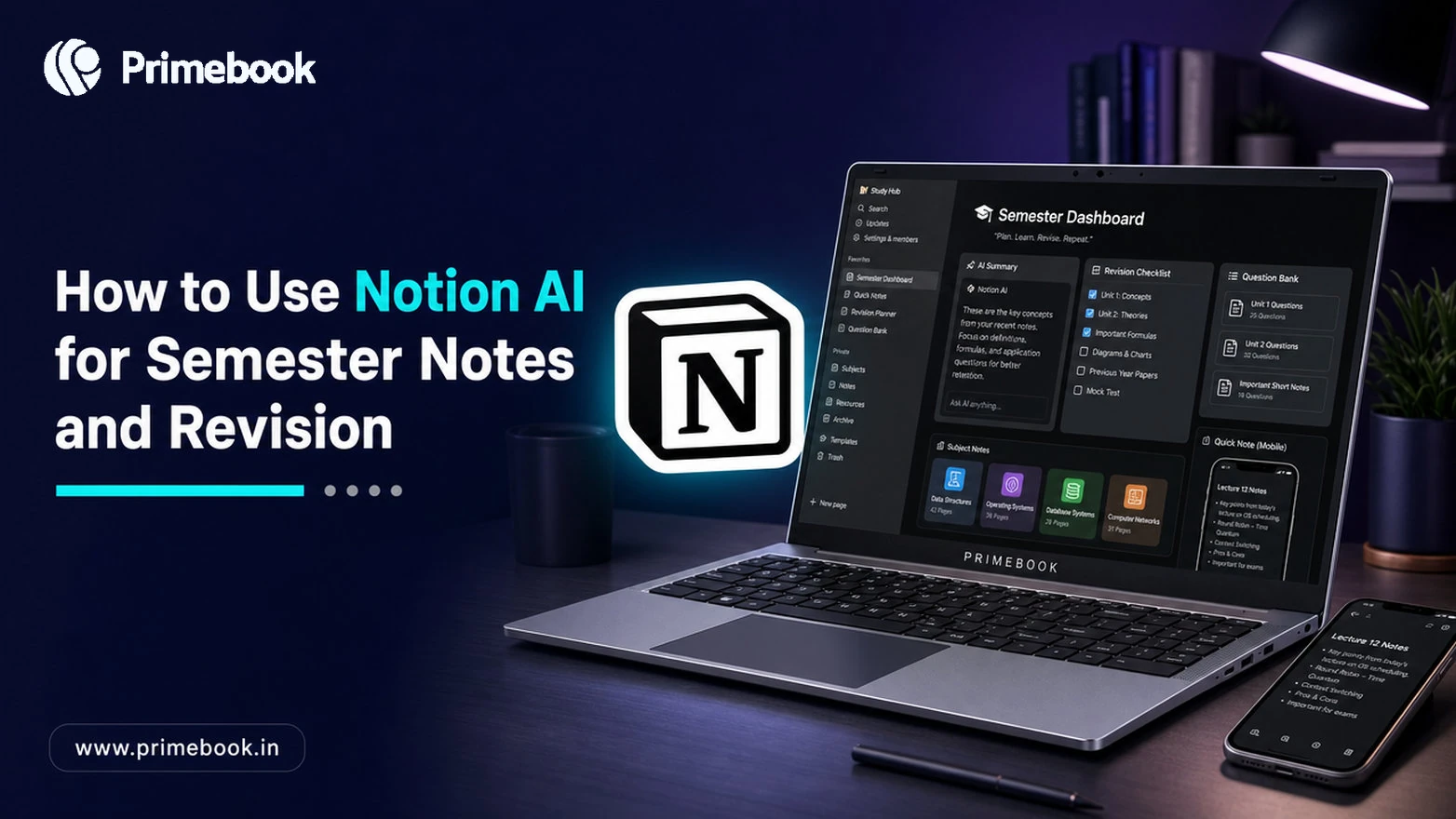
How to Use Notion AI for Semester Notes and Revision
Table of Contents
- Introduction
- Set Up the Workspace First
- Capture Lecture Notes Without Losing the Thread
- Generate Summaries and Revision Pages
- Build a Question Bank for Active Recall
- Sync Mobile and Laptop for Revision Sprints
- Common Mistakes to Avoid
- Conclusion
- FAQ
Introduction
Most Indian students do not lack study material. They lack a structure that turns 12 weeks of lectures into a revision system before exams. By the time the semester ends, notes are scattered across notebooks, PDFs, screenshots, and three different apps. The goal is not to create more notes. It is to turn scattered lecture material into a system where capture, revision, and recall happen in the same place. The workflow below follows that progression from raw notes to exam-ready revision.
Notion AI sits inside Notion's workspace and reads what you have already written, then summarises, restructures, and generates questions from it. According to Notion's official Education page, students get Notion AI at a discounted rate, and the platform is used by millions of learners worldwide for course planning and exam preparation. This guide explains how to use Notion AI for students in a way that holds up from week 1 lectures to the night before the paper.
Many students switch between phones and laptops throughout the semester, so the note-taking system needs to remain usable across both devices.
Set Up the Workspace First
Before opening Notion AI, build the container it will operate on. A messy workspace produces messy summaries.
- Create one parent page titled by semester (for example, Semester 4).
- Inside it, create one sub-page per subject.
- Inside each subject, add three databases: Lectures, Readings, Revision.
- Install the Notion Web Clipper to save PDFs, journal articles, and reference pages directly into Readings.
This three-database structure matters because Notion AI works best when it has a clear source to reference. Asking AI to summarise a chaotic page returns a chaotic summary.
Also Read: How to Set Up a Distraction-Free Study Profile on Android Laptop
Capture Lecture Notes Without Losing the Thread
During lectures, type rough notes into the Lectures database. Do not try to polish them in real time. Capture keywords, examples mentioned by the professor, and questions you could not answer.
After the lecture, open the page and type /AI to insert an AI block. Use the prompt: "Rewrite the notes above as structured study notes with headings, definitions, and one example per concept." Notion's official AI documentation confirms that highlighting raw content and using Ask AI is the intended workflow for converting drafts into clean notes.
The output becomes your week-by-week notes. The rough version stays underneath as a fallback in case AI misreads a concept.
Also Read: How to Use Google Scholar for Academic Research
Generate Summaries and Revision Pages
Two weeks before exams, the Lectures database holds 30 to 40 pages per subject. Reading all of them again is not revision; it is rereading. Use Notion AI to compress.
Open a new page inside the Revision database. Use Ask AI with the prompt: "Summarise all lecture notes under Subject X into one revision page covering definitions, key formulas, and the three most-tested concepts." Notion AI can use the linked notes and page content as context to generate a consolidated revision page, provided the source material is organised clearly.
A peer-reviewed 2024 study in Computers and Education found that students using AI tools to summarise and restructure lecture notes performed significantly better on conceptual questions than those relying only on manual notes. One likely reason is that summarisation encourages students to identify relationships between concepts rather than repeatedly reviewing information in its original form. By exam week, the goal is to replace dozens of lecture pages with a handful of revision documents that can be reviewed in a single sitting.
Also Read: How to Use NotebookLM for Notes Summarisation
Build a Question Bank for Active Recall
Summaries are passive. Recall is active. After generating each revision page, prompt Notion AI: "Generate 10 practice questions from the page above, mixing definitions, application, and one previous-year style problem."
The official Notion AI Study Guide template uses this exact pattern: AI-generated practice questions paired with the source material. Answer the questions without looking at the notes first, then check. The gap between your answer and the correct one is where actual learning happens.
For Indian competitive exam contexts, several preparation apps can supplement this with previous-year question banks for context.
Sync Mobile and Laptop for Revision Sprints
Notion syncs natively across devices, but the workflow needs intent. Use the laptop for capture and AI generation (typing speed matters, AI prompts work better on a full keyboard). Use the phone for revision reviews during commute or between classes.
Pin the Revision database to your phone's Notion sidebar. Set the AI-generated summaries to display in compact mode so they read cleanly on a small screen.
Common Mistakes to Avoid
| Mistake | Why it breaks revision | Fix |
|---|---|---|
| Asking AI to "summarise the whole semester" | Output becomes too generic to revise from | Summarise subject-by-subject, then chapter-by-chapter |
| Trusting AI output blindly | AI can misread formulas or invent context | Cross-check against original notes once per page |
| Generating summaries the night before exams | No time to engage with the material | Build summaries during the semester, not at the end |
| Using only AI-written notes | Loses your own framing and class examples | Keep rough notes underneath every AI block |
Conclusion
Students often spend more time searching for better study methods than improving the systems they already have. The value of Notion AI is not that it changes how people learn, but that it reduces the organisational friction that often gets in the way of learning. When lecture notes, revision material, and practice questions live in the same workflow, studying becomes less about finding information and more about engaging with it.
FAQ
Is Notion AI free for students in India?
Notion offers a discounted Education plan for students and educators with a valid academic email. The free tier of Notion is available to everyone, but the AI features are part of a paid add-on. Check the official Education page for current pricing.
What are some useful Notion AI prompts for revision?
Students commonly use prompts such as "Rewrite these notes as structured study notes", "Summarise this chapter into one revision page", and "Generate 10 practice questions from the material above". More specific prompts generally produce more useful outputs, so include the topic, format, and level of detail you want.
Does Notion AI work offline?
Notion AI features require an internet connection because the AI processing happens on cloud servers. The Notion app itself supports limited offline access for previously opened pages, but generating new summaries requires you to be online.
How accurate are AI-generated summaries for technical subjects?
Accuracy is high for definitions and concepts, but formulas, equations, and step-by-step derivations should always be cross-checked against the source. AI can occasionally simplify a derivation in a way that loses precision, so technical subjects need manual verification.
Editorial Transparency: Primebook's editorial team uses a combination of human expertise, research, and AI-powered tools to create and refine content. Every article is reviewed and validated by our team before publication to ensure accuracy, clarity, and usefulness for readers.


 Related Blog