Understanding Cloud PC: When Streaming a Computer Makes Sense

Table of Contents
- Introduction
- What Is Cloud PC?
- When Streaming a Computer Makes Sense
- Is India's Network Ready for Cloud PC?
- Where Primebook Fits in a Cloud PC Workflow
- Conclusion
- FAQ
Introduction
A designer needs Photoshop for one client project a month. A student needs a heavy compiler only during a semester lab. Buying a machine powerful enough for those rare spikes means paying for horsepower that sits idle most days. That mismatch, owning power you rarely use, is one of the frictions Cloud PC solves.
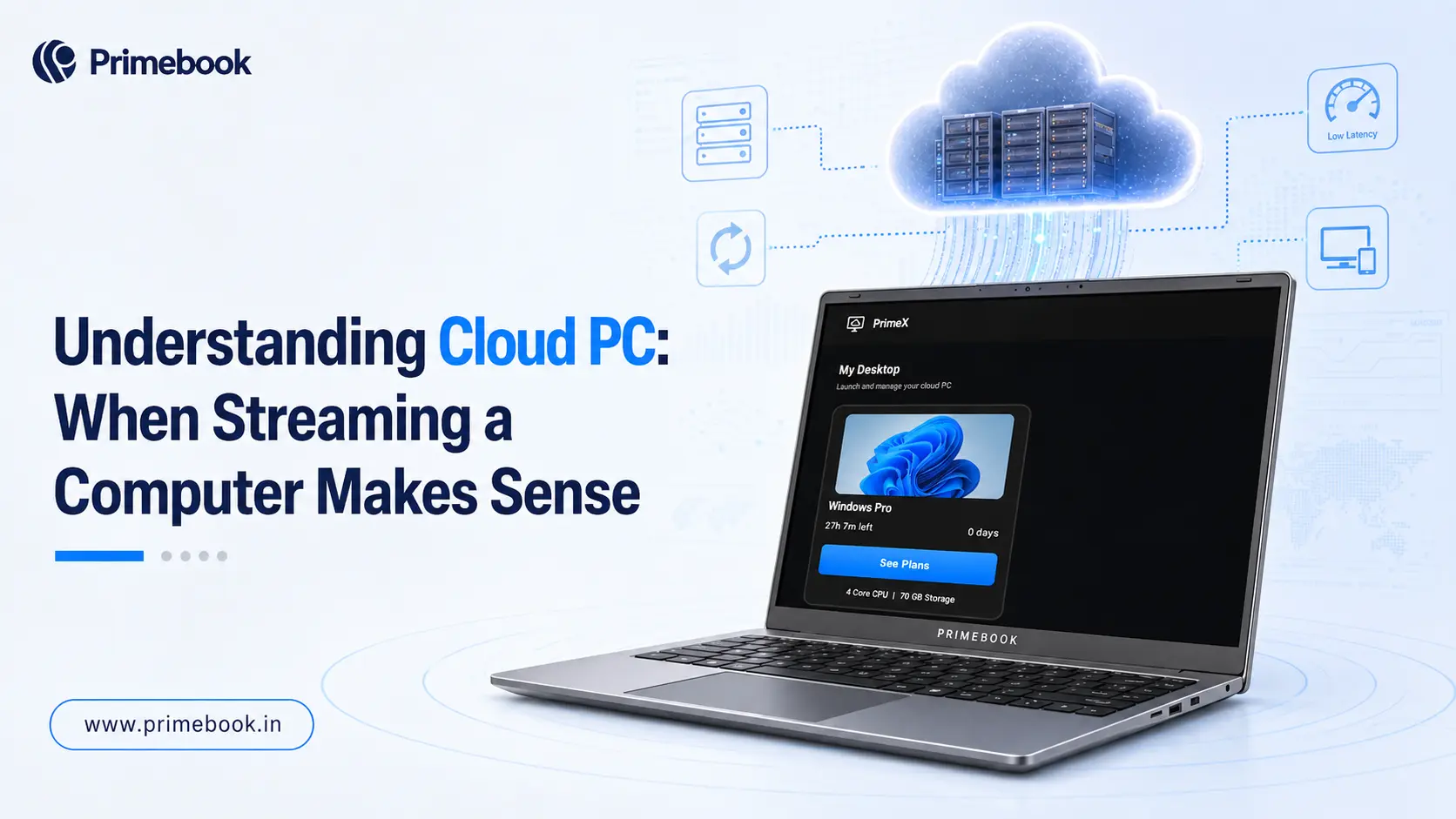
Instead of the computer living inside the device in your hands, it runs on a remote server and streams to your screen. Your laptop becomes a window into a far more capable machine that you can access only when you need it. The question worth asking in 2026 is not whether the technology works, but when streaming a computer is genuinely the smarter call over owning the hardware outright.
What Is Cloud PC?
A Cloud PC is a full desktop environment that runs on remote infrastructure and streams to your device over the internet, so processing happens on a server while your screen simply displays the result. This model is often sold as Desktop-as-a-Service (DaaS), and it sits inside a broader shift to on-demand computing rather than being a standalone gadget.
The scale is real, not experimental. According to Gartner's India forecast, DaaS spending is projected to reach USD 176 million in 2026, alongside total public cloud spending of USD 17.5 billion. So Cloud PC is one user-facing application of the broader cloud infrastructure organisations are already investing in.
When Streaming a Computer Makes Sense
Cloud PC is not a universal replacement for owning a device. It earns its place in specific workflows where flexible access, predictable costs, and multi-device continuity matter more than owning premium hardware.
Is India's Network Ready for Cloud PC?
Streaming a desktop depends heavily on a stable connection, so the network layer is a major factor in whether Cloud PC is viable for you. For most everyday Cloud PC use, a connection of around 20 Mbps can be sufficient, provided it remains stable and responsive. As of 2026, urban and semi-urban India largely clears that bar.
TRAI's wireline broadband performance report for April to June 2025 measured download speeds at the 90th percentile reaching 100+ Mbps for some leading providers and tariff plans. Structurally, India recorded 1,065.88 million broadband subscriptions by March 2026, with 5G population coverage at 85% by October 2025. Cloud gaming, which also relies on remotely rendered graphics being streamed over the internet, is itself projected to grow to USD 4,314 million by 2031, showing that graphics-heavy streaming is becoming viable alongside more conventional office workloads.
Where Primebook Fits in a Cloud PC Workflow
With a Cloud PC, your laptop mainly needs to provide a smooth way to access and interact with the remote desktop. That makes responsiveness, battery life and connectivity more important. Here, an Android laptop behaves well: it is naturally app-focused, lightweight, and built around continuity rather than raw local horsepower.
Primebook, running PrimeOS, is designed as a smart, value-driven access layer for exactly this kind of on-demand computing. Long battery life keeps a remote session uninterrupted, multi-window handling supports multitasking across a browser and streamed apps, and PrimeOS is designed to use system resources efficiently. For a deeper look at how this plays out for learners, see the walkthrough on Cloud PCs transforming learning in India.
Also Read:
Conclusion
As RAM, storage, and other hardware components become more expensive, the industry faces a growing challenge: how to deliver more computing power without making every device more expensive. Cloud PC can help shift that equation by allowing organisations to extend the life of existing hardware, reduce frequent device upgrades, and allocate computing resources based on actual demand.
For the industry, this could mean lower infrastructure overhead, more efficient resource utilisation, and greater flexibility in how computing capacity is deployed.
FAQ
Is Cloud PC good for students?
Cloud PC can be useful for students who need access to demanding software such as AutoCAD, VS Code, Android Studio, DaVinci Resolve, or MySQL Workbench for specific courses, projects, or labs without investing in a high-end laptop. It can also make it easier to access the same desktop environment across different devices.
Can I use a Cloud PC for coding and programming?
Yes. A Cloud PC can run development tools and programming environments remotely, making it useful for students and developers who need software or computing resources that their local laptop may not handle comfortably.
Can Cloud PC work without internet?
No. A Cloud PC relies on an internet connection because the desktop and its applications run remotely and are streamed to your device. If the connection drops, access to the Cloud PC can be interrupted.
Can I play Windows games using a Cloud PC?
Yes, you can play Windows games through a Cloud PC if the service provides the required GPU performance and supports the game. However, gaming is more sensitive to latency and connection quality than typical desktop tasks, so your experience will depend heavily on the Cloud PC's GPU, network latency, and the game itself.
Editorial Transparency: Primebook's editorial team uses a combination of human expertise, research, and AI-powered tools to create and refine content. Every article is reviewed and validated by our team before publication to ensure accuracy, clarity, and usefulness for readers.