Blogs / All About Primebook / JioOS Vs. PrimeOS: What’s The Difference?
Blogs / All About Primebook / JioOS Vs. PrimeOS: What’s The Difference?

Primebook Team
27 Mar 2026
JioOS Vs. PrimeOS: What’s The Difference?
Computing in India has evolved differently from traditional PC-first markets, with users relying more on mobile-led ecosystems than full desktop environments. This is because smartphones and affordable data scaled faster than personal computers, shaping app-first user behaviour.
For this reality, both JioOS and PrimeOS, two made-in-India operating systems, emerge as relevant computing models. However, they approach this shift through different system designs and engineering, leading to distinct ways of enabling everyday computing.
In this blog, we shall uncover the differences between JioOS and PrimeOS to understand how each system works in everyday use.
Service-Led vs Experience-Led Computing
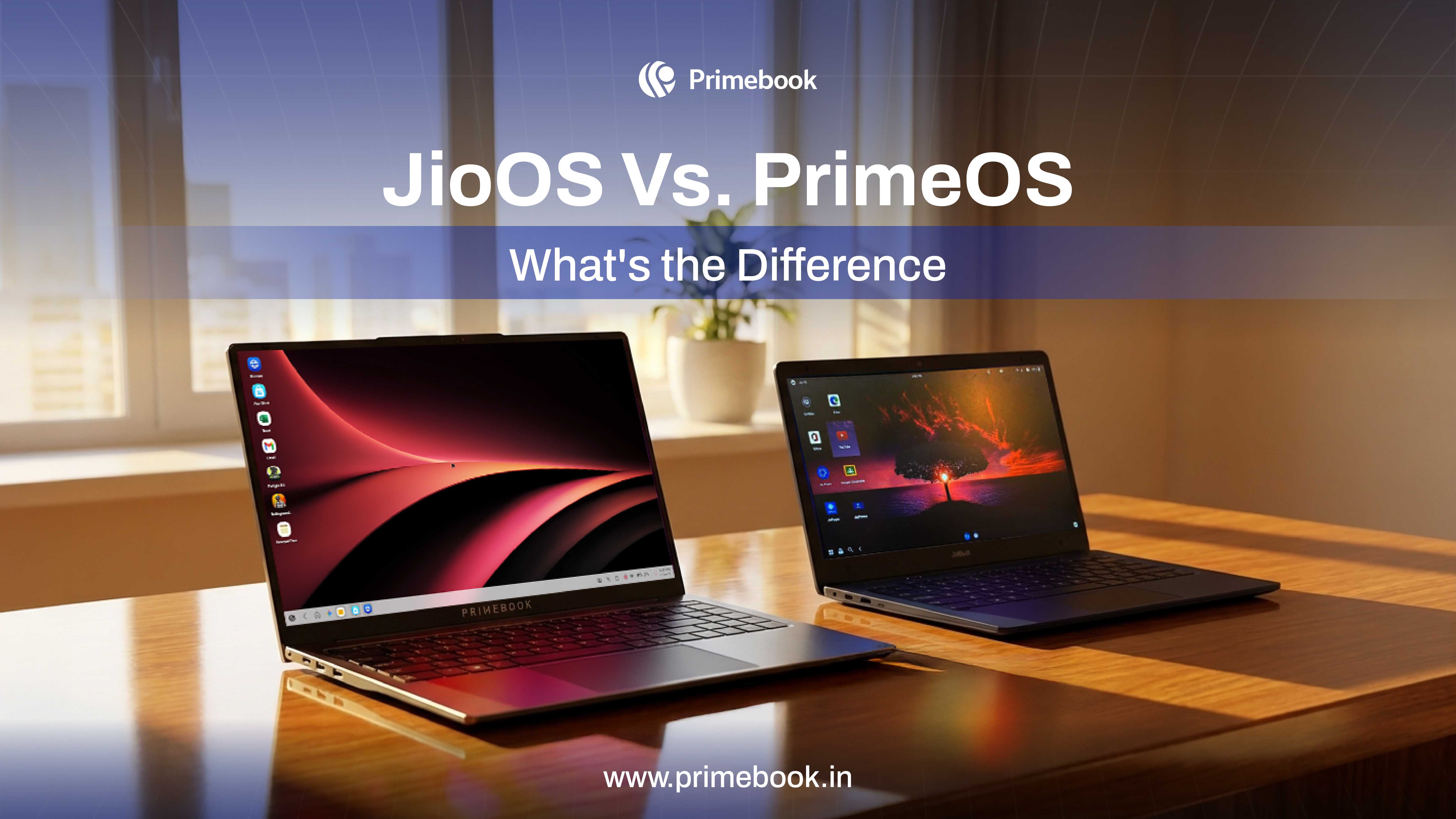
JioOS and PrimeOS, which power the JioBook and Primebook laptops, respectively, are both built on Android but designed with different priorities.
JioOS aims to integrate services, applications, and content into a single system, where computing exists as part of a broader digital experience.
PrimeOS, in contrast, focuses on how computing is experienced on Primebook laptops every day. It restructures Android into a desktop-style environment with multi-window support, taskbar navigation, and keyboard-driven workflows.
The difference lies in system focus:
-
JioOS is designed around access to services within an ecosystem
-
PrimeOS is designed around delivering a more structured computing experience
Also Read: ChromeOS Vs. PrimeOS
JioOS Vs. PrimeOS: Performance & System Behaviour
Performance in JioOS and PrimeOS is shaped by how each system is optimised for its hardware and usage patterns.
JioOS is designed to run efficiently on entry-level hardware, supporting smooth performance for everyday tasks like browsing, content consumption, and basic productivity. The system prioritises stability and low resource usage, making it suitable for lightweight, task-based usage.
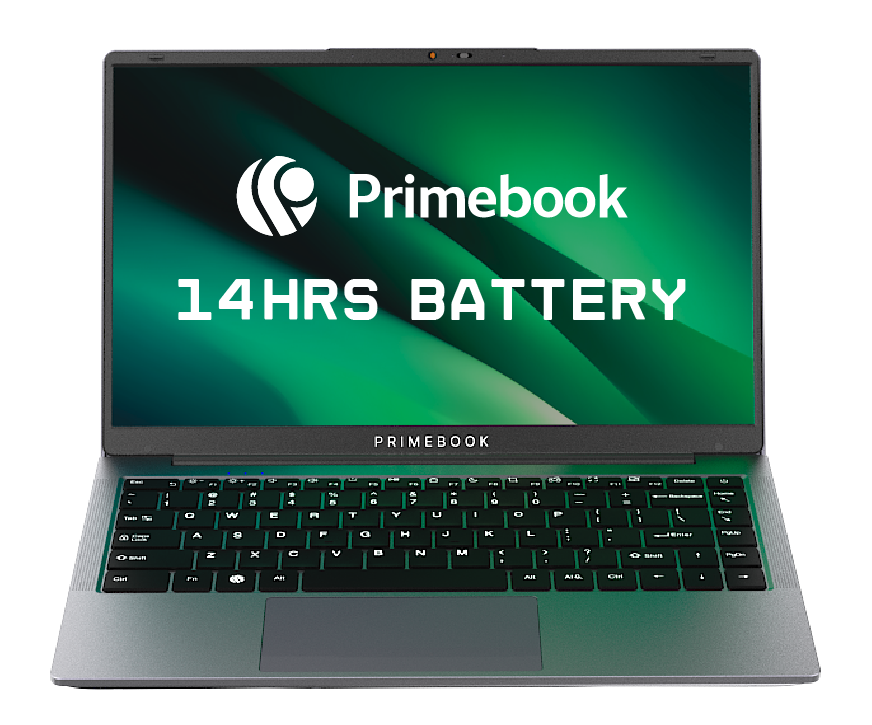
PrimeOS, in contrast, is deeply optimised for Primebook hardware, allowing it to deliver consistent performance across multitasking scenarios. While JioOS is based on Android 11, the latest PrimeOS 3.0 runs on Android 15, enabling newer features, improved app compatibility, and more efficient system optimisation. This optimisation extends to power efficiency as well, enabling up to 14 hours of battery life on Primebook 2 Pro and up to 12 hours on Primebook 2 Max, which is rarely seen in entry-level laptop segments.
In addition to system-level optimisation, PrimeOS enhances performance through usability features. For instance, the in-built keymapping feature allows users to map touch-based controls to keyboard inputs, improving responsiveness in apps and games.
While both systems support basic keyboard inputs, PrimeOS places a stronger emphasis on keyboard shortcuts and desktop-like controls, making navigation and task execution more efficient.
This leads to a difference in system behaviour:
-
JioOS focuses on efficient performance for basic, single-task usage
-
PrimeOS combines hardware optimisation with system features to enable sustained multitasking and longer usage sessions
Also Read: Tablet & Keyboard Vs. Primebook 2 Neo
JioOS Vs. PrimeOS: Cloud Computing Capabilities
JioOS and PrimeOS both offer access to cloud-based computing environments, but the depth and use cases differ significantly.
Platform & Access
-
Prime X: Available exclusively on Primebook laptops via a pre-installed Cloud PC app (subscription-based)
-
JioPC: Accessible through JioOS via Jio Set-Top Box, bundled with JioFiber connection
Device Dependency
-
Prime X: Works directly on a Primebook laptop (no additional setup)
-
JioPC: Requires TV, set-top box, external keyboard, and mouse
Operating Environment
-
Prime X: Full Linux and Windows environments
-
JioPC: Linux-like cloud interface with limited flexibility
User Experience
-
Prime X: Laptop-style desktop with multi-window support
-
JioPC: Simplified interface optimised for TV screens
Software Capability
-
Prime X: Supports development tools (VS Code, Git, Python), productivity software, and creator tools
-
JioPC: Primarily supports browser-based tools and e-learning platforms
Use Case
-
Prime X: Students, developers, freelancers, creators, professionals
-
JioPC: Entry-level users, families, basic learning, and browsing
In short, JioOS enables basic cloud-based computing through JioPC, supporting tasks like browsing, document usage, and e-learning. PrimeOS, on the other hand, extends into more advanced cloud computing with Prime X, supporting full-scale productivity, development environments, and creator workflows.
Also Read: Laptop for Cloud Computing
JioOS Vs. PrimeOS: Where AI Sits in the System
JioOS and PrimeOS both incorporate AI, but differ fundamentally in how it is positioned within the system and what it enables.
Type of AI Integration
-
JioOS: Assistant-led AI through voice assistant, chatbot, and system suggestions
-
PrimeOS: Execution-layer AI through Prime Agnt (Operator Mode), embedded directly into the OS
Core Capability
-
JioOS: Assists users with queries, navigation, and basic interactions
-
PrimeOS: Executes end-to-end multit-step workflows based on a simple user command.
Scope of Operation
-
JioOS: Limited to specific features and assistance layers
-
PrimeOS: Operates across the system, coordinating actions between apps, files, and workflows
User Interaction Model
-
JioOS: Interaction-driven, where users perform tasks step by step
-
PrimeOS: Outcome-driven, where users define what they want and the system executes the process
In short, JioOS uses AI to assist within the system, while PrimeOS introduces an execution layer through Operator Mode, shifting computing from manual interaction to outcome-based task completion.
Also Read: Windows vs. PrimeOS
Built-in Coding Environments: PrimeCoding vs JioBIAN
JioOS and PrimeOS both enable users to explore coding through JioBIAN and PrimeCoding, respectively. But they differ in how these environments are structured and accessed.
System Integration
-
JioBIAN: Runs as an emulated Linux environment within JioOS, which may introduce latency in some cases
-
PrimeCoding: Built directly into PrimeOS as a native system feature
Accessibility
-
JioBIAN: Requires setup and familiarity with Linux commands
-
PrimeCoding: Directly accessible via app and available to use offline after one-time setup, designed for ease of use
User Experience
-
JioBIAN: Command-line driven, closer to traditional development environments
-
PrimeCoding: Guided interface with a more structured and beginner-friendly approach, featuring an intelligent code editor for formatting, indentation, and suggestions, along with ad-free usage
Target Users
-
JioBIAN: Users with prior exposure to coding or Linux environments
-
PrimeCoding: Beginners, students, and early learners starting their coding journey
Also Read: Why is an Android Laptop Better than Windows for College Students
In a nutshell, the difference between JioOS and PrimeOS ultimately reflects how computing is evolving for new users. One focuses on simplifying access within a controlled environment, while the other focuses on enabling deeper capability on a personal device. As usage grows from basic tasks to more complex workflows, this distinction begins to shape how far a system can scale with the user.
 Related Blog