Blogs / All About Primebook / Windows Vs. PrimeOS: What’s the Difference?
Blogs / All About Primebook / Windows Vs. PrimeOS: What’s the Difference?

Primebook Team
25 Mar 2026
Windows Vs. PrimeOS: What’s the Difference?
Laptops today are shaped less by hardware specifications and more by the operating systems that power them. The OS determines how software is installed, how files are organised, how multitasking behaves, and how naturally a user transitions between different types of work.
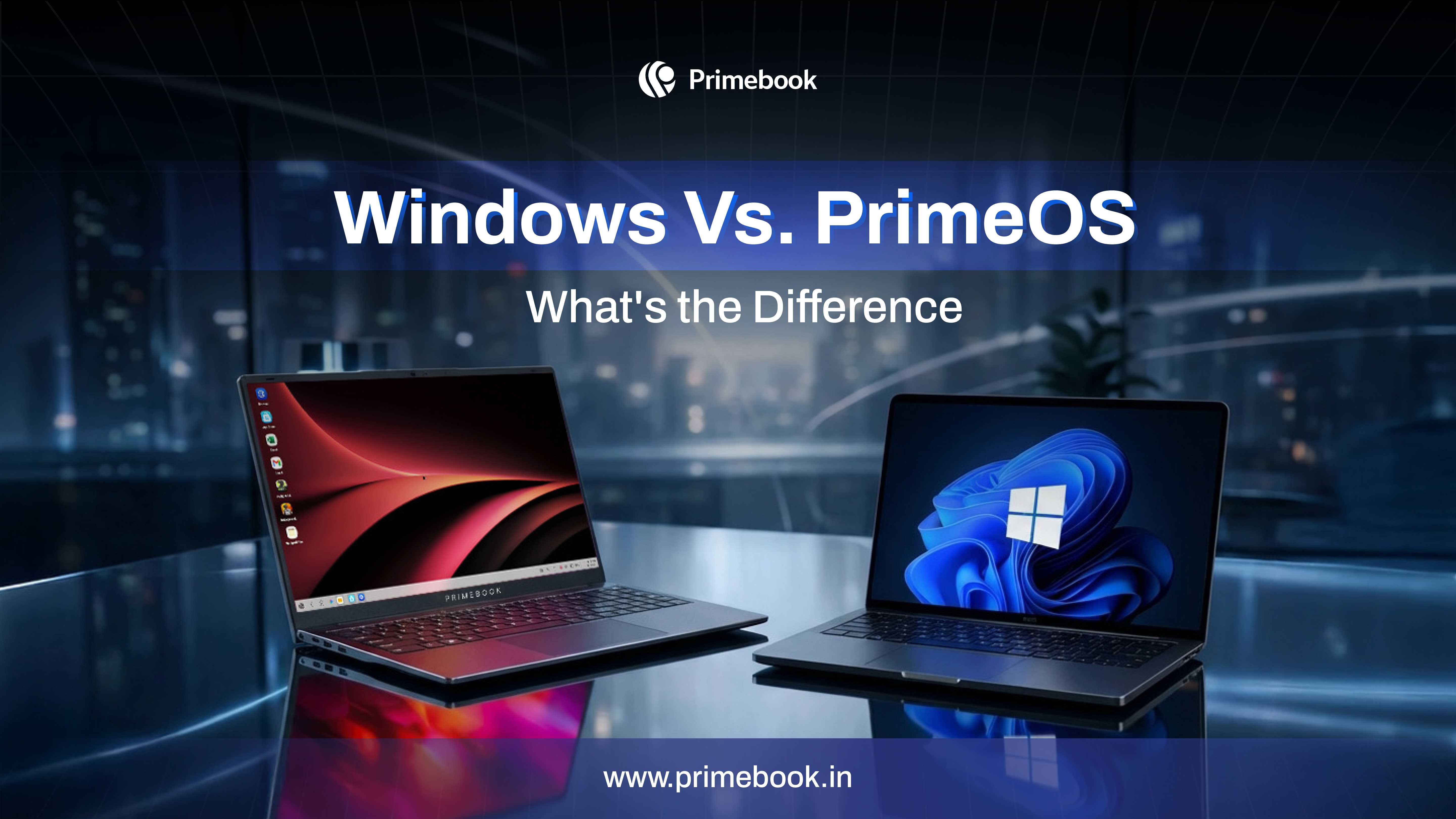
While Microsoft Windows powers a wide range of traditional PCs with a desktop-first architecture, PrimeOS powers Primebook laptops with an Android-first, laptop-optimised approach. Both support productivity, learning, and creative tasks, but they are built on fundamentally different computing foundations.
This comparison blog examines how Windows and PrimeOS shape everyday laptop usage through their design philosophies, software ecosystems, and expansion models.
Desktop-First vs App-First Computing
At their core, Windows and PrimeOS are built around different computing models.
Microsoft Windows was designed for desktop-class software. Applications are typically installed as executable programmes, often with deeper system-level integration. The operating system maintains broad backward compatibility, allowing software built years ago to continue functioning on modern machines. This continuity has made Windows a long-standing standard for enterprise tools, specialised software, and full-scale desktop workflows.
PrimeOS, in contrast, is based on Android 15 and redesigned specifically for laptops. Instead of centring the experience around traditional desktop programmes, it treats Android apps as primary computing tools. Multi-window multitasking support, a taskbar interface, keyboard shortcuts, and mouse input enable mobile-native applications to adapt to a structured laptop environment.
The philosophical distinction is clear: Windows extends desktop computing into modern devices. PrimeOS expands mobile-first app ecosystems into laptop form.
Also Read: Windows Laptop under 20000 Vs. Primebook 2 Neo
Software Ecosystem & Compatibility Models
Software ecosystems determine how an operating system adapts to user requirements.
On Microsoft Windows, the platform’s strength lies in the scale and historical depth of its software catalogue. From enterprise systems and institutional tools to industry-specific applications, Windows supports a wide range of programmes developed over decades. This continuity makes it suitable for workflows that depend on specialised or legacy environments.
PrimeOS enables access to a broad range of Android applications through its Prime App Store. Users can run these apps within a multitasking desktop-style interface on a laptop, covering categories such as productivity, finance, learning, communication, design, and entertainment.
PrimeOS also includes an App Request feature that allows users to request specific applications to be added to the ecosystem. This creates a flexible software model where availability can evolve based on user demand.
When workflows require traditional desktop environments, PrimeOS extends through Prime X, also known as Cloud PC. This built-in feature provides access to virtual Windows or Linux desktops through a subscription model. Instead of embedding full desktop-native software directly into the base system, PrimeOS introduces it as an on-demand layer.
This hybrid computing model allows users to access advanced desktop applications when required without depending on high-cost hardware upfront. Rather than purchasing a performance-heavy device for occasional specialised tasks, users can scale their computing environment as needed.
Also Read: ChromeOS Vs. PrimeOS
AI Capabilities in Windows and PrimeOS
Artificial intelligence is becoming increasingly integrated into modern operating systems, but its implementation differs in structure and accessibility.
On Microsoft Windows, AI capabilities are integrated through Copilot, which provides contextual assistance within supported applications and system environments. Its effectiveness often depends on version compatibility and how deeply individual applications integrate with the Copilot layer.
PrimeOS integrates Gemini AI directly into the laptop interface through a dedicated access key. Users can invoke AI assistance instantly while working across apps, browsing, or managing files. The assistant supports both typed and voice-based interaction, enabling real-time contextual guidance without switching environments.
In addition to Gemini, PrimeOS includes an AI-powered Global Search feature. This unified search layer allows users to query apps, files, system settings, and web results from a single interface. Instead of navigating multiple menus or directories, users can retrieve information through one AI-enhanced entry point.
The difference lies in how AI surfaces within the system. Windows integrates AI within its broader desktop ecosystem. PrimeOS embeds AI as a direct, device-level interaction layer accessible across workflows.
Also Read: 15-Inch Chromebook Vs. 15-Inch Primebook 2
Windows Vs. PrimeOS: Performance and System Expectations
System performance is shaped not only by hardware specifications, but also by the baseline requirements of the operating system itself.
Microsoft Windows is designed to support expansive desktop environments, complex background processes, and decades of software compatibility. While it can run on entry-level hardware, consistent performance often depends on stronger processors, higher RAM capacity, and faster storage. On cost-effective devices, especially during heavy multitasking, users may notice slower responsiveness due to the operating system’s broader resource demands.
Windows became the standard laptop operating system because it aligned with the environments laptops were first built for: offices, institutions, and large organisations. Over time, that scale became the norm. The system evolved around users already familiar with traditional desktop computing.
However, laptop usage patterns have shifted. In markets such as India, many users are not transitioning from high-end desktop environments. They are first-generation laptop users navigating mixed workflows that include studying, content creation, freelancing, design, small business operations, and skill development on a single device. Their usage is fluid rather than enterprise-defined.
This shift in user profile changes what system optimisation needs to prioritise. Instead of assuming prior familiarity with traditional desktop environments, the focus moves toward adaptability, responsiveness, and ease of use on cost-effective hardware.
PrimeOS follows this different optimisation philosophy. Built on Android, a lightweight OS architecture, PrimeOS is designed and rigorously optimised to deliver stable performance on cost-effective hardware configurations. The system prioritises responsiveness for app-driven workflows without assuming prior exposure to traditional desktop environments.
Windows typically runs best on stronger hardware. PrimeOS is designed to run smoothly on cost-effective devices while offering access to advanced desktop applications through Cloud PC when needed.
Windows Vs. PrimeOS: System Integration and Ecosystem Design
The way an operating system is structured and distributed influences how seamlessly software and hardware are aligned.
Microsoft Windows operates across a wide range of hardware manufacturers. This broad compatibility allows users to choose from numerous laptop brands and configurations. The operating system is designed to remain consistent across devices, regardless of the hardware ecosystem it runs on. Its updates are designed to function across this wide ecosystem of devices.
PrimeOS follows a more integrated approach. It is developed specifically for Primebook devices, where the software and hardware are designed to function together as a unified system. This tighter integration allows the operating system to be tailored and updated around defined hardware configurations rather than adapting to an open manufacturer landscape.
Also Read: 14-Inch Chromebook Vs. 14-Inch Primebook 2
To conclude, the difference between Windows and PrimeOS can also be seen in the learning curve. Windows builds on traditional desktop conventions that assume prior familiarity. PrimeOS draws from Android interaction patterns already used daily by millions. For many first-time or evolving laptop users, that familiarity can shape how quickly a device feels natural.
 Related Blog