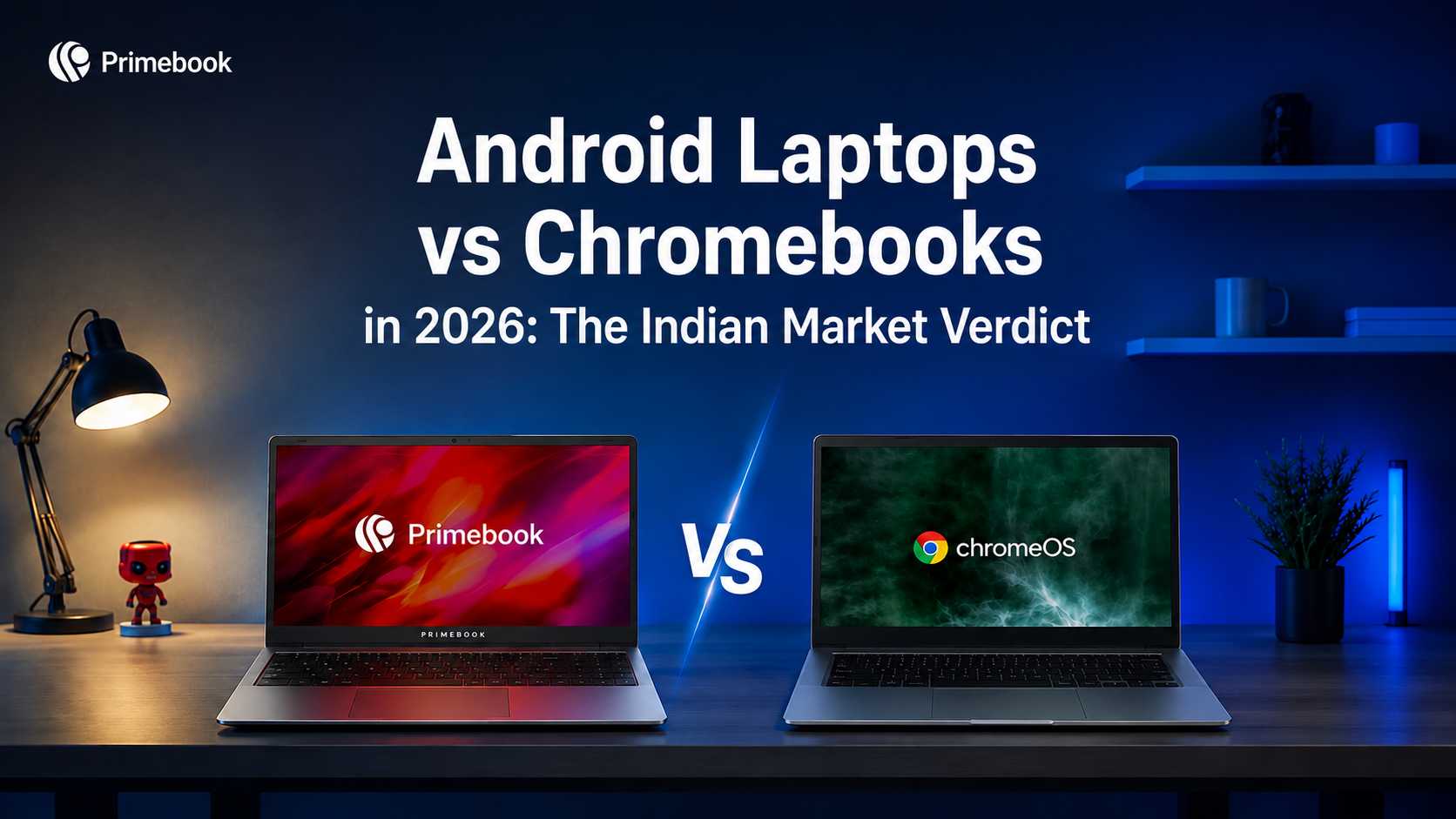
Android Laptops vs Chromebooks in 2026 - The Indian Market Verdict

Table of Contents
- Introduction
- What Actually Shifted in India's Computing Landscape
- The Ecosystem Familiarity Question
- Real-World Workflows: Where Each OS Behaves Differently
- The Offline vs Online Divide
- Comparison Snapshot
- What This Means for Indian Buyers in 2026
- Conclusion
- FAQ
Introduction
For nearly a decade, the conversation around lightweight laptops in India revolved around one assumption: if you wanted something simpler than Windows, ChromeOS was the obvious answer. That assumption is now being tested. A second category, Android-based laptops, has matured enough to be discussed in the same sentence, and Indian students, freelancers, and first-time laptop buyers are now evaluating two lightweight computing ecosystems with very different usage models.
The interesting thing is that the comparison is not really about specs. According to StatCounter India data showing Android mobile OS at 95.2% market share through Q3 2025, almost every Indian who buys a laptop today already lives inside the Android ecosystem on their phone. That single fact reshapes the entire question.
This article looks at how the two computing ecosystems behave in Indian usage conditions in 2026, where each makes sense, and which kind of user fits where. No verdict by brand. Verdict by workflow.
What Actually Shifted in India's Computing Landscape
Two years ago, ChromeOS had a clear narrative in India: schools, bulk procurement, browser-first computing, and a familiar Google identity. That narrative has weakened. IDC India reported a 15% year-on-year decline in Chromebook shipments in Q2 2025, primarily driven by reduced education sector demand and changing buyer expectations.
Meanwhile, Android laptops have moved from being an experimental category to a recognisable shelf in the Indian retail conversation. The shift is being driven more by user behaviour than marketing. Indian buyers spend 6 to 8 hours a day inside Android apps on their phones. When they sit in front of a laptop, the shift toward a browser-only environment feels like a downgrade in capability, not an upgrade.
Since 2023, Indian brands like Primebook have contributed to this category shift by building Android-first laptop ecosystems around app-native workflows, offline usability, cloud-based desktop access, and AI-layered computing experiences rather than traditional browser-centric assumptions. Now, the category is also being legitimised at the platform level. Google has recently signalled deeper Android integration on larger screens, which means the question is no longer whether Android belongs on laptops, but how well any given implementation handles it. This is gradually shifting Android laptops from being viewed as lightweight secondary devices to becoming viable primary computing environments for a much wider range of everyday workflows.
The Ecosystem Familiarity Question
Familiarity is an underrated factor in computing decisions. Research from NASSCOM and BCG's 2025 study on digital learning infrastructure found that 78% of Indian learners prefer interfaces they already recognise. That preference reflects how strongly existing device habits shape software adoption.
Chromebooks typically push users toward browser-first workflows built around Chrome and web apps. For someone who is already a desktop-trained Google Workspace user, this is seamless. For a first-time laptop buyer in Tier 2 or Tier 3 India whose entire digital memory is built on Android apps, this is a relearning curve.
Android-based laptops, by contrast, present the same app environment the user already knows. WhatsApp, UPI apps, Khan Academy, Photopea, regional language keyboards, all behave the way the user expects them to behave. The interaction model remains largely consistent across both devices.
Real-World Workflows: Where Each OS Behaves Differently
The differences become sharper when you look at specific tasks rather than feature lists. A student attending an online class on Unacademy or PW would experience a native app on Android and a web wrapper on ChromeOS. A freelancer editing reels on InShot or CapCut would find the workflow natural on Android and either limited or browser-dependent on many Chromebook environments. A small business owner managing customer chats on WhatsApp Business would have full native app behaviour on Android, partial functionality through Google Messages bridges on ChromeOS.
For coders, the picture flips slightly. Chromebooks have matured Linux container support, which makes it stronger for traditional development environments. Android laptops are catching up here, but the workflow is different in nature, often involving cloud-based IDEs or hybrid setups.
For research and document-heavy work, both systems handle Google Docs and browser-based research comfortably. The deciding factor is usually how the user handles content captured on their phone: photos, voice notes, scanned PDFs, screenshots. Android laptops handle this transfer natively; Chromebook workflows often require a cloud round-trip.
The Offline vs Online Divide
India still operates under highly uneven connectivity conditions across regions. IBEF's 2025 IT industry report notes that rural and semi-urban internet reliability remains inconsistent, even as broadband penetration grows.
This matters because most Chromebook environments still assume relatively stable connectivity. Offline modes exist, but the experience degrades when the connection drops. Android, in contrast, is built around offline-first behaviour for most apps, since smartphones have been navigating patchy networks in India for over a decade.
For a student in a hostel with shared Wi-Fi, a freelancer working from a train, or a small seller in a town with intermittent connectivity, this difference becomes visible in everyday usage conditions.
Comparison Snapshot
| Dimension | Android Laptops | ChromeOS Laptops |
|---|---|---|
| App ecosystem familiarity | High (same as phone) | Moderate (browser-centric) |
| Native Indian apps (UPI, regional, edtech) | Native support | Web versions only |
| Offline behaviour | Offline-first design | Cloud-dependent |
| Developer environments | Emerging | Mature (Linux containers) |
| Phone-to-laptop continuity | Native | Requires cloud sync |
| Best fit for | App-native Indian users | Browser-first power users |
What This Means for Indian Buyers in 2026
In practice, the choice depends on how you already compute, not on which OS sounds more modern in a review. If your workflow is built around Chrome browser, Google Workspace, and web-based tools, ChromeOS will feel like a logical extension of your existing habits.
If your workflow lives inside Android apps, native Indian platforms, regional content, offline-capable tools, and phone-first content creation, an Android laptop reduces friction in a way that ChromeOS cannot. The case for Android-based laptops in student workflows is built on this same logic.
The deciding question is not which OS is better in the abstract; it's which OS aligns more closely with the user’s existing computing behaviour. For more on how Android laptops are shaping learning beyond the classroom, and how the category is evolving with future trends in Android laptop technology, the broader trajectory is clear.
Conclusion
The Android vs ChromeOS conversation in India is not a contest between newer and older. It is a contest between two ways of how Indians actually compute. The difference increasingly comes down to whether the workflow depends more on browser-centric productivity environments or app-native mobile ecosystems. Neither assumption is universally right, but in the Indian context of 2026, one of them describes far more first-time and value-conscious laptop buyers than the other. The larger shift is that lightweight computing itself is becoming more app-native, AI-assisted, and cloud-extended rather than purely browser-dependent.
FAQ
Are Android laptops a real category in India in 2026?
Yes. Android-based laptops have moved from being an experimental segment to a recognisable retail category. Google's deeper Android-on-larger-screen integration and rising Indian buyer interest have legitimised the category beyond early adopters.
Which OS handles UPI and Indian apps better?
Android handles them natively, because these apps were built Android-first for Indian smartphones. On ChromeOS, most Indian apps work through web versions, which often miss features available in their native Android counterparts.
Is one OS better for coding than the other?
ChromeOS currently has more mature Linux container support, which suits traditional development workflows. Android laptops are improving here and work well for cloud-based IDEs, mobile-app testing, and lightweight coding environments.