Best Laptop Deals for Aspiring Indian Coders in Amazon Great Indian Festival (GIF) 2026

Introduction
Amazon Great Indian Festival 2026 is bringing a fresh wave of laptop deals, but for aspiring coders, the biggest discount isn't necessarily the best deal. What matters is whether the laptop can support the way you actually learn and build, from writing and testing code to working with Linux applications, researching online and accessing desktop environments when required.
If you're a student, beginner developer or aspiring coder looking to upgrade during GIF 2026, this guide breaks down the Primebook deals available during the sale and helps you choose the right model for your coding journey.
All About Amazon Great Indian Festival 2026
The Amazon Great Indian Festival (GIF) 2026 begins on 8 October, bringing deals across electronics, fashion, home appliances and more. Amazon is also offering a 10% instant discount on eligible SBI Credit and Debit Card and Credit Card EMI transactions, while Prime members can unlock additional benefits during the sale.
Electronics discounts are advertised at up to 80%. That figure is a category ceiling, not the rate on every laptop. For laptop shoppers, the festival can be a useful time to upgrade because the final price can combine the advertised sale price with eligible bank offers and other applicable promotions. However, offer eligibility, limits and pricing can vary by product, so always check the live Amazon listing before purchasing.
Why Should Aspiring Coders Buy a Laptop on Amazon GIF 2026?
Start Coding Without Overspending
For programming students and aspiring developers, a laptop is an investment in learning, projects and future career opportunities. GIF 2026 can make that upgrade easier by bringing selected laptops to festive price points.
Get More From Your Festive Purchase
The value of a GIF deal isn't limited to the headline discount. Eligible bank offers and other applicable promotions can further reduce the amount you pay, making it worth checking the complete offer before choosing a laptop.
Choose Based on Where You Are in Your Coding Journey
Whether you're learning your first programming language, building college projects or preparing for your first internship, your laptop requirements can vary. GIF 2026 brings different configurations and price points, giving you the flexibility to choose a machine that fits your current stage.
What Should Aspiring Coders Look for in a Laptop During GIF 2026?
The right coding laptop depends on more than its processor or discount. Before choosing a deal, aspiring coders should consider how they'll use the laptop for writing code, learning, running development tools and storing projects.
| Coding need | What matters | What to check |
|---|---|---|
| Writing and editing code | Responsive everyday performance | Processor, RAM and OS |
| Learning with multiple windows | Space for code, documentation and tutorials | Display size, resolution and multitasking |
| Development tools | Compatibility with the software you need | OS and application support |
| Long study sessions | Battery capacity and charging | Battery capacity, claimed battery life and charging |
| Storing projects | Enough room for projects and files | Storage capacity and expansion |
Working Out the Real Price at Checkout
The GIF price is where the calculation starts, but it may not be the final amount you pay. During GIF 2026, eligible customers may also benefit from instant bank discounts and applicable cashback offers.
Here's how to work out the actual cost:
- Start with the GIF price: Note the festive price shown on the Amazon listing.
- Apply the instant bank discount: Check the applicable bank offer and its eligibility, minimum transaction value and discount limit.
- Keep cashback separate: Cashback is credited later according to the applicable card and offer terms, so it should not be treated as an upfront discount.
- Check EMI costs: If you're choosing EMI, check the applicable interest, processing fees and other charges before calculating your total savings.
- Verify the final amount: Before placing your order, make sure the applicable discount is reflected on the payment page and check the final amount payable.
Remember: The listed GIF price, instant discount and cashback are different components of the offer. Checking them separately gives you a clearer picture of what you will actually pay and what you may receive later.
Best Primebook Laptop Deals for Aspiring Coders in GIF 2026
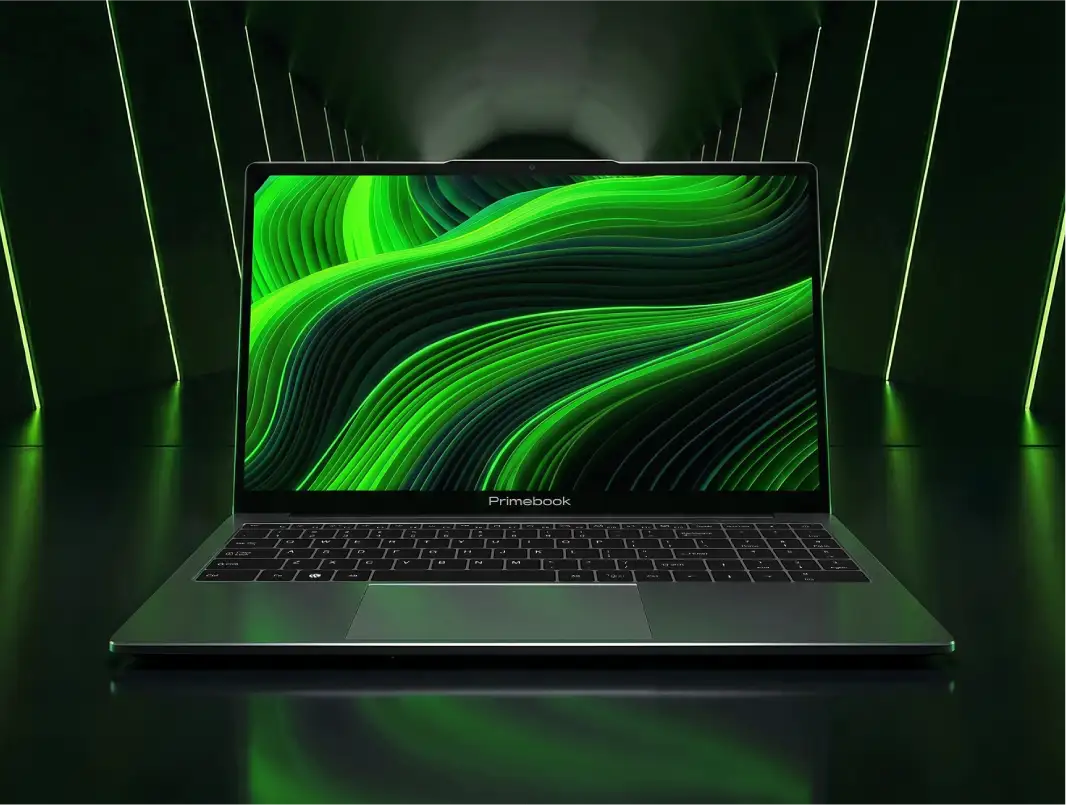
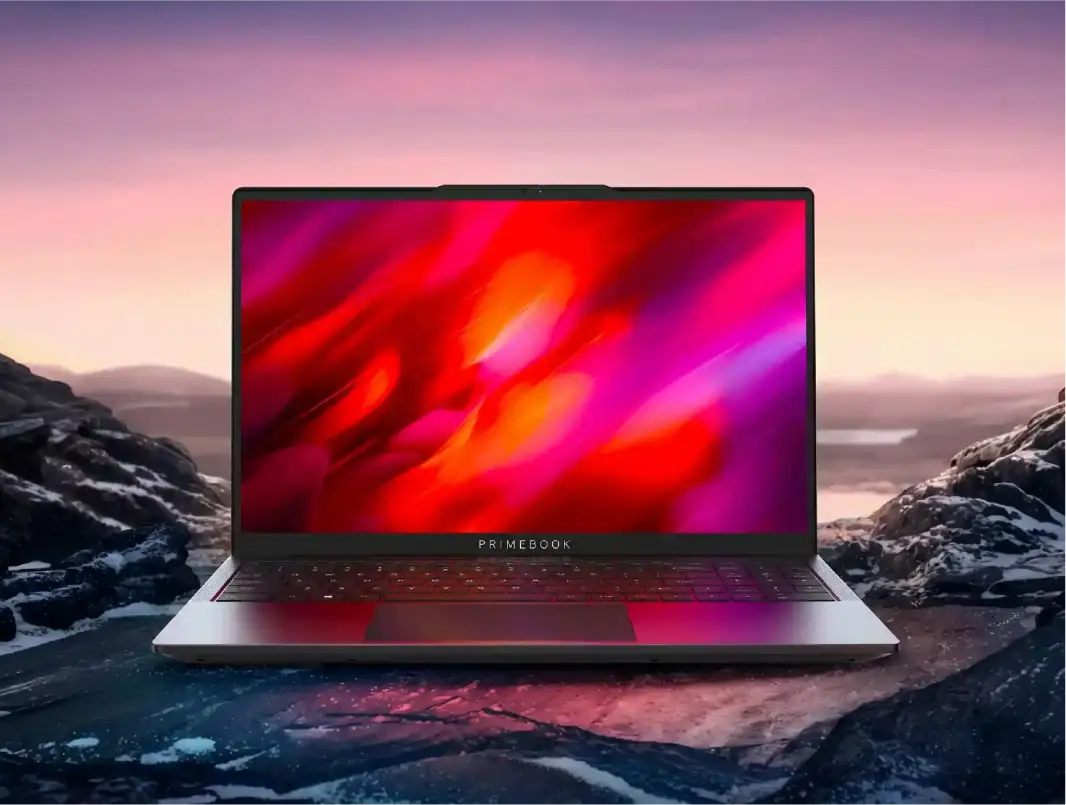
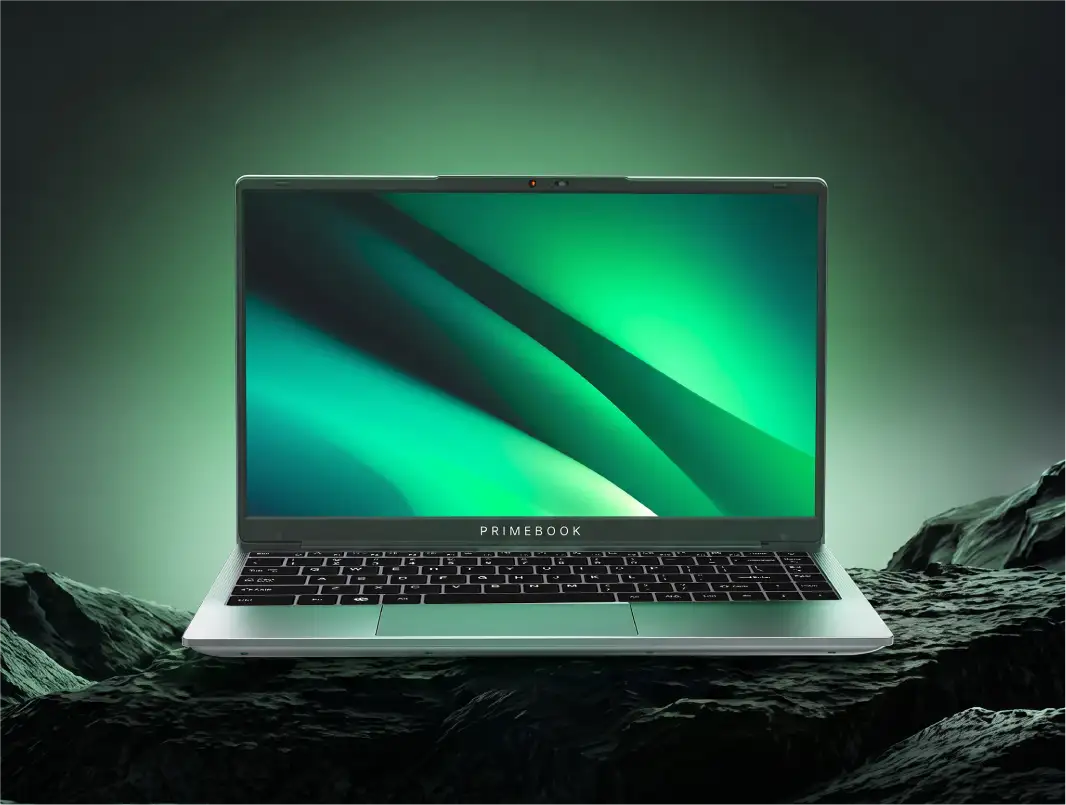
This Amazon Great Indian Festival, Primebook's laptop range will be available at special festive prices across different configurations. Whether you're looking for a starting point for coding, more storage for projects or the latest Primebook hardware, there are options across different budgets.
| Primebook | Regular Price | GIF Discount | GIF Price |
|---|---|---|---|
| Primebook 2 Pro | ₹28,990 | ₹2,000 | ₹26,990 |
| Primebook 2 Max 128GB | ₹30,990 | ₹3,000 | ₹27,990 |
| Primebook 2 Max 256GB | ₹32,990 | ₹2,500 | ₹30,490 |
| Primebook 3 Max | ₹35,990 | ₹2,000–₹2,500 | ₹33,490–₹33,990 |
Additional bank offer: Eligible customers can avail an instant bank discount of ₹2,250–₹2,500 across the models, subject to applicable payment and offer terms.
Beyond the overall savings, each Primebook model is suited to a different stage of the coding journey. With four configurations at different price points, the right Primebook depends on where you are in your coding journey and what you expect from your laptop. But the hardware is only one part of the equation. For aspiring coders, the software environment and access to the right development tools can be just as important.
Primebook 2 Pro: For Coding On the Go
With a 14.1-inch Full HD Anti-Glare display, 8GB RAM and 128GB UFS storage, Primebook 2 Pro offers a balanced setup for students learning programming, working on coding assignments and building their first projects. Its 60.3Wh battery delivers up to 14 hours of usage, giving it the longest battery life in the Primebook 2 lineup and making it particularly suited to students who spend long hours studying or coding away from a power socket.
Primebook 2 Max 128GB: For Learning and Building
With a 15.6-inch Full HD IPS Anti-Glare display, 8GB RAM and 128GB UFS storage, Primebook 2 Max 128GB gives aspiring coders more screen space for working across code, documentation, tutorials and research. It is suited to students moving beyond coding lessons into regular assignments and personal projects, where a larger display can make multitasking more comfortable.
Primebook 2 Max 256GB: For Bigger Projects and More Local Storage
With the same 15.6-inch Full HD Anti-Glare display and 8GB RAM as the 128GB configuration, Primebook 2 Max 256GB stands out with twice the internal storage. The additional 256GB capacity gives aspiring coders more room to keep projects, development files, resources and other coursework locally, making it a practical choice as their collection of work grows.
Primebook 3 Max: For the Next Generation of Coding Workflows
Primebook 3 Max brings newer-generation hardware with the MediaTek Genio 720, 8GB LPDDR5 RAM and 128GB UFS storage, along with a 15.6-inch Full HD IPS display. Its Genio 720 platform also includes an integrated NPU, making it the choice for users who want to move to Primebook's latest hardware platform while exploring newer AI-enabled workflows alongside coding and productivity.
| If your priority is... | Consider |
|---|---|
| Long study/coding sessions away from a charger | Primebook 2 Pro |
| More screen space for code + documentation | Primebook 2 Max 128GB |
| Keeping more projects locally | Primebook 2 Max 256GB |
| Newer-generation hardware and NPU | Primebook 3 Max |
Where Primebook Fits into a Coder's Shortlist
Choosing a laptop for coding is not only about the processor, RAM or storage. The operating environment also determines which development tools you can use locally and what options you have when your projects require software beyond the native setup.
Primebook laptops run on PrimeOS, a desktop-style operating system built on Android and its underlying Linux kernel. Designed for laptop use, PrimeOS brings a desktop interface, keyboard and trackpad support, multi-window multitasking and file management to the Primebook experience.
For aspiring coders, PrimeOS also provides access to a wider development environment through PrimeLinux and PrimeX Cloud PC, giving users different ways to work with coding tools depending on what their projects require.
Linux Development Tools and Terminal Access
PrimeLinux currently supports selected Linux applications including VS Code, GIMP, Postman, LibreOffice, Power BI and Arduino IDE. For a coding-focused workflow, VS Code can be used for writing and editing code, Postman for working with and testing APIs, and Arduino IDE for compatible hardware and embedded projects. The other applications extend PrimeLinux beyond coding into areas such as design, productivity and data work.
PrimeLinux also includes a Linux terminal, which is particularly relevant for students learning command-line development. The terminal supports Linux commands, CLI tools and Python scripts, allowing learners to run Python programmes, work with command-line utilities and follow development workflows that require terminal interaction.
This gives an aspiring coder more than a graphical code editor. They can learn to write code in VS Code, test APIs through Postman, experiment with Python scripts through the terminal and work with compatible hardware through Arduino IDE, all within the broader PrimeOS environment.
At the same time, PrimeLinux provides selected Linux applications, not the complete software ecosystem of a conventional Linux distribution. If a course or project depends on a specific IDE, framework, library or development tool, its compatibility should be checked before purchase.
PrimeX Cloud PC for More Development Environments
Some coding courses and projects require a broader desktop environment or software that is not available through PrimeLinux. This is where PrimeX Cloud PC extends the Primebook experience by providing access to Windows and Linux environments through the cloud.
Depending on the environment, this can give you access to development software such as Android Studio, MySQL Workbench, IntelliJ IDEA, PyCharm, WebStorm and Qt Creator, along with other desktop applications that may not be available locally through PrimeLinux.
The distinction is important. PrimeLinux is the local layer for selected Linux applications and terminal-based workflows, while PrimeX Cloud PC provides access to fuller Windows and Linux environments when a project calls for additional software.
PrimeX Cloud PC is a subscription-based service, so access to these cloud environments comes at an additional cost and should be factored into your overall budget. Since the service runs through the cloud, a reliable internet connection is also important for a smooth experience. It should therefore be considered an additional option for accessing specific development environments, rather than a free replacement for having Windows or Linux installed locally.
Also Read:
Conclusion
Your first coding laptop is more than a purchase for the semester. It becomes part of how you learn, experiment, make mistakes and turn ideas into working projects.
During GIF 2026, the opportunity is to start that journey with a setup that matches where you are today and gives you the tools to keep building tomorrow.
FAQ
Is Amazon Great Indian Festival 2026 a good time to buy a coding laptop?
Yes. GIF brings together festive pricing and eligible payment offers, making it a useful buying window for students and aspiring coders. The final value of a deal still depends on the configuration, applicable offers and what you need from the laptop.
Should I choose more storage or a larger display for coding?
It depends on your workflow. A larger display can make it easier to work across code, documentation and other windows, while additional storage gives you more room for projects and development files. Consider which limitation you are more likely to encounter as your work grows.
Is a laptop with an Android-based operating system suitable for coding?
Yes, an Android-based laptop can be suitable for coding, particularly for learners and developers whose required tools are supported by its software environment. What matters is not the operating system label alone, but whether it provides access to the programming languages, code editors, development tools and terminal capabilities your work requires. For specialised development workflows that depend on specific desktop software, compatibility should be checked before buying.
Editorial Transparency: This article was generated using AI and reviewed by the Primebook team before publication. AI was used to support research, structure and drafting, while the Primebook team reviewed the final article for factual accuracy, product relevance and clarity. Product specifications, pricing, offers and technical information were checked against relevant Primebook and Amazon sources.
Pricing and promotional offers may change during Amazon Great Indian Festival 2026. Please check the applicable offer terms and final price at the time of purchase.