Primebook 2 Max vs Primebook 3 Max: Differences & Similarities

Introduction
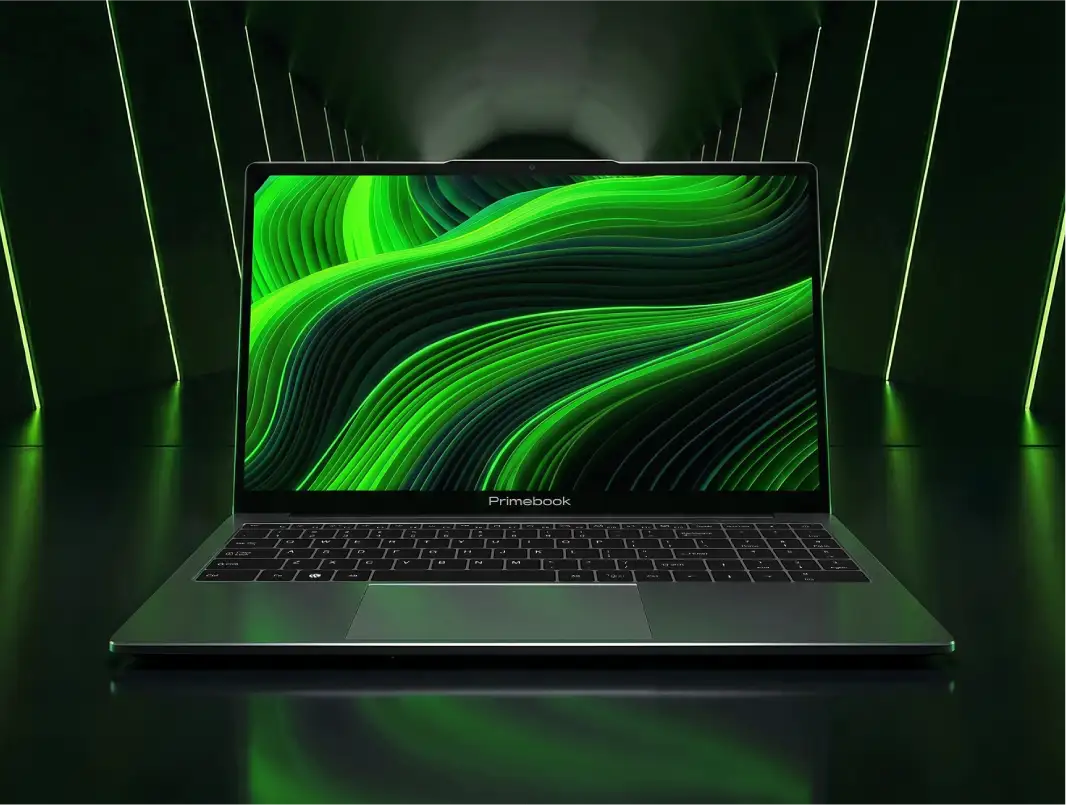
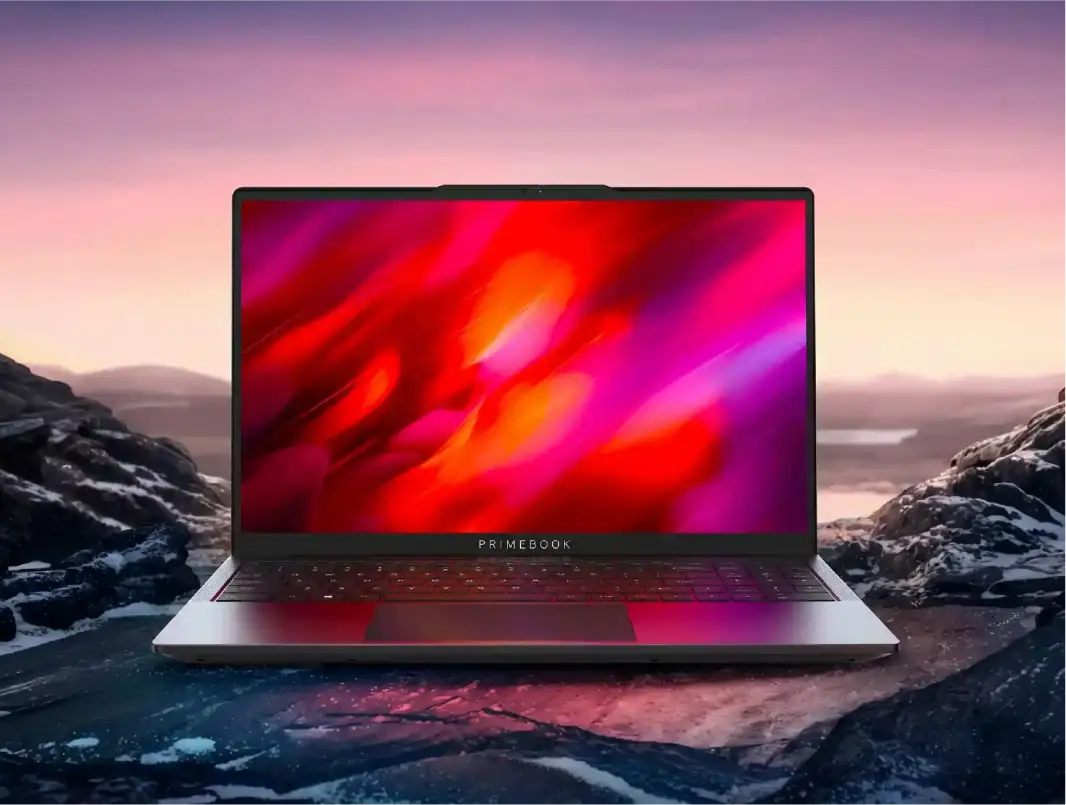
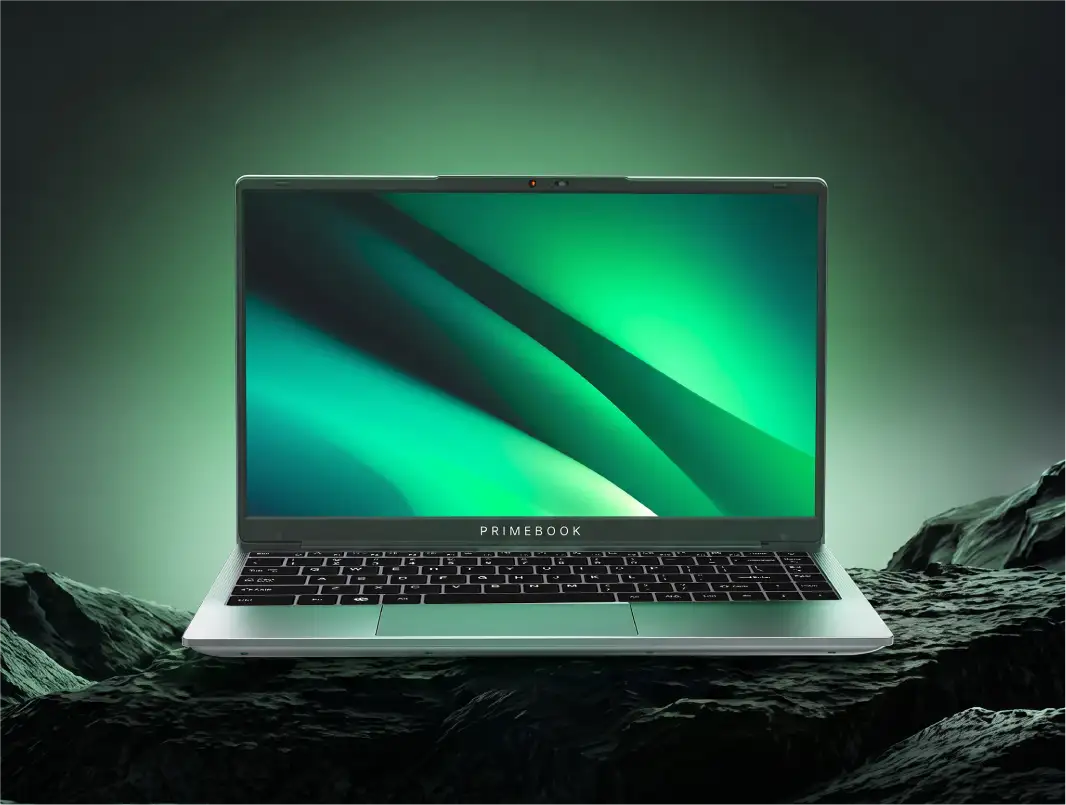
A new generation doesn’t always mean starting over. For Primebook, the upgrade from one laptop generation to the next is about evolving the hardware while continuing to build and innovate within the same computing ecosystem, centred around PrimeOS. The latest Primebook 3 builds on the Primebook 2 platform with newer hardware, while PrimeOS and the wider software ecosystem continue to evolve across generations. So the real difference is not simply old versus new. It is what the newer hardware platform brings to the experience, and what continues to work across the Primebook ecosystem.
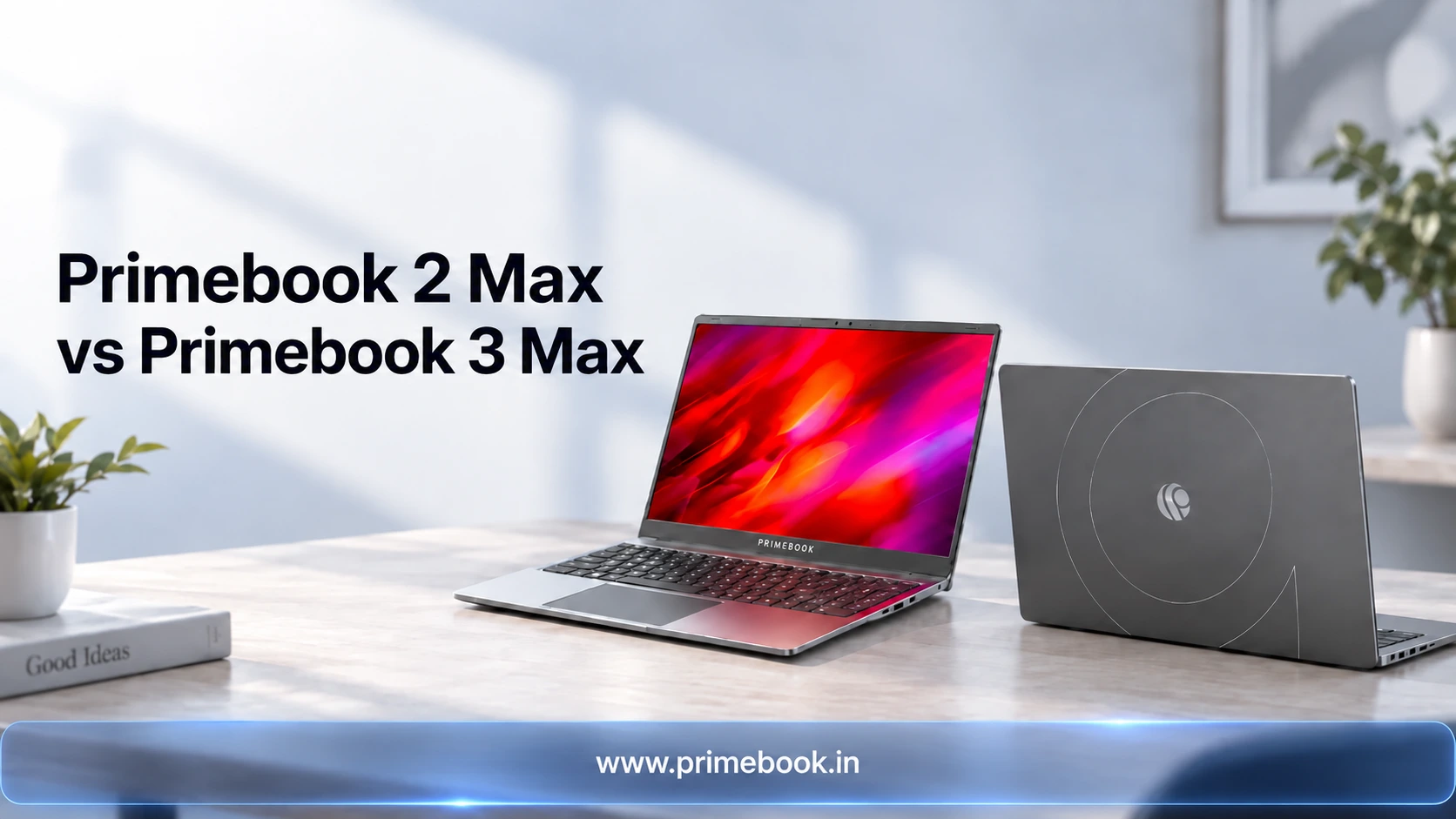
This comparison looks at the two 15.6-inch models, Primebook 2 Max and Primebook 3 Max, to understand where that hardware evolution shows up in everyday use. From the processor and memory to storage, battery, connectivity and hardware-enabled AI capabilities, we’ll break down what changes, what stays familiar, and what those differences mean when choosing between the two generations.
From One Laptop Generation to the Next
Primebook 3 builds on the foundation established by Primebook 2, but moves the hardware platform forward. The newer generation combines a new processor and memory architecture with hardware capabilities such as an on-device NPU, while retaining the core Primebook experience built around PrimeOS.
That evolution is also reflected in how the Primebook 3 story has been covered. Recent media coverage has focused not just on the hardware upgrade, but on what the combination enables in practice: broader productivity through PrimeOffice, access to selected Linux applications and a Linux terminal, and AI capabilities through PrimeAGNT alongside the Genio 720 platform. Gadgets Now, for instance, highlighted the expansion of PrimeOS beyond Android applications, while Fossbytes, Gizmochina and others focused on the combination of upgraded hardware and the broader software experience.
This means the two generations share more than just a name. The software ecosystem continues to evolve across Primebook, while the newer hardware platform determines which hardware-dependent capabilities are available and how far users can take particular workflows.
Primebook 2 Max vs. Primebook 3 Max: What’s Different
The biggest changes between Primebook 2 Max and Primebook 3 Max are in their purpose-built hardware. Gen 3 brings newer processing, memory, connectivity and camera capabilities, while retaining several core aspects of the physical Primebook experience.
What remains the same: Despite the hardware changes, several core specifications remain consistent across both generations. Both Primebook 2 Max and Primebook 3 Max feature a Full HD IPS anti-glare display, backlit keyboard with three brightness adjustment levels, dual stereo speakers, noise-cancellation microphones, a privacy shutter, Kensington Lock, and a 60.3Wh battery that delivers up to 12 hours of battery life. This battery life is achieved not just through the battery capacity, but also through PrimeOS optimisation that helps improve power efficiency.
Also Read: PrimeOS Vs Windows
What Changes in Day-to-Day Use
The practical difference between the two generations comes down to how much computing headroom your workflow needs. Primebook 2 Max is built around the requirements of everyday computing, while Primebook 3 Max gives users more room for heavier multitasking, newer AI-enabled workflows and more demanding setups.
Beyond processing, several of the hardware changes translate directly into how you can use the laptop:
- USB 3.2 Type-C: The addition of USB 3.2 Type-C makes it possible to connect an external display such as a monitor or TV, giving you more screen space for multitasking, presentations or entertainment.
- Wi-Fi 6: The move to Wi-Fi 6 brings technologies such as OFDMA and BSS Coloring, which are designed to improve network efficiency when multiple devices are sharing the same network. In everyday use, this can be particularly useful in crowded environments such as homes, offices, classrooms or public spaces, where several devices are competing for wireless capacity.
- Bluetooth 5.3: The upgrade from Bluetooth 5.1 to Bluetooth 5.3 brings features such as Connection Subrating, which can enable compatible devices to maintain lower-power connections and switch to higher-bandwidth activity more quickly when needed. Channel Classification can also improve connection reliability in certain conditions.
- Webcam: The move to a 5MP webcam with up to 1440p video gives Primebook 3 Max more capability for video calls, online classes, meetings and other camera-dependent workflows, where clearer image capture can make communication more effective.
-
Metallic Body: The move from a plastic construction to a metallic design gives Primebook 3 Max a more refined and durable physical build, while keeping the overall laptop lightweight.
Also Read:
The Software Experience Across The Laptop Generations
The operating system plays a central role in how a laptop actually feels to use. While hardware provides the underlying computing power, it is the OS that brings that hardware together with the applications and workflows users rely on every day. Things such as boot times, app loading, multitasking, responsiveness and how smoothly different tasks work together are shaped by the software layer running on the device.
For Primebook, this makes PrimeOS as important to the computing experience as the hardware itself. Built specifically around laptop use, PrimeOS brings together the hardware, applications and system-level features into a more cohesive environment, with the flexibility to support different ways of working as user needs evolve.
The key new OS-level developments are:
- PrimeOffice: PrimeOS brings everyday productivity directly into the laptop through PrimeOffice, a free productivity suite comprising PrimeDocs, PrimeSheets and PrimePresent for documents, spreadsheets and presentations. It is built for everyday work without a subscription, licence fee or ads, and works offline. Users can also open, edit and save Word, Excel and PowerPoint files, while familiar Microsoft Office shortcuts, autosave and direct printing make it easier to continue existing workflows. For students, that could mean working on assignments and presentations; for professionals, preparing reports, spreadsheets and presentations; and for anyone working without reliable internet, continuing to work directly on the device.
- PrimeLinux: PrimeOS also expands beyond the Android ecosystem with native access to selected Linux applications and a Linux terminal. Users can work with tools such as VS Code, GIMP, Postman, LibreOffice, Power BI and Arduino IDE, while the terminal supports Linux commands, CLI tools and Python scripts. This gives students learning to code, developers, engineers and technical users access to more specialised workflows on the same laptop, instead of needing a separate device simply because their software requirements have changed.
- PrimeAGNT: PrimeOS brings AI into the computing workflow through PrimeAGNT, an Operator AI designed to execute tasks rather than simply respond like a chatbot. Users can give instructions through text or voice, and PrimeAGNT can break them into multiple steps, work across applications, browser tabs and system settings, and adapt based on what is happening on screen. It can handle tasks such as working with Google Sheets, installing apps, finding or sending emails, chatting on WhatsApp, ordering groceries or changing system settings. This makes AI part of how users actually get things done on the laptop, rather than requiring them to open a separate AI application for every task.
- PrimeSecurity and Task Manager: PrimeOS also manages what happens underneath the everyday experience. PrimeSecurity scans for dangerous or fake applications, warns users about non-authentic developer signatures and can block or stop dangerous or resource-heavy apps running in the background. Task Manager gives users visibility into CPU and RAM usage and lets them manage startup applications. If PrimeOS detects a device-health issue, it can also notify the user and suggest an action. Together, these tools help keep the laptop safer, better managed and more responsive as users install and run different applications over time.
Choosing Between Primebook 2 Max and Primebook 3 Max
Conclusion
The Primebook 3 story is ultimately about how personal computing can evolve without forcing users into a completely new ecosystem. As hardware capabilities advance, the same laptop platform can accommodate more ways to work, learn, create and build. That makes the generation-to-generation shift less about replacing what came before and more about expanding what a Primebook can do over time. For users comparing the two models, the choice is therefore a matter of where you are in that computing journey and what you want your laptop to enable next.
FAQs
Q.1. Does Primebook 2 run the same software as Primebook 3?
Yes. Primebook 2 and Primebook 3 share the same PrimeOS ecosystem as the foundation, including PrimeOffice, PrimeLinux, PrimeX Cloud PC, PrimeAGNT and more. However, the newer PrimeOS experience will first come to Primebook 3 Max users and then be rolled out to Primebook 2 Max users through an OTA update.
Q.2. What exactly does the NPU on Primebook 3 Max do?
The NPU inside the MediaTek Genio 720 handles AI processing on the device rather than sending it elsewhere. It is dedicated to AI workloads, helping the laptop run supported AI functions more efficiently by processing them locally through the device’s hardware.
Q.3. Is there a 14.1-inch Primebook 3 available?
A 14.1-inch Primebook 3 Pro is confirmed and will be available later, but its pricing and launch date have not yet been announced. For users looking for a 14.1-inch Primebook today, the Primebook 2 Pro is currently the available option.
Q.4. Which one handles coding and Linux work?
Both do. PrimeLinux, with select Linux apps such as VS Code, GIMP and LibreOffice, is part of the PrimeOS ecosystem on both generations, so Linux-based coding workflows are supported on both.
Editorial Transparency: Primebook's editorial team uses a combination of human expertise, research, and AI-powered tools to create and refine content. Every article is reviewed and validated by our team before publication to ensure accuracy, clarity, and usefulness for readers.