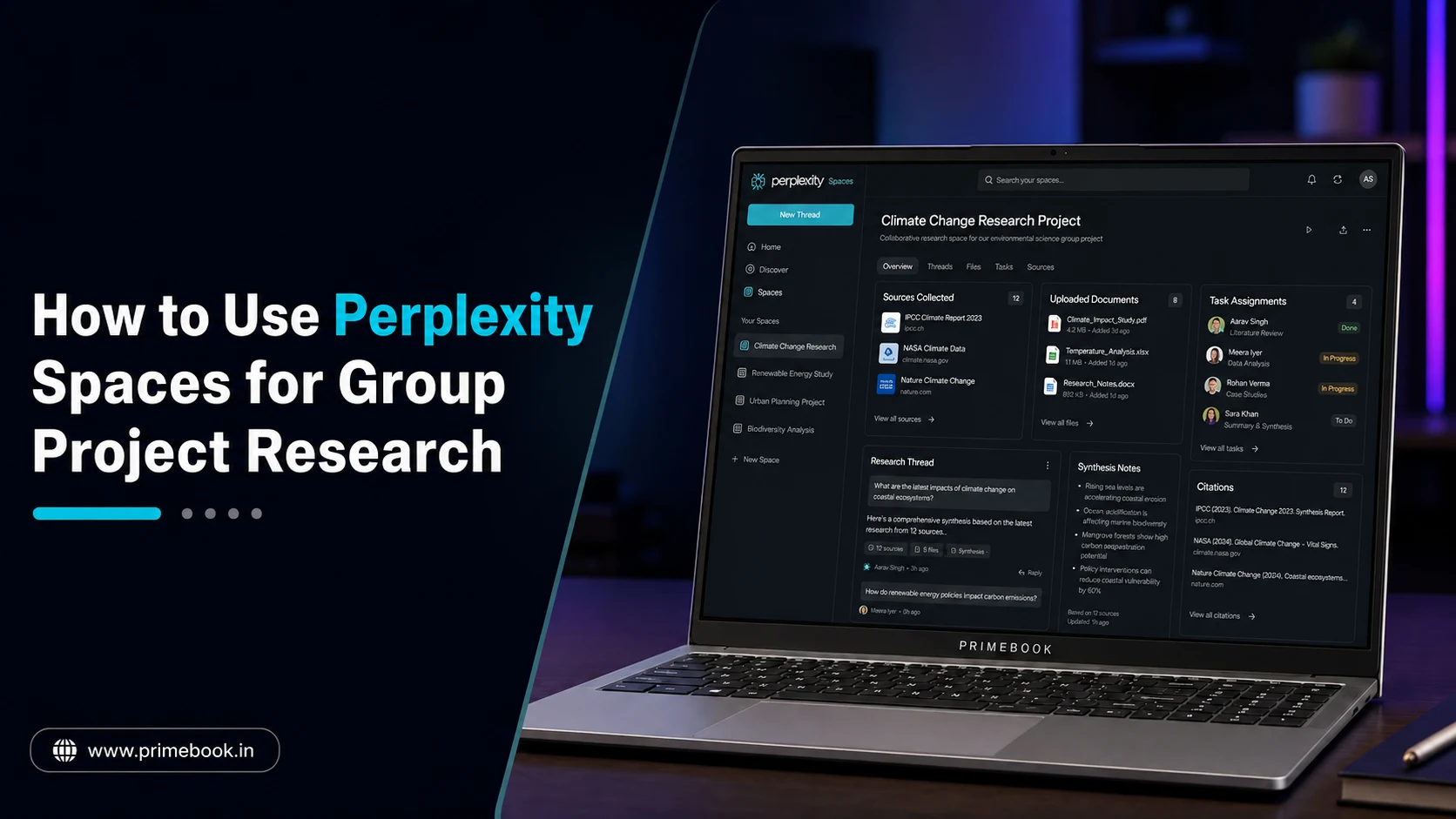
How to Use Perplexity Spaces for Group Project Research

Table of Contents
- Introduction
- What Are Perplexity Spaces
- Setting Up a Space for Your Group
- Configuring Custom Instructions and Sources
- Assigning Parallel Deep Dives
- Tracking and Synthesising Findings
- Common Mistakes to Avoid
- Conclusion
- FAQ
Introduction
Group projects rarely fail because of a lack of information. They fail because the research ends up scattered across dozens of browser tabs, chat threads, PDFs, and personal notes. By the time it's time to write the final report, everyone has different sources, overlapping findings, and no clear way to bring everything together.
That's where Perplexity Spaces can help. Instead of managing research across multiple places, your group can organise the entire workflow in one project, making collaboration more structured and reducing duplicated effort.
In this guide, you'll learn how to use Perplexity Spaces to organise group research, assign topics efficiently, keep everyone working from the same context, and turn scattered research into a coherent final report.
What Are Perplexity Spaces
A Space is a persistent project workspace inside Perplexity. Unlike a single chat thread, it holds uploaded PDFs, custom instructions, multiple conversation threads, and every contributor's queries in one place. The point of using Perplexity spaces for research in a group is that context does not get lost between people or sessions.
Spaces are private by default, and the owner can invite others as viewers or contributors. Viewers can read; contributors can query, upload, and build on existing threads.
Setting Up a Space for Your Group
Start with a name that describes the actual project scope, not a vague label. A precise title like "Competitor analysis, Indian edtech 2026" keeps every contribution focused and makes the Space instantly readable for anyone who joins later.
- Open Perplexity and create a new Space from the sidebar.
- Enter a specific name and a one-line description of the research question.
- Upload foundational documents first: the assignment brief, any reading list PDFs, past reports, or reference material the whole group has already agreed on.
- Keep the invite list tight. Three to five people work better than an open group of ten.
Preloading foundational documents matters. Uploading core reference material upfront helps ensure every subsequent response is grounded in the same shared context.
Configuring Custom Instructions and Sources
Custom instructions are the single most important setting in a Space. They tell Perplexity how to behave for every query anyone runs, so the group's outputs stay consistent.
Write instructions that cover three things: assumed background knowledge, response format, and source priority. For example: "Assume readers are second-year B.Com students. Respond in structured bullet points with source citations. Prioritise government portals, RBI, and SEBI over news blogs."
Next, configure the search scope. Spaces let you switch between three modes:
Set this once at the Space level so every contributor works with the same source discipline.
Assigning Parallel Deep Dives
The biggest advantage of Spaces for group work is parallel deep dives. Break the research question into distinct dimensions and assign one to each contributor.
For a market analysis project, that might look like:
- Person A: market size and growth trends
- Person B: competitor landscape
- Person C: regulatory environment
- Person D: consumer behaviour and demand signals
Each person runs their own thread inside the same Space. Threads stay visible to everyone, reducing duplicated effort and making it easier to synthesise findings when the group is ready to write the report.
Tracking and Synthesising Findings
Once the individual threads have depth, use the Space itself to synthesise. Run consolidation queries that pull across everyone's work, such as: "Based on all threads in this Space, what are the three strongest signals about market entry risk?"
You can also run comparison queries like "How has the consensus on this topic shifted across the documents in this Space?" This is useful for literature reviews where different sources were published in different years and you need to map how the argument has moved.
If you've already researched the topic in Perplexity, add those conversations to the Space so the group's earlier work isn't lost. Everything then sits in one browsable project archive.
Common Mistakes to Avoid
- Vague Space names. "Project research" tells no one anything. Use the exact research question.
- Skipping custom instructions. Without them, each contributor gets a different tone and depth in responses, and the final document reads inconsistently.
- Uploading documents late. Foundational PDFs should go in before anyone queries; otherwise, early threads run without shared context.
- Everyone querying the same angle. The whole point of a Space is division of labour. Assign dimensions before anyone starts typing.
- Ignoring the search-scope setting. A regulatory question answered from open web sources is not the same as one answered from official uploaded circulars.
Also Read:
- How to Use Google Scholar for Academic Research?
- How to Use Notion AI for Semester Notes and Revision?
- How to Use NotebookLM to Convert Lecture PDF into Audio?
Conclusion
Tools change quickly, but the underlying skill of organising research, evaluating sources, and building on your teammates' work remains the same. Whether you use Perplexity Spaces or another platform in the future, developing a structured research workflow is a skill that will continue to benefit you throughout your academic and professional journey.
FAQ
Are Perplexity Spaces free to use for students?
Yes. Perplexity Spaces are available on the free plan, allowing you to create and share workspaces for collaborative research. However, advanced AI capabilities, higher usage limits, and premium models require a Perplexity Pro subscription. For most student group projects, the free tier is sufficient to get started. Eligible Airtel users in India may also be able to claim promotional access to Perplexity Pro, subject to the terms and availability of the offer.
How many people can collaborate inside one Space?
In practice, teams of three to five active contributors are usually easier to coordinate. Larger groups tend to duplicate queries and create thread clutter that slows synthesis.
Can I keep a Space private to only my group?
Yes. Spaces are private by default, and only invited members can view or contribute. You can also set some members as viewers only, which is useful when a professor or mentor wants to observe without editing.
What happens if I upload a document to a Space by mistake?
You can remove documents at any point, and subsequent queries will no longer pull from that file. Older threads that already referenced it will still show the earlier answers, so it is worth double-checking uploads before running major queries.
Editorial Transparency: Primebook's editorial team uses a combination of human expertise, research, and AI-powered tools to create and refine content. Every article is reviewed and validated by our team before publication to ensure accuracy, clarity, and usefulness for readers.