Why Multi-Window Android Is Reshaping Computing for First-Time Laptop Users

Table of Contents
- Introduction
- The Mobile-First Generation Meeting a Laptop for the First Time
- What Multi-Window Android Actually Changes for New Users
- How Multi-Window Reshapes Study and Work Habits
- Where Traditional Laptops Create Friction for First-Timers
- Evaluating a Multi-Window Android Laptop as a Student Buyer
- Conclusion
- Frequently Asked Questions
Introduction
For most young Indians, the laptop is not the first computing device; it is the second or third. Smartphones come first, often shared family tablets next, and the laptop arrives only when serious study, freelancing, or college admission demands it. That order matters. According to StatCounter data on India, Android holds an overwhelming share of mobile operating systems in the country, which means a first-time laptop buyer has already spent years thinking in terms of apps, not programmes.
This is the cultural backdrop against which multi-window Android laptops are gaining ground. An Android laptop with multi-window support runs an app ecosystem users are already accustomed to, but lets them place two, three, or four apps side by side on a larger screen. For someone who has only ever swiped between apps on a phone, the shift from single-app focus to true side-by-side task management becomes their first real experience of parallel computing.
The Mobile-First Generation Meeting a Laptop for the First Time
India's young computing population grew up on touchscreens. Research from IAMAI consistently shows that smartphone usage among Indian youth has outpaced laptop adoption for over a decade, with most first-time internet users coming online via mobile. The implication is straightforward: their everyday computing habits are app-based, vertical-scroll, single-screen.
When such a user encounters a traditional desktop operating system for the first time, the learning curve is steeper than people assume. File explorers, installer files, driver prompts, and unfamiliar app stores all introduce friction. The user is not learning the task itself; they are learning the operating system first, and then the work.
A multi-window Android environment removes that double learning curve. The app ecosystem, interaction patterns, and sign-in flows already resemble what many users experience daily on smartphones. What changes is the amount of usable screen space, so there is room for two or three apps to coexist.
What Multi-Window Android Actually Changes for New Users
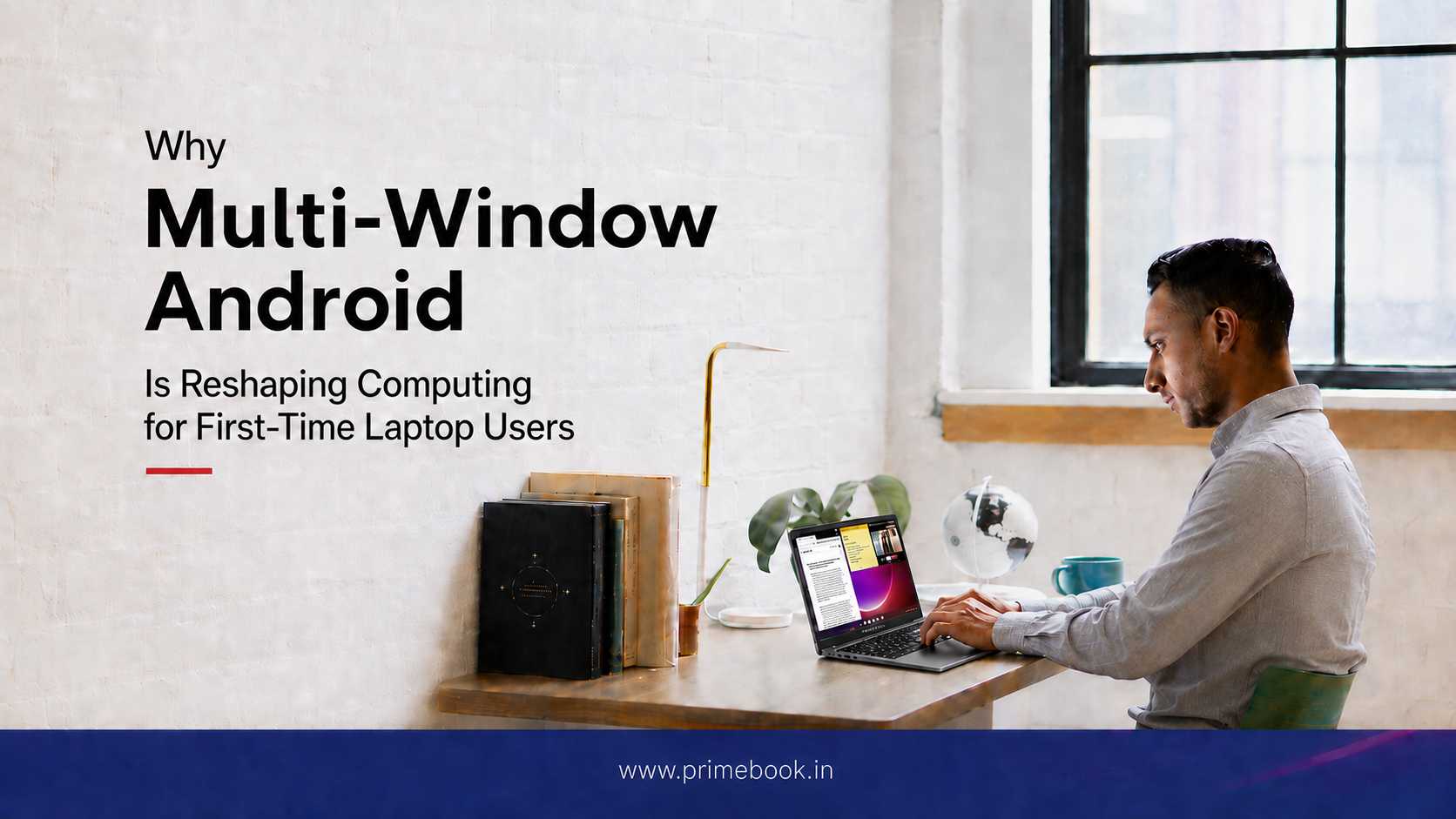
Multi-window on Android laptops is not a cosmetic feature. It changes how users manage multiple active tasks simultaneously. On a phone, a student writing notes from a YouTube lecture has to constantly tap between the video and the notes app, losing context every few seconds. On a multi-window Android laptop, the lecture plays in one window while the notes app sits open in another, both visible at the same time.
Learning research often describes this as the task-switching cost, the cognitive penalty paid every time attention moves between unrelated activities. By keeping related apps simultaneously visible, multi-window reduces the number of context switches a user makes in a session. The session becomes easier to sustain even when the overall task remains unchanged.
New laptop adopters are not running heavy software; they are working inside apps that already form part of their daily digital routine, but with the ability to see and act on more than one of them at once.
How Multi-Window Reshapes Study and Work Habits
Consider three common scenarios faced by first-time laptop users in India.
1. A NEET aspirant watches a concept video from a coaching app while writing structured notes in a separate document. Earlier, this required two devices or constant app-switching. Now, both activities happen together within a single workspace.
2. A college student preparing a presentation reads source material in a browser window on the left and drafts slides on the right, copying figures and quotes across without losing flow. The source material remains visible throughout the editing process.
3. A young freelancer manages client messages in a chat app on one side while editing a design in another. The conversation and the deliverable coexist, reducing the chance of missing a brief or a deadline.
These are not abstract use cases; they reflect the daily workflows captured in usage research by bodies such as the India Brand Equity Foundation on digital learning adoption among Indian students. When a workflow that previously required mental gymnastics fits neatly on one screen, retention and output both improve.
Where Traditional Laptops Create Friction for First-Timers
It is worth being honest about what makes a first laptop intimidating, since multi-window Android is not the only choice in the market.
| Friction Point | Traditional Laptop OS | Multi-Window Android Laptop |
|---|---|---|
| App familiarity | Mostly new desktop software to learn | Shared app ecosystem across phone and laptop |
| Installation flow | Installer files, drivers, admin prompts | App store install, similar to a phone |
| Updates and maintenance | System updates, antivirus considerations | App-store-driven updates, less hands-on |
| Learning curve for multitasking | Window management vocabulary to learn | Drag, snap, split, intuitive from mobile habits |
| Account and file sync | Manual setup across services | Single Google account ties most apps together |
A traditional laptop assumes the user already knows how to operate it. A multi-window Android laptop reduces much of the operational setup friction that first-time users typically encounter.
Evaluating a Multi-Window Android Laptop as a Student Buyer
For students evaluating whether a multi-window Android laptop fits their needs, a few questions help cut through marketing language.
- Do the apps I rely on (coaching apps, document tools, design or coding apps) work well on an Android laptop? For most Indian study and freelance workflows, the answer is yes.
- Will I need software that is exclusive to a desktop OS, such as certain CA articleship tools or specialised engineering software? If yes, an Android laptop may complement rather than replace that need.
- How important is split-screen working to my routine? If my work involves reading and writing simultaneously, multi-window is a daily-use feature, not an occasional one.
Conclusion
The broader importance of multi-window Android may ultimately be economic as much as technological. Earlier computing environments often required multiple devices, heavier hardware, or more complex desktop systems to comfortably handle multiple active tasks. Multi-window Android compresses much of that capability into lighter and more accessible laptop environments. For users entering digital work and study ecosystems, this shift expands what entry-level computing systems are realistically capable of supporting.
Frequently Asked Questions
What is a multi-window Android laptop?
It is a laptop that runs the Android operating system but supports multiple app windows open side by side on the same screen, much like a desktop OS. This lets users view and work in two or more apps at once instead of switching between them.
Is a multi-window Android laptop suitable for serious exam preparation?
For most students preparing for NEET, JEE, UPSC, CAT, and similar exams, yes. The major coaching, note-taking, and PDF apps are all available on Android, and side-by-side viewing of lectures and notes improves study retention.
Can I run desktop software like AutoCAD or Tally on an Android laptop?
Most heavy desktop-only software does not run natively on Android laptops. Students whose courses require such tools should check the specific application's availability before deciding, or plan to access desktop software through cloud-based options.
How is multi-window Android different from using a tablet with a keyboard?
Tablets focus on touch-first single or dual app use. A multi-window Android laptop is designed around a keyboard, trackpad, and stable hinge, with desktop-style window snapping and management, making it better for longer sessions of structured work.
Will the learning curve be steep for someone who has only used a smartphone?
Generally no. Because the app ecosystem, sign-in flows, and gestures are familiar from mobile use, most first-time users adapt within days. The main new skill is comfortable window arrangement, which is largely intuitive.